
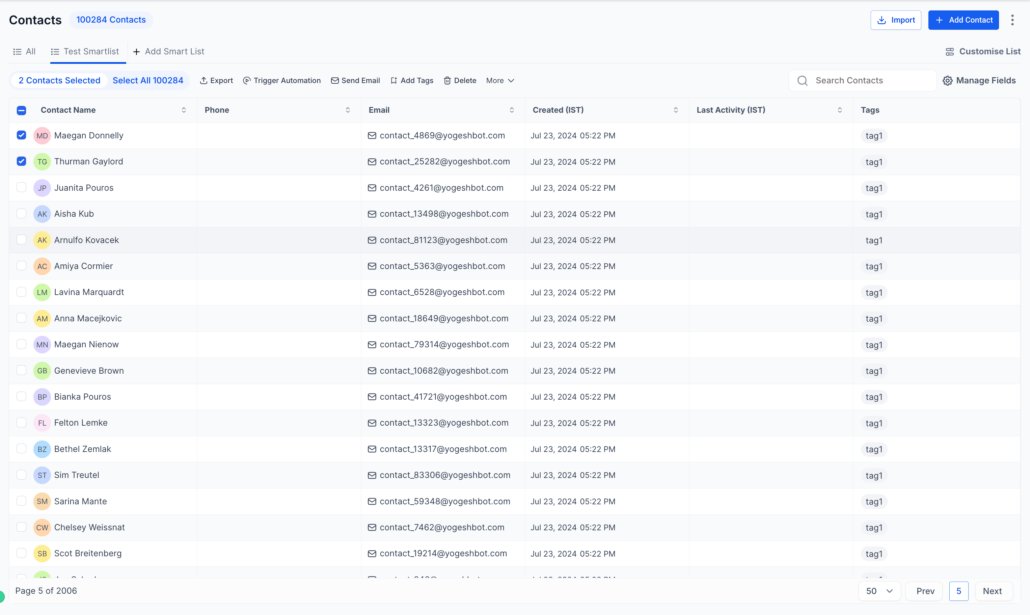
Contacts – Revamped List View & SmartLists (Full Launch to all Customers; Moved out of Beta)
The new Contact List View and SmartList 2.0 have been fully launched to all customers, following their Beta phase post-LevelUp.
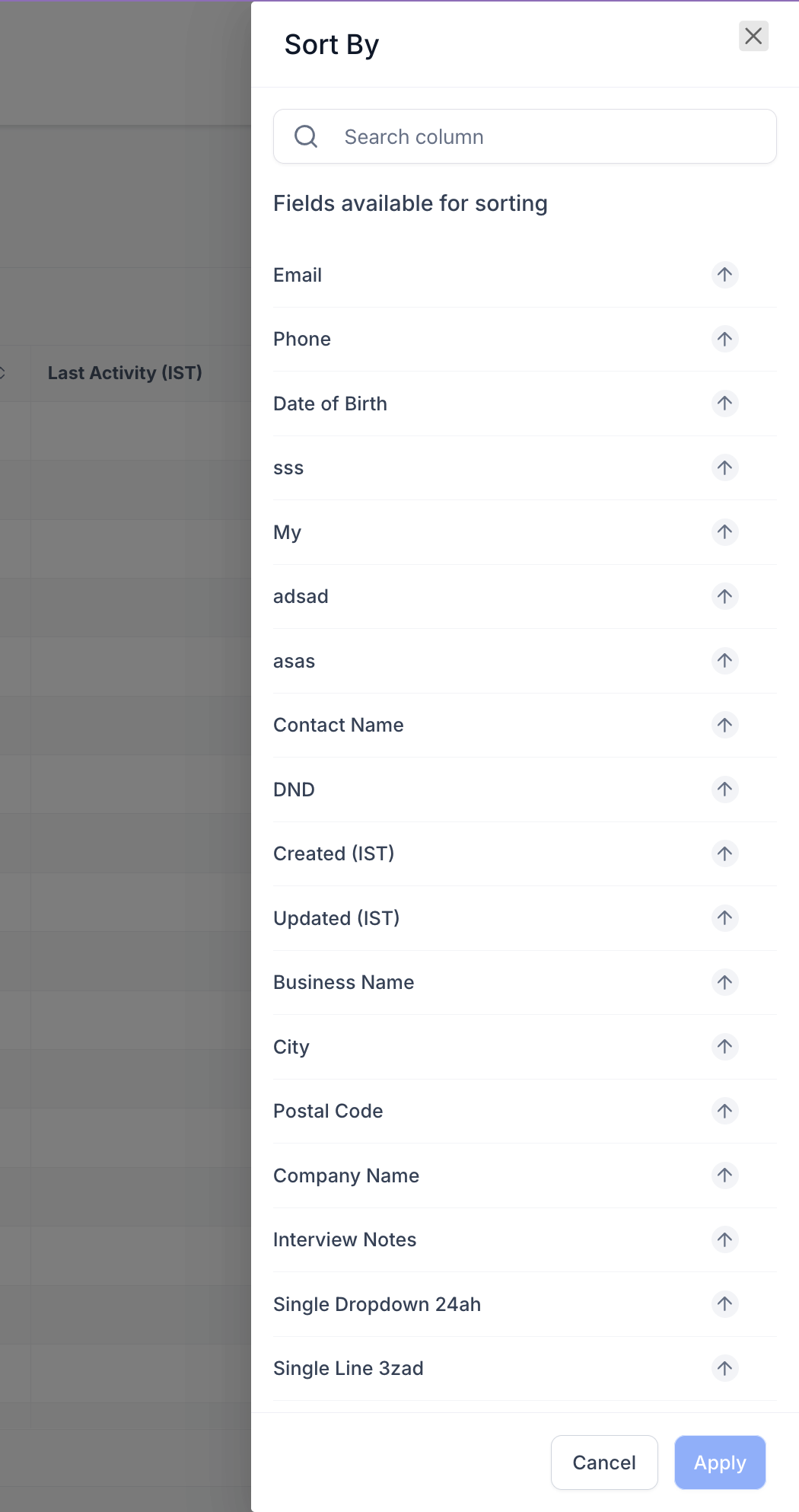
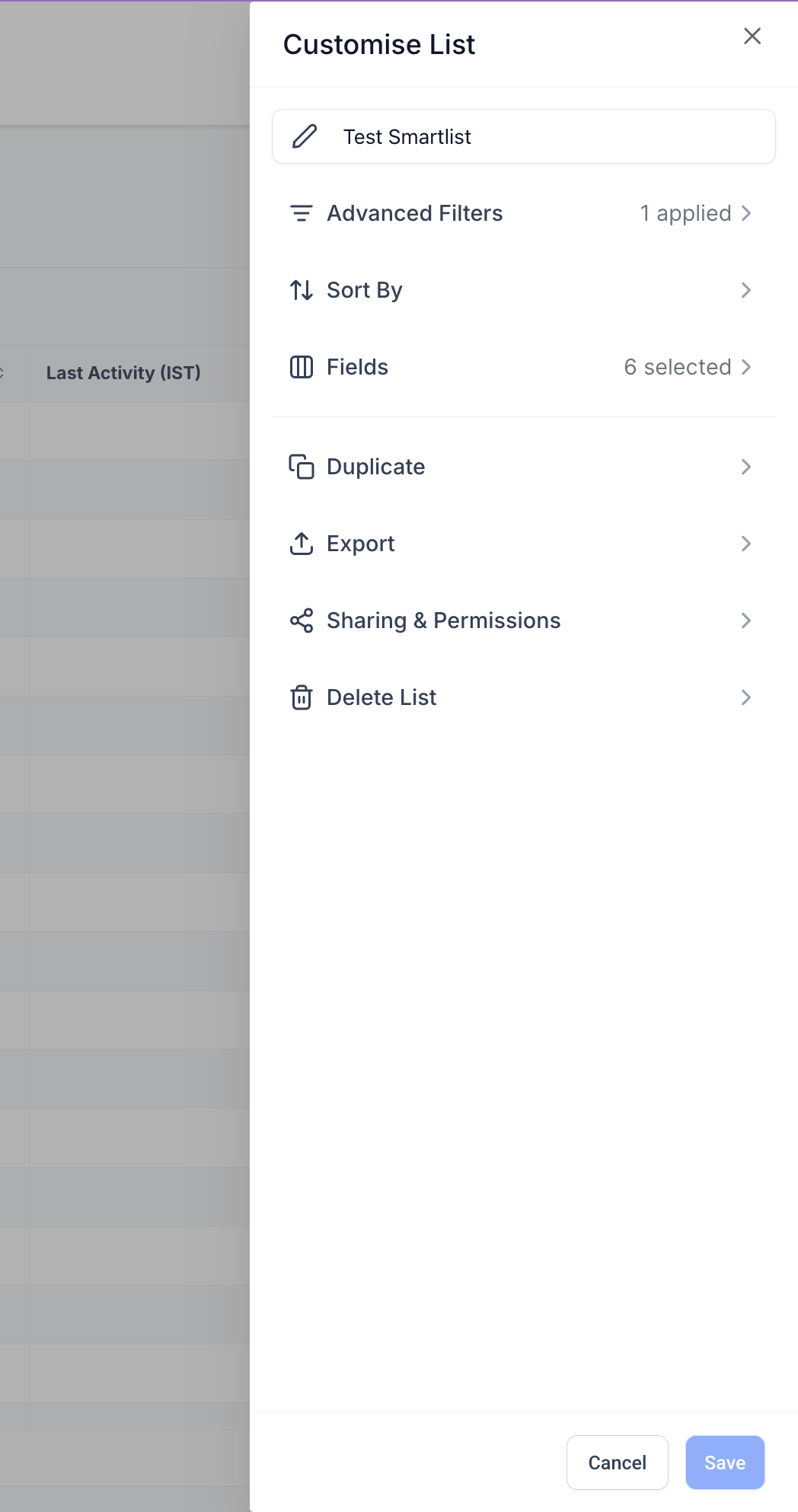
This major enhancement simplifies the overall experience by integrating sorting, field management, and advanced filtering into one unified workflow. The SmartList sharing experience has also been revamped to provide more granular control over access and permissions.
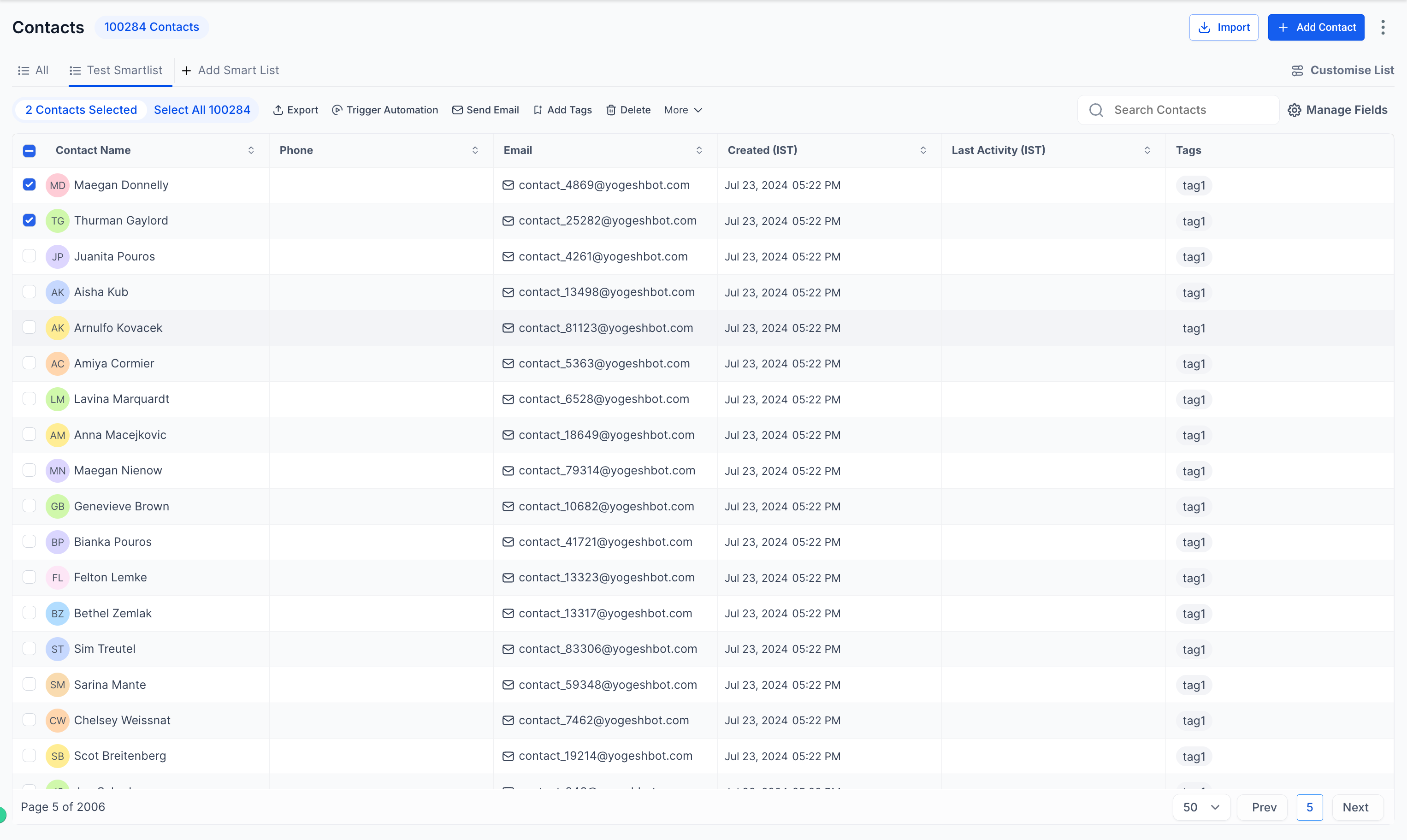
- Refreshed Contact List View featuring a cleaner, more user-friendly interface.
- A unified list view design that aligns with other CRM pages.
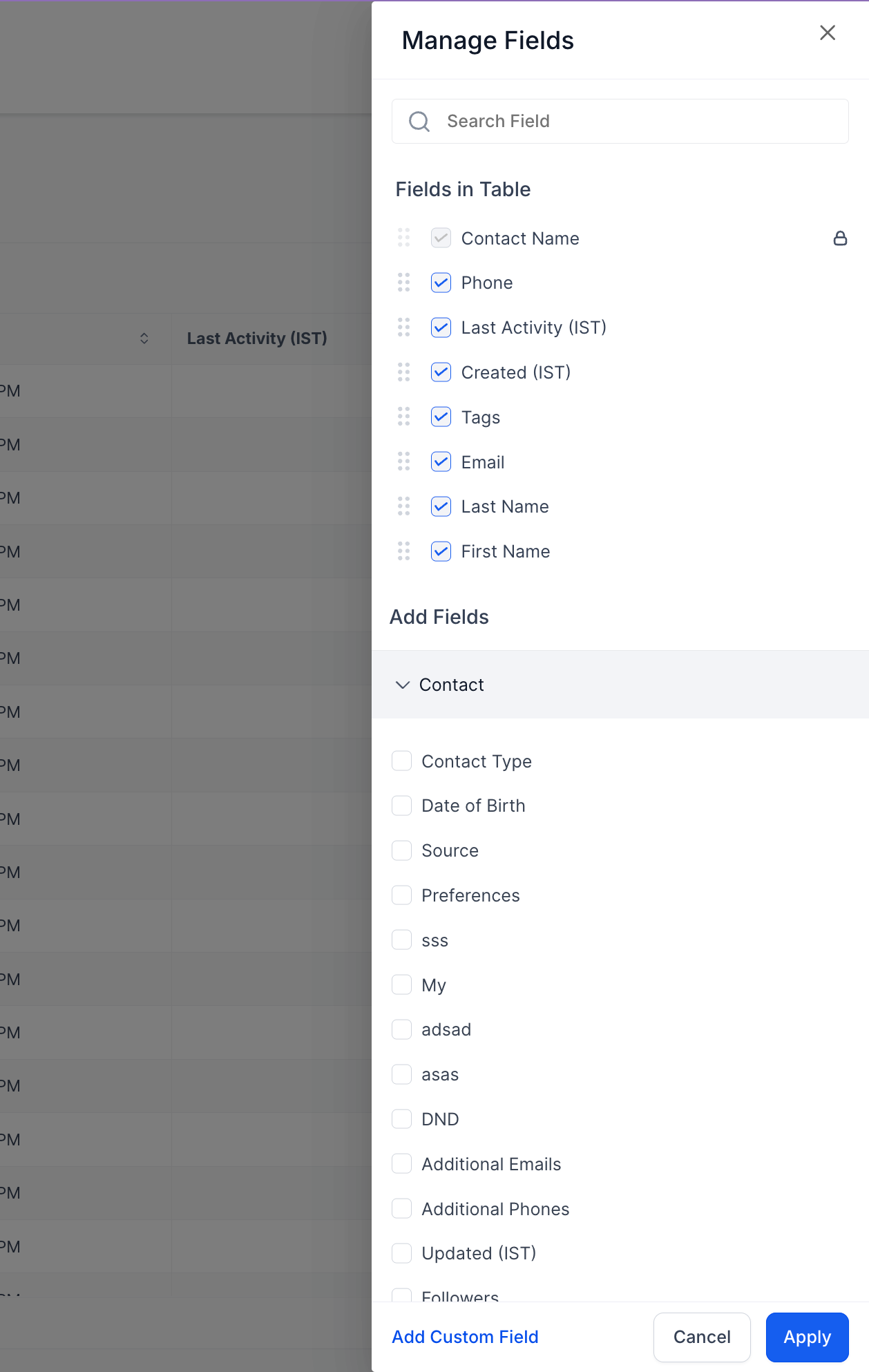
- Improved column management with quick search and drag-and-drop reordering.
- A powerful new filter builder supporting AND/OR logic for advanced use cases.
- The loading speed of the page has improved drastically—it’s much faster than the old UI.
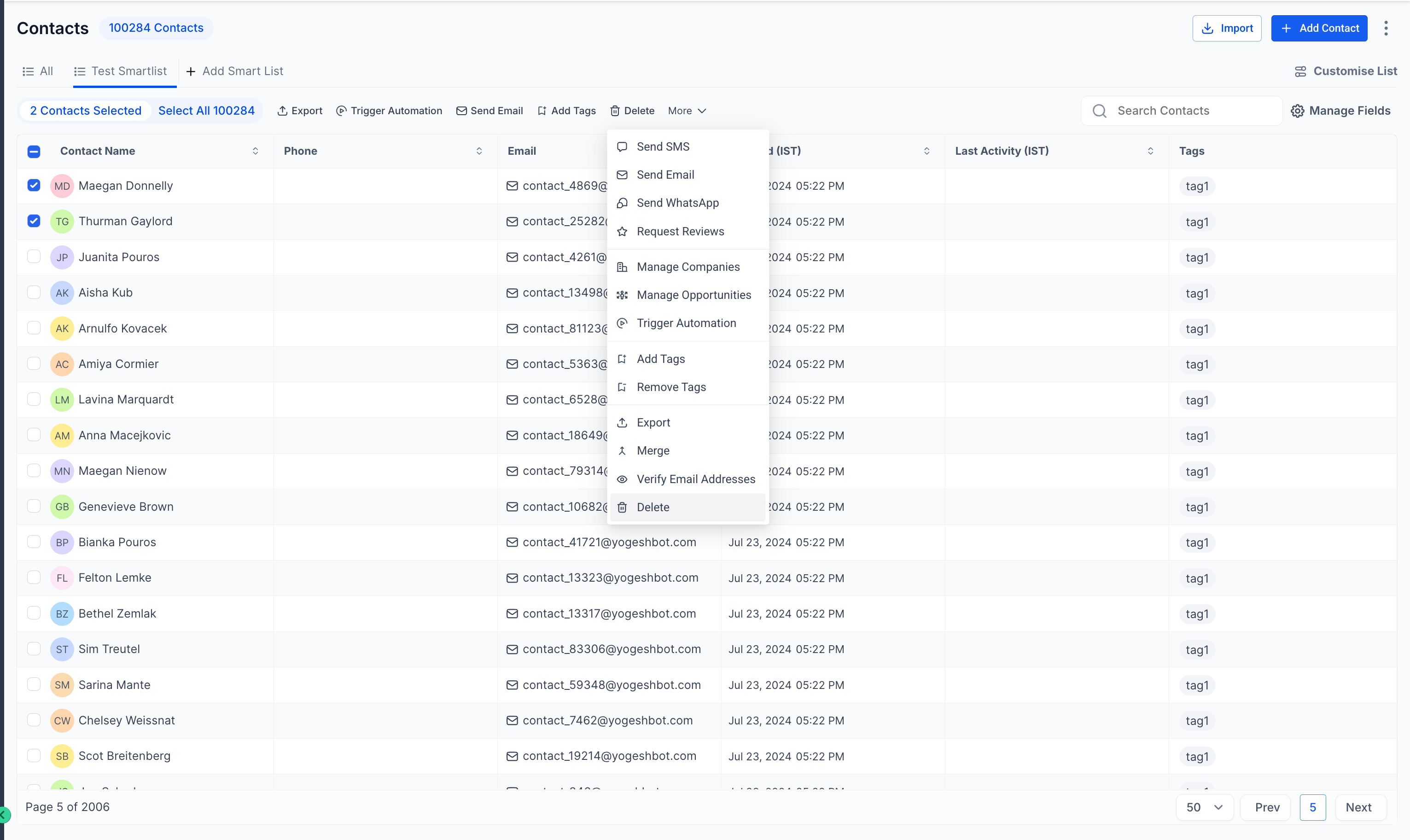
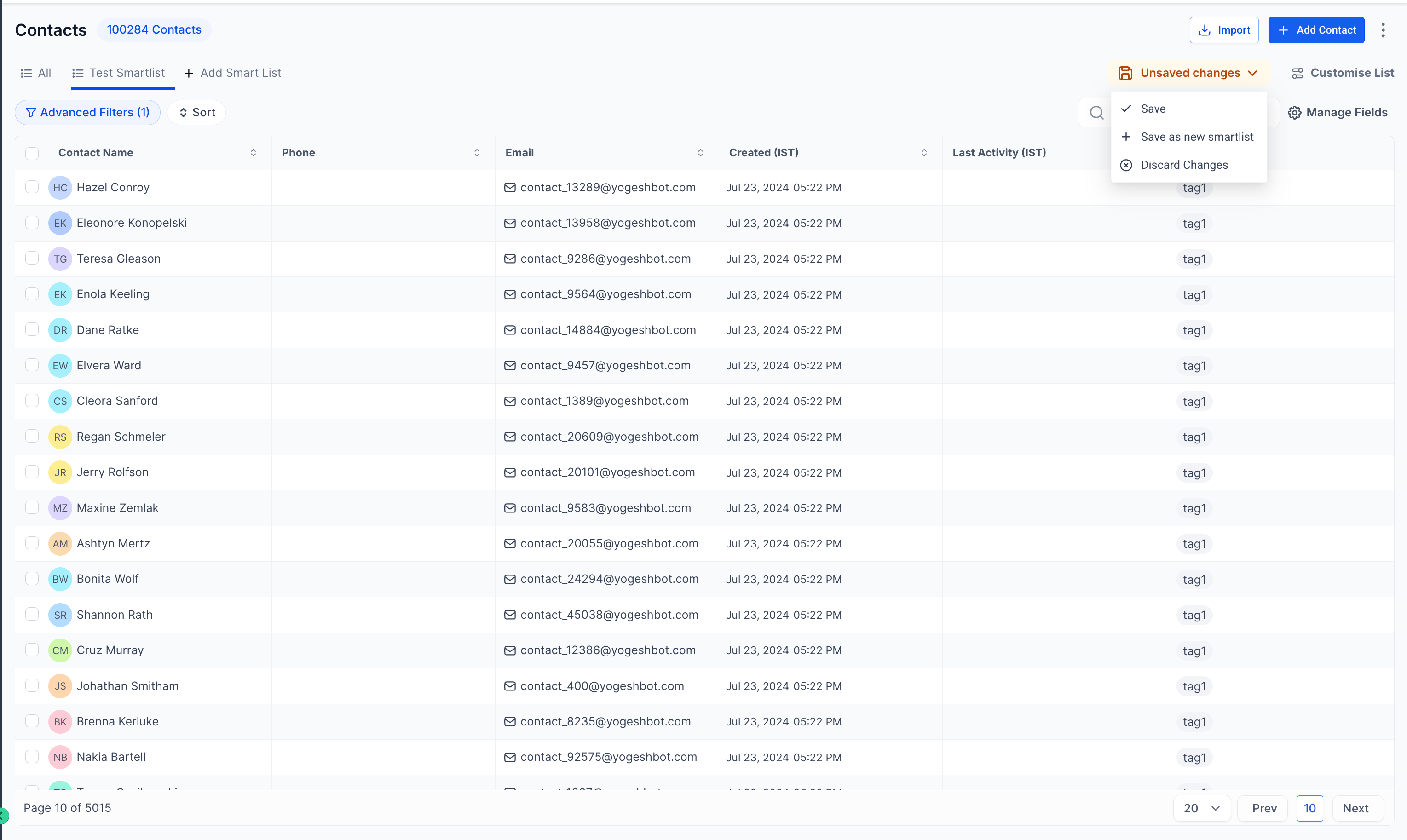
- SmartList 2.0 enhancements that unify:
- Sorting
- Managing Fields
- Advanced Filters
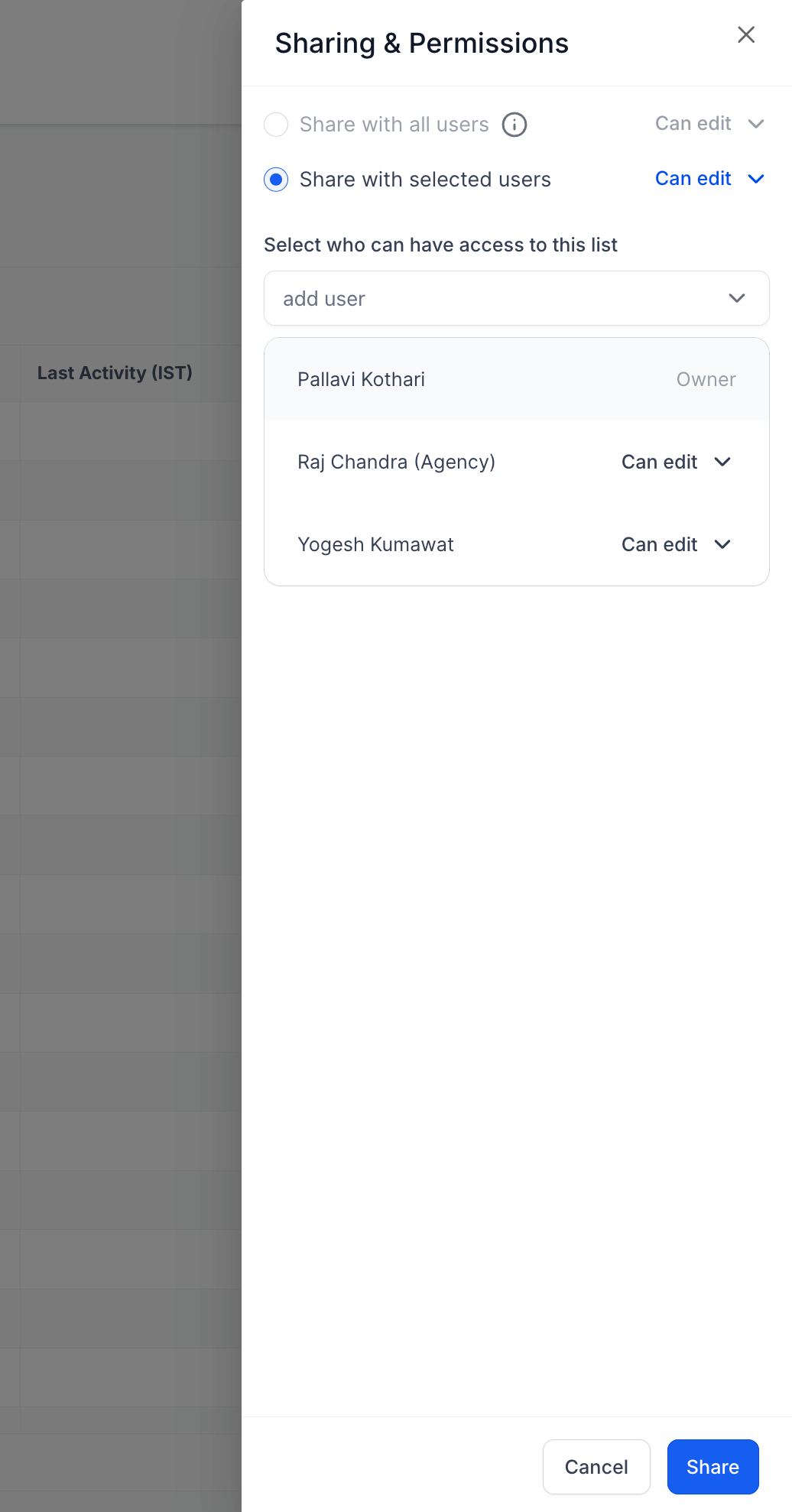
- Upgraded Sharing & Permissions, allowing precise control over who can view or edit SmartLists.
- Go to Contacts > SmartLists to access the new experience.
- Create SmartLists using Advanced Filters with AND/OR logic.
- Customise your view by adding, removing, or rearranging fields via Manage Fields.
- Share SmartLists with your team from Sharing & Permissions, assigning view or edit access as needed.
- Delivers a more consistent, flexible, and powerful Contacts experience across the CRM.
- Cuts down the time required to configure and manage SmartLists.
- Bringing in more operators in advanced filters to increase customer efficiency.
- More consistency among operators of the same type.
