Contacts New UI – Mobile App
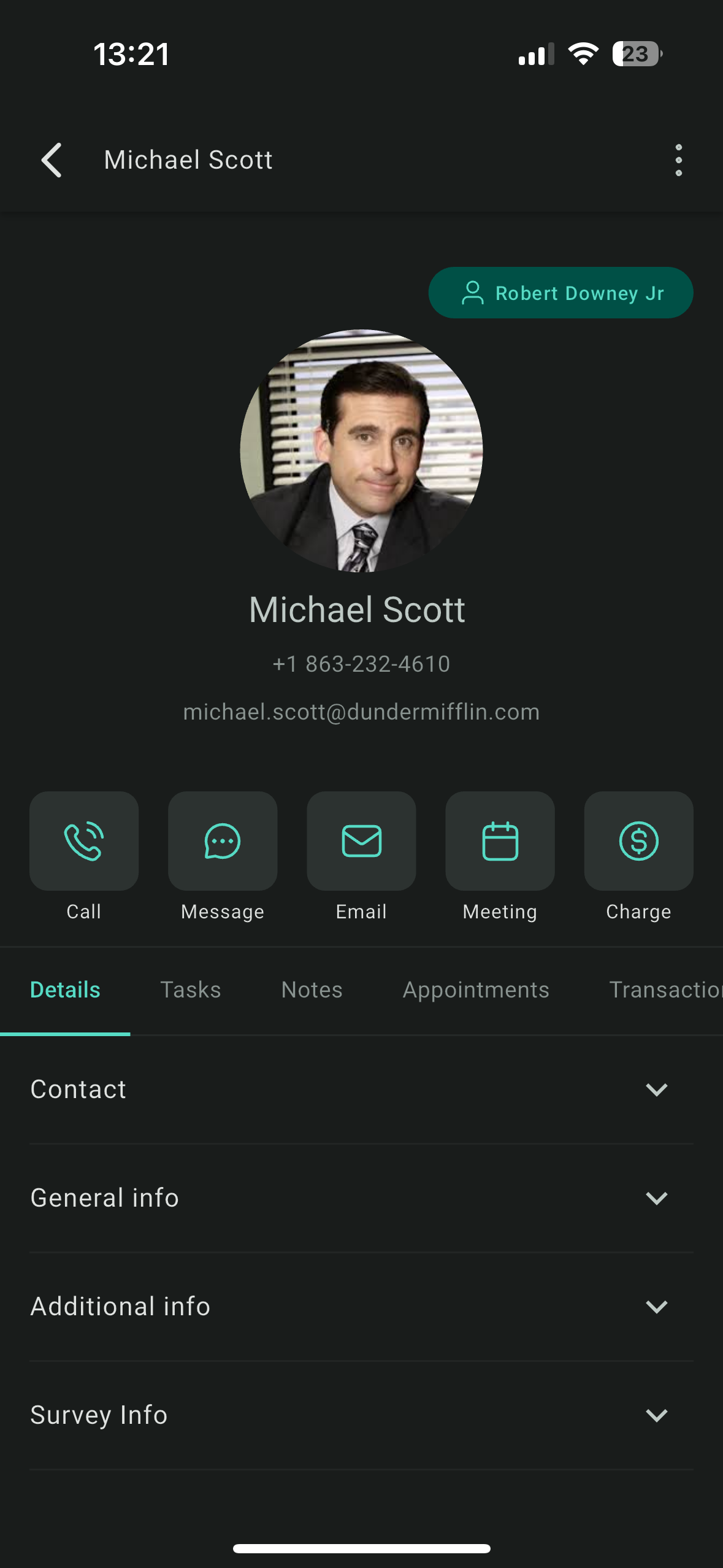
We are thrilled to announce the complete overhaul of the Contacts module in the GoClixio mobile app! This release transforms how you manage your contacts by providing a streamlined, intuitive, and unified experience that centralises all essential information and actions in one place. Say goodbye to cluttered screens and hello to a streamlined, seamless, intuitive experience that redefines how you interact with your contacts.
How This Update Benefits You?
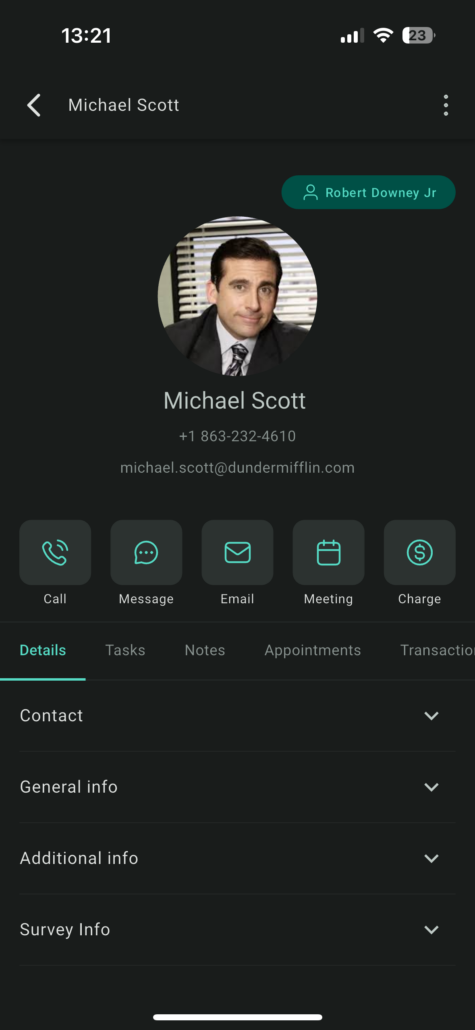
- Key Contact Information at a Glance:
- Quick Actions at Your Fingertips:
- Tabbed Navigation Approach – Unified access to all contact-related information under tabs:
- Folded Information Structure – Each section within the tabs is collapsed by default for a clutter-free view.
-
Custom Values Integration
– Custom values are now onboarded at the contact level, allowing for personalised data management.
- Tag Management:
Tags
are enabled to help categorise contacts effectively and Multi-select contacts to
add tags in bulk
.
- Enhanced Activity Tracking – All events related to a contact, such as appointments, document uploads, surveys, and page visits, are consolidated under the activity tab.
- Future-Proof Design: Elements introduced in this overhaul will be leveraged across other CRM modules such as Opportunities and Appointments, ensuring consistency and making it easy to use.
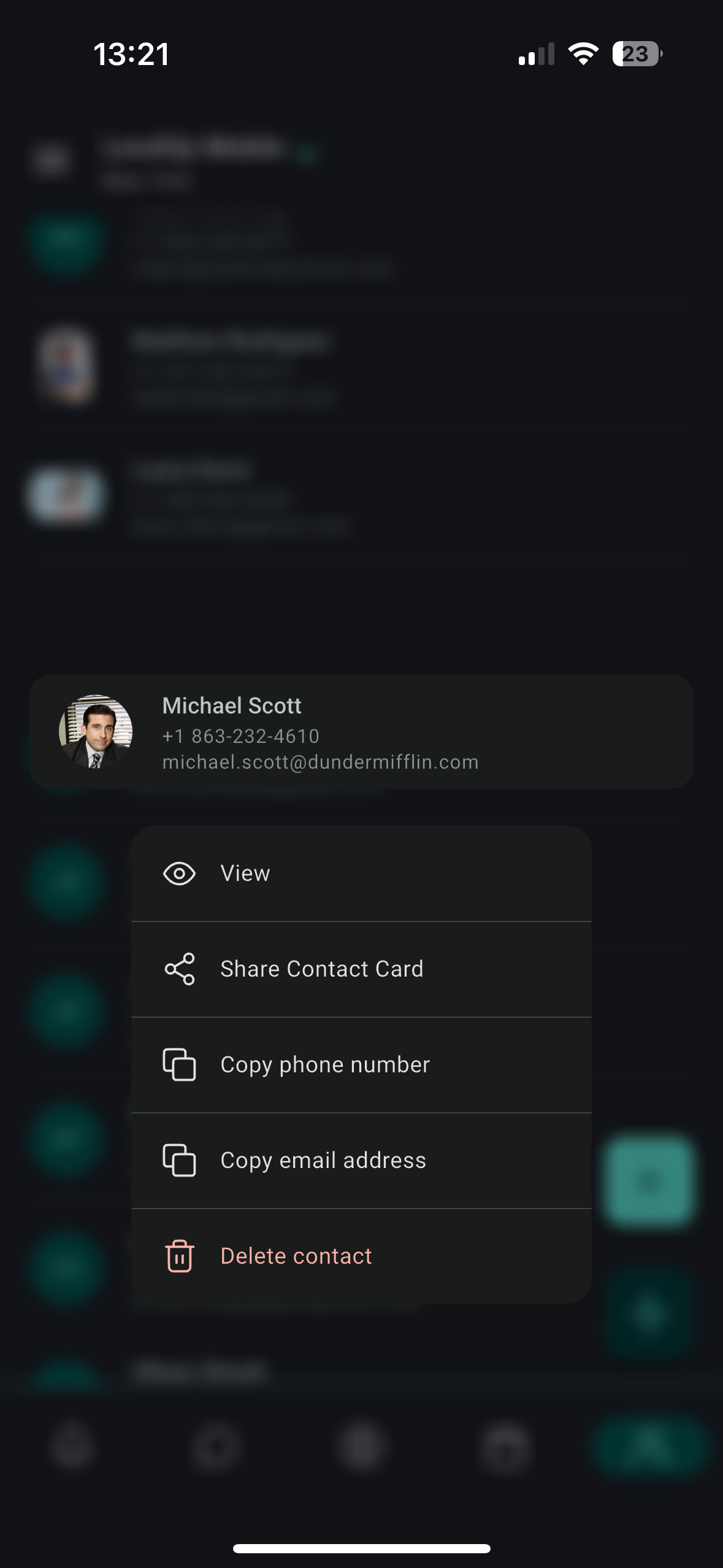
- Quick Actions on Contact Tiles: Managing your contacts is even more efficient with our new long-press feature. Simply hold down on a contact tile to instantly access essential actions.
Go to the contacts tab on your Mobile and dive right in to performing all the actions with ease.
Exciting updates lined up for the Contacts module! Here’s a sneak peek at what’s coming next:
-
Docs and Files Tab
: A dedicated tab to store all relevant documents and files related to a contact, making it easier to organise and access crucial information.
-
Inbuilt Document Scanner
: Scan documents on the go and save them as PDFs directly under the Docs and Files tab.
-
Payments Tab
: A new tab dedicated to tracking and managing all payment-related information seamlessly.
-
Bulk Actions
: We are introducing bulk actions to help you manage multiple contacts with ease and efficiency.
-
Scan Business Card
:
- Enhanced accuracy in extracting fields from scanned business cards.
- Ability to save business cards directly in the media library for quick retrieval and use.