Connect Call (IVR) Action: Now Supports Call Whisper
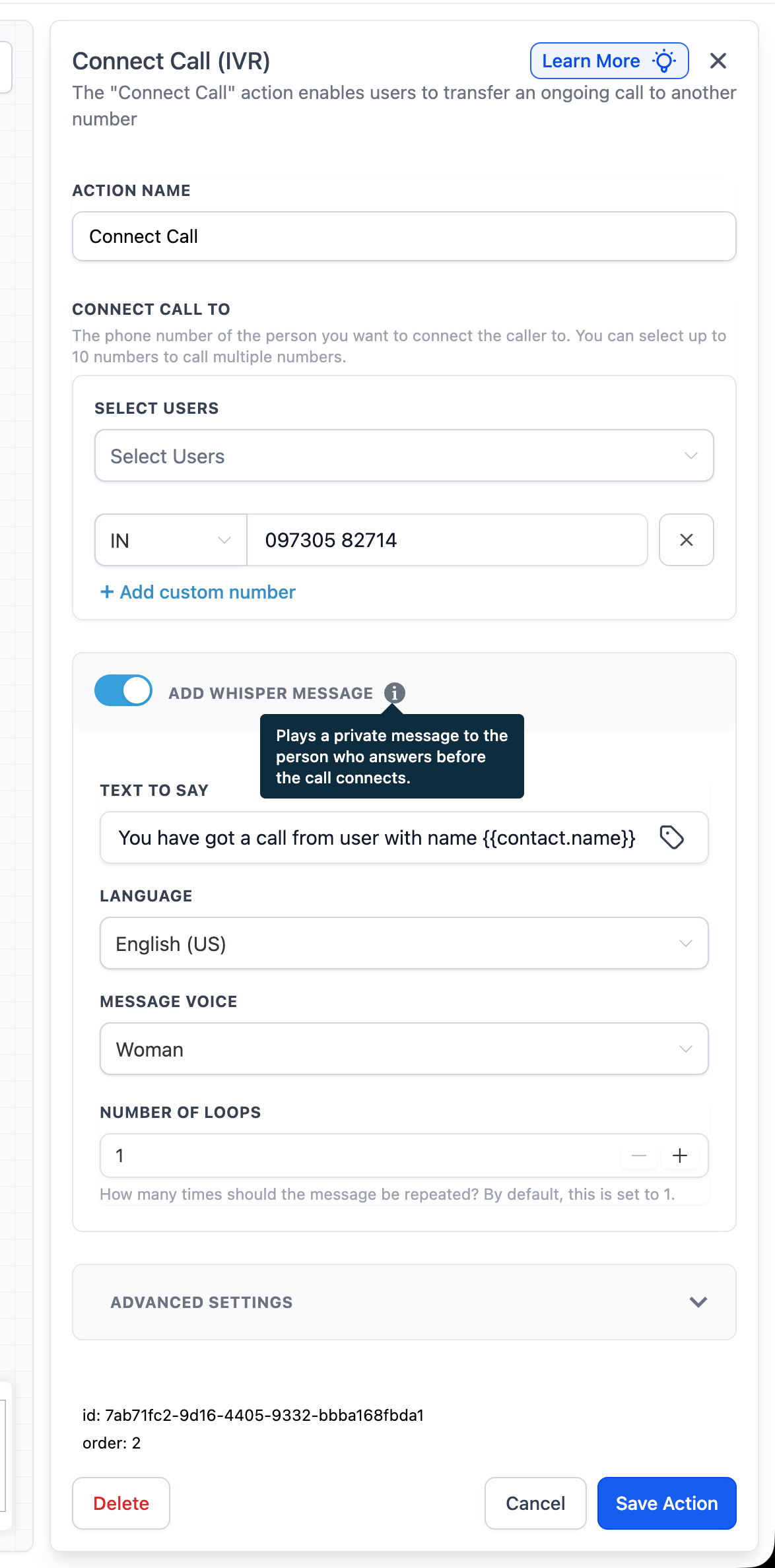
The Connect Call (IVR) Action now supports an optional Call Whisper message. When a call is transferred to another number, you have the ability to play a private “heads-up” message to the person who answers, before the caller is connected.
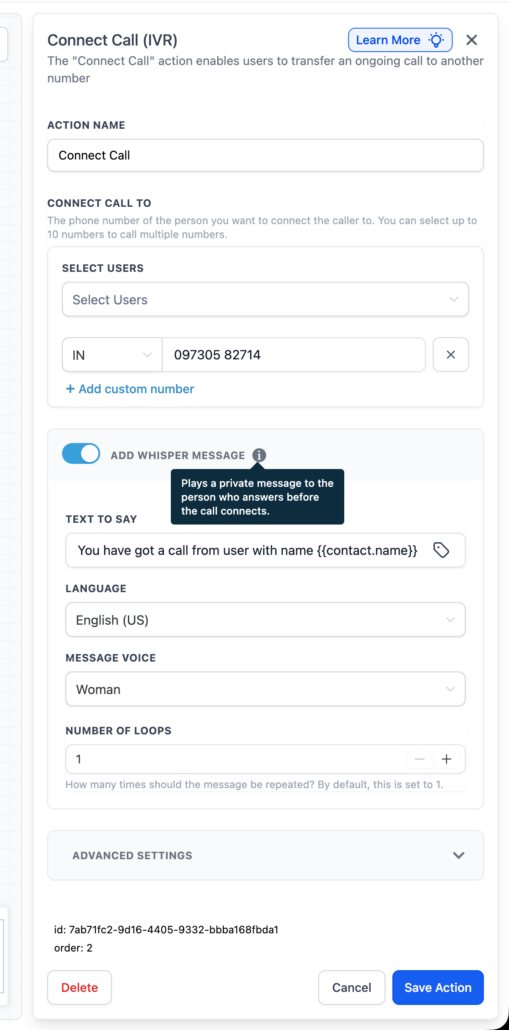
If you toggle on the Add Whisper Message option, the system will play your configured message to the call recipient first, and then connect the caller. You can manage the message text, the voice used, and the number of times it repeats (loops).
- In your workflow, open Connect Call (IVR).
- Toggle Add Whisper Message on and enter the message settings.
- Save the action – your recipient will hear the whisper before the call connects.
Transferred calls often come with no context. Call Whisper assists your team in answering confidently by providing essential details upfront, which the caller cannot hear.
- The whisper message can state, “You’ve got a call from {{contact.name}} about their appointment request,” allowing the recipient to know who’s calling and why, before they pick up the phone.
- Whisper is optional and will only play when enabled.
- The whisper is played solely to the recipient, prior to the call connecting.
- You can set the number of loops to repeat the message.
- Currently, whisper messages are supported in English only.
- Keep whisper messages brief so recipients can swiftly grasp the context before answering.