Communities – Convert Private Channels back to Public Channels
Overview:
We have introduced a range of updates to enhance your experience as an admin in community management.
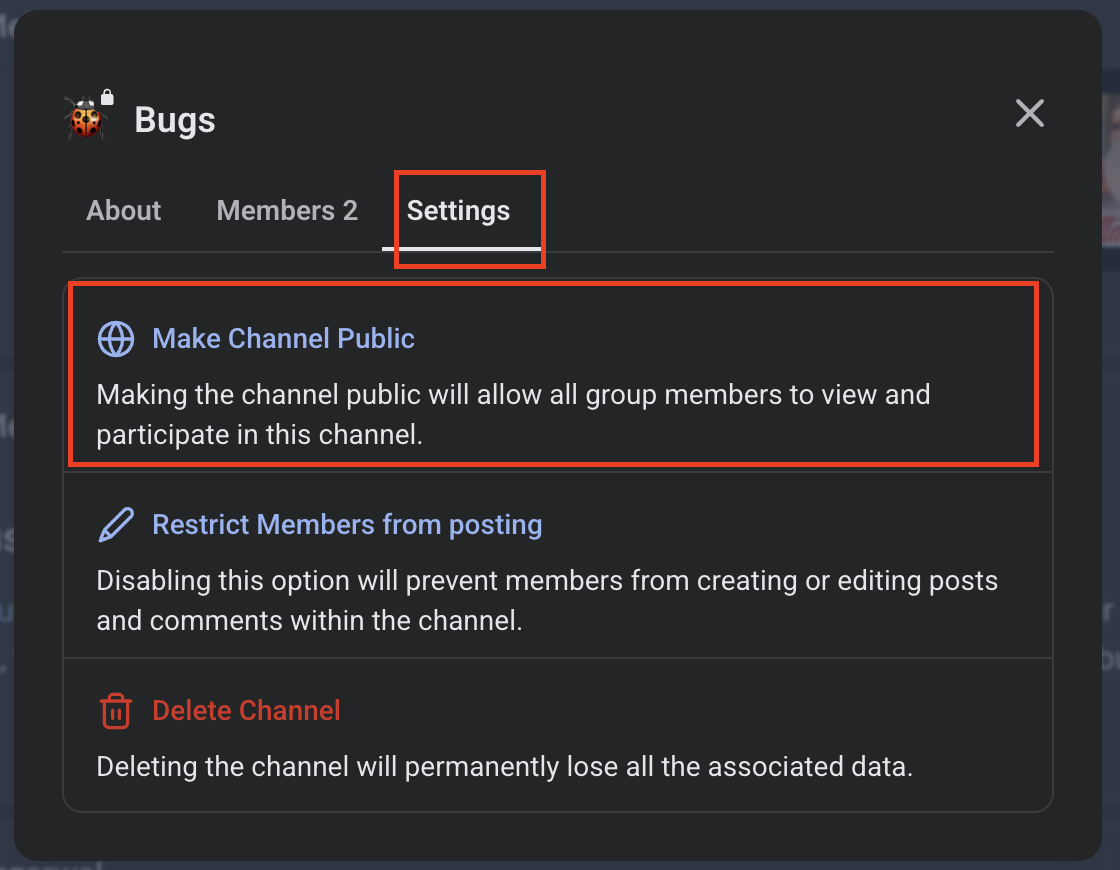
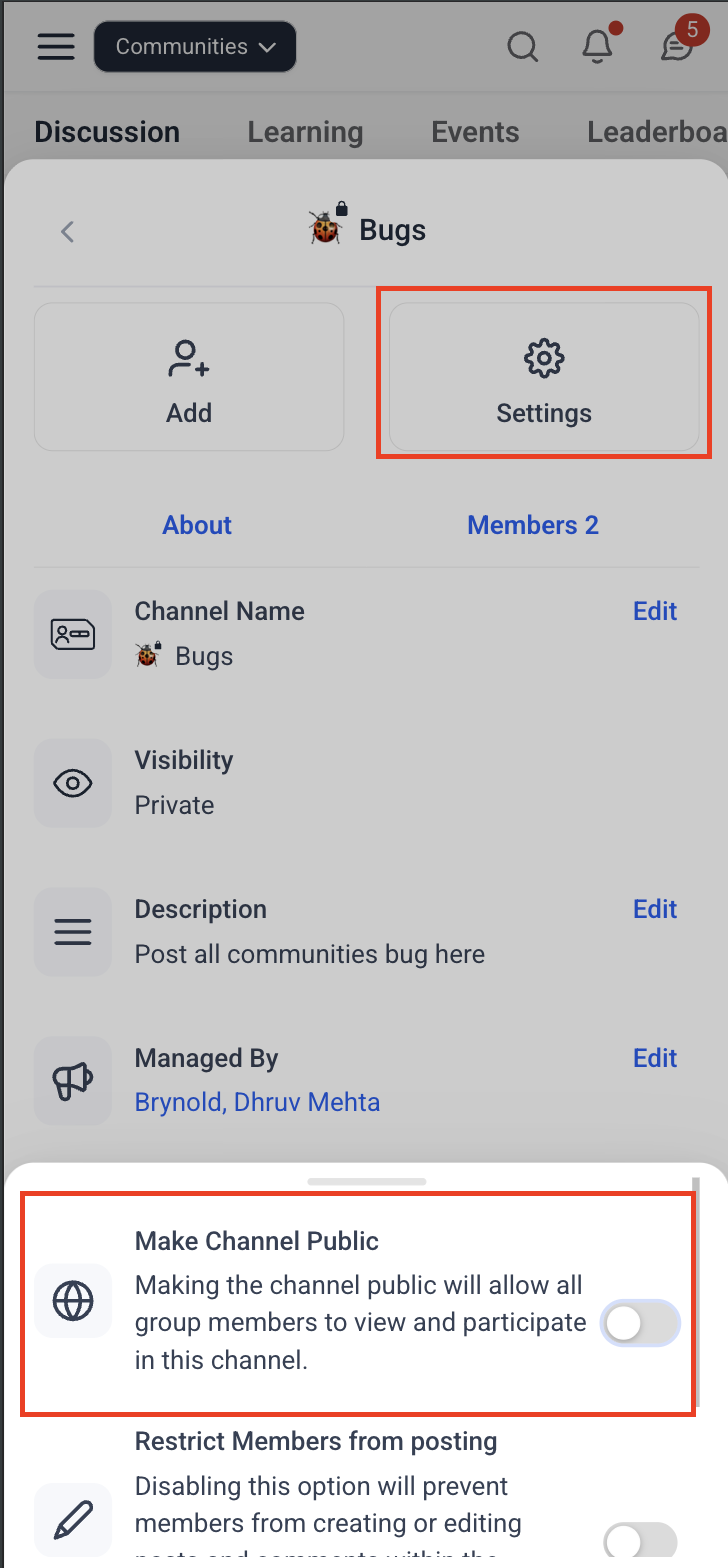
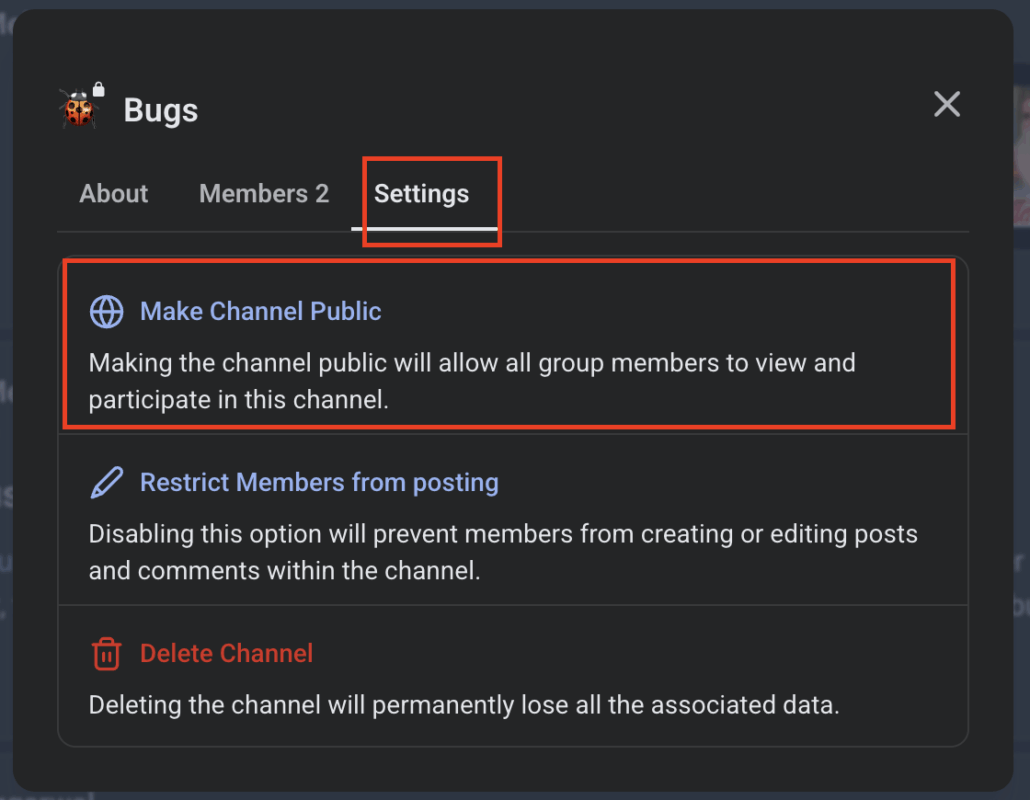
You can now reverse the decision to convert a channel to private within a community group.
To do this, navigate to channel settings > settings tab > Make Channel Public.
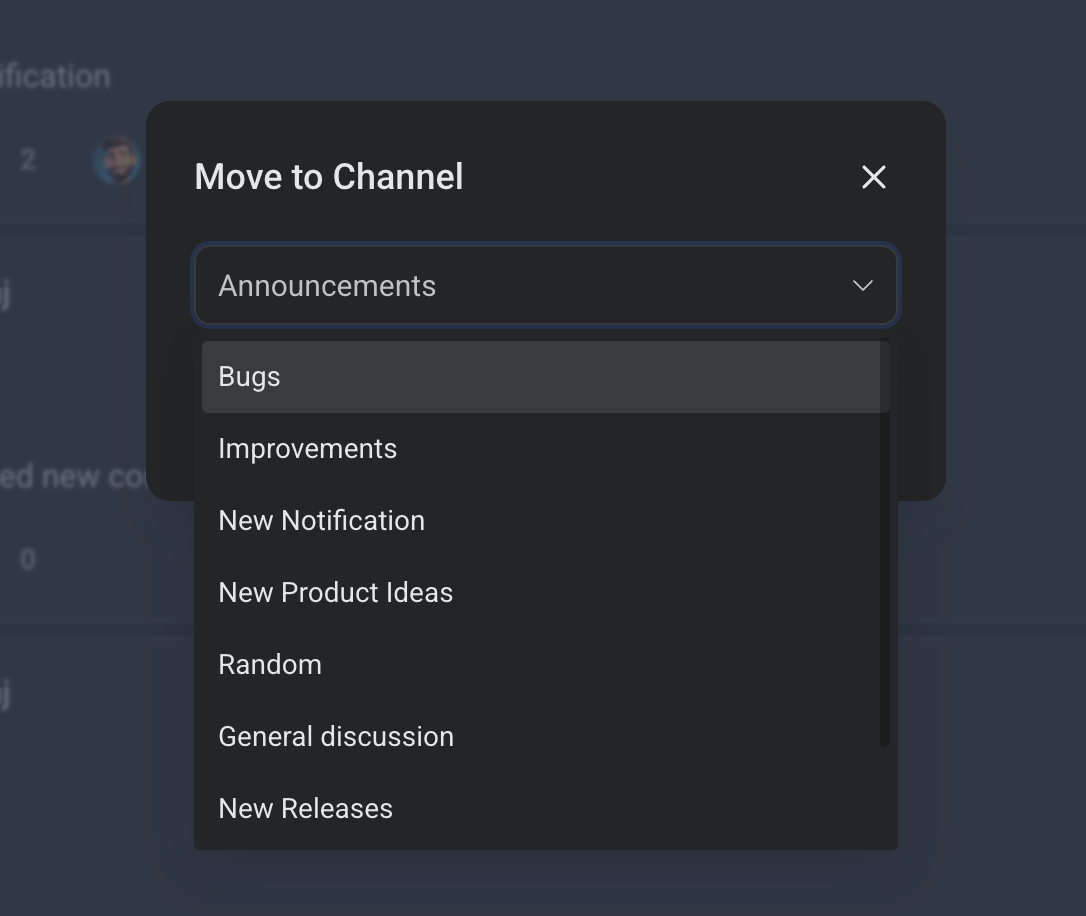
Admins and post authors can now move their posts to all public and private channels they have access to.
The existing post-moving feature will now also display private channels.
- Resolved a bug that prevented email notifications from being sent if a group name contained special characters.
- Fixed issues where follow notifications and @everyone messages were occasionally sent multiple times to certain users.
- Addressed the problem of push notifications not being sent for new posts created by members you follow.