
Comment Management Now Supports Instagram in Social Planner💬
What’s New in Social Planner:
You can now manage Instagram comments directly within Social Planner!
This update builds on our previous rollout for Facebook, incorporating Instagram comment engagement into a unified inbox. Now you can reply, mention, and manage conversations across both platforms without the need to switch tabs.
-
Reply to Comments:
Respond to comments on Instagram posts directly from Social Planner.
-
Threaded Replies:
Maintain context by replying directly within comment threads.
-
Filters:
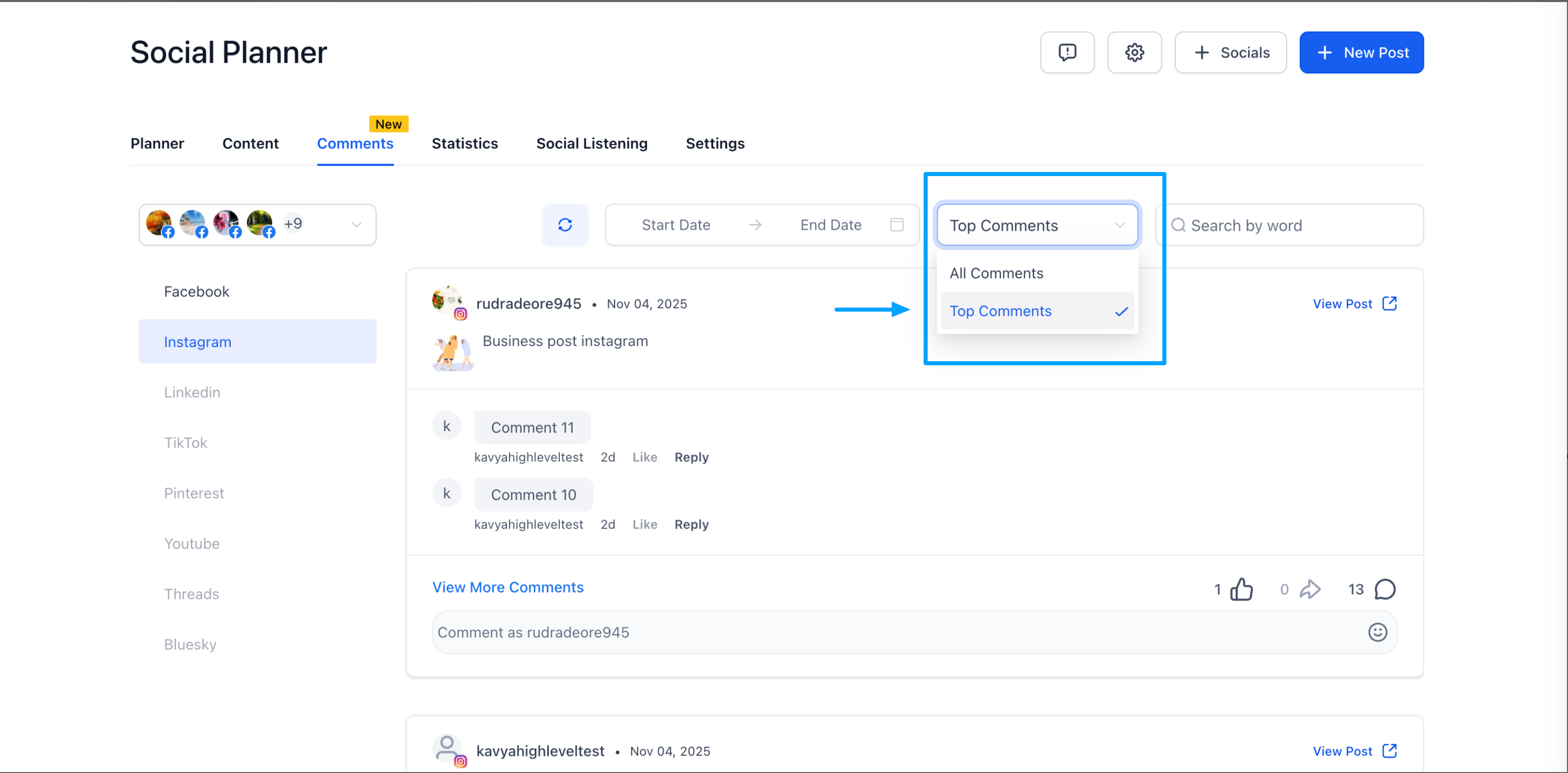
Toggle between Latest and Top Comments for more focused engagement.
-
Mentions:
Tag or mention public Instagram profiles while replying.
- Boost engagement and strengthen community interactions from a single platform.
- Save time by avoiding platform switching for replies.
- Deliver quicker, contextual responses to enhance engagement rates.
- Increase content visibility through timely engagement and responses.
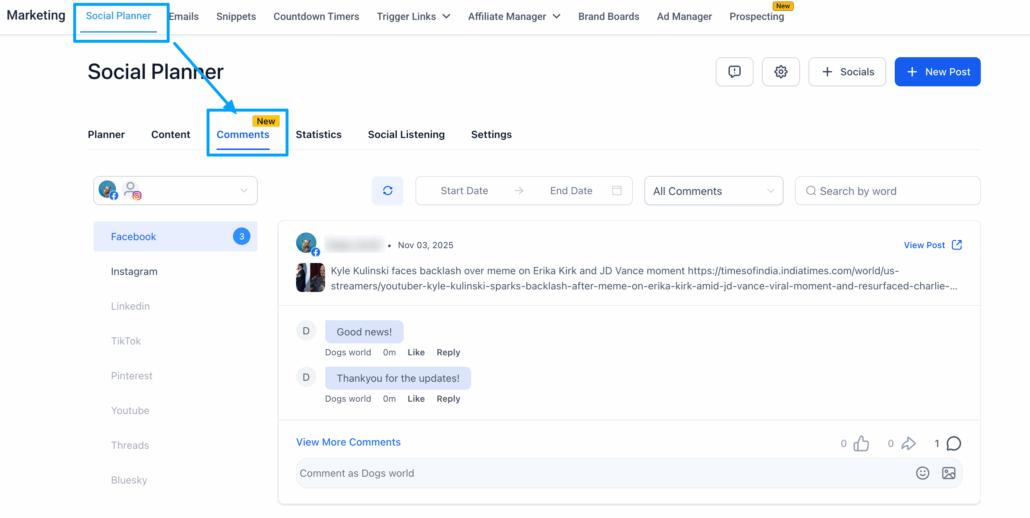
1️⃣ Navigate to Marketing → Social Planner → Comments
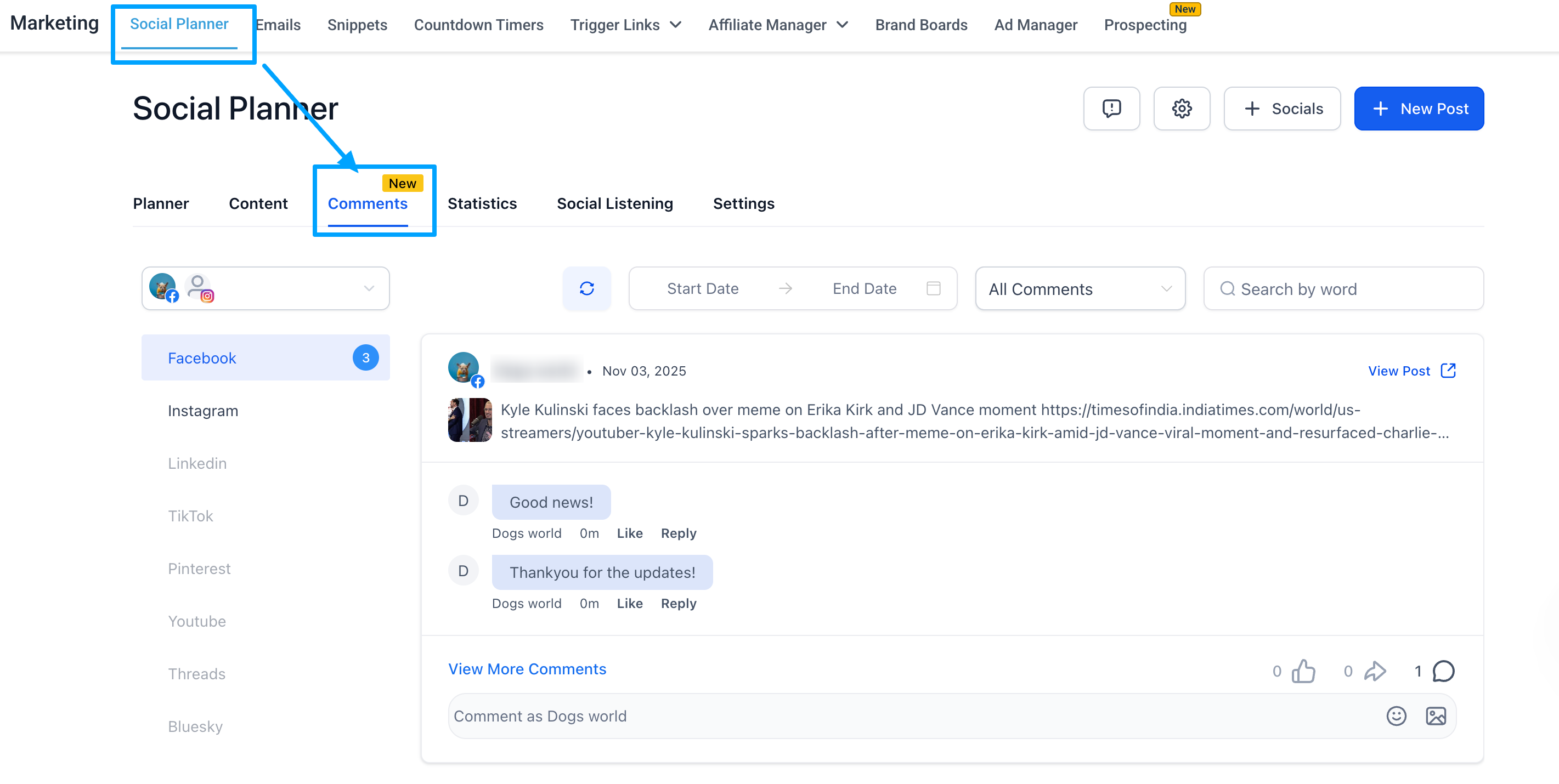
2️⃣ Open the Comments tab to view and reply
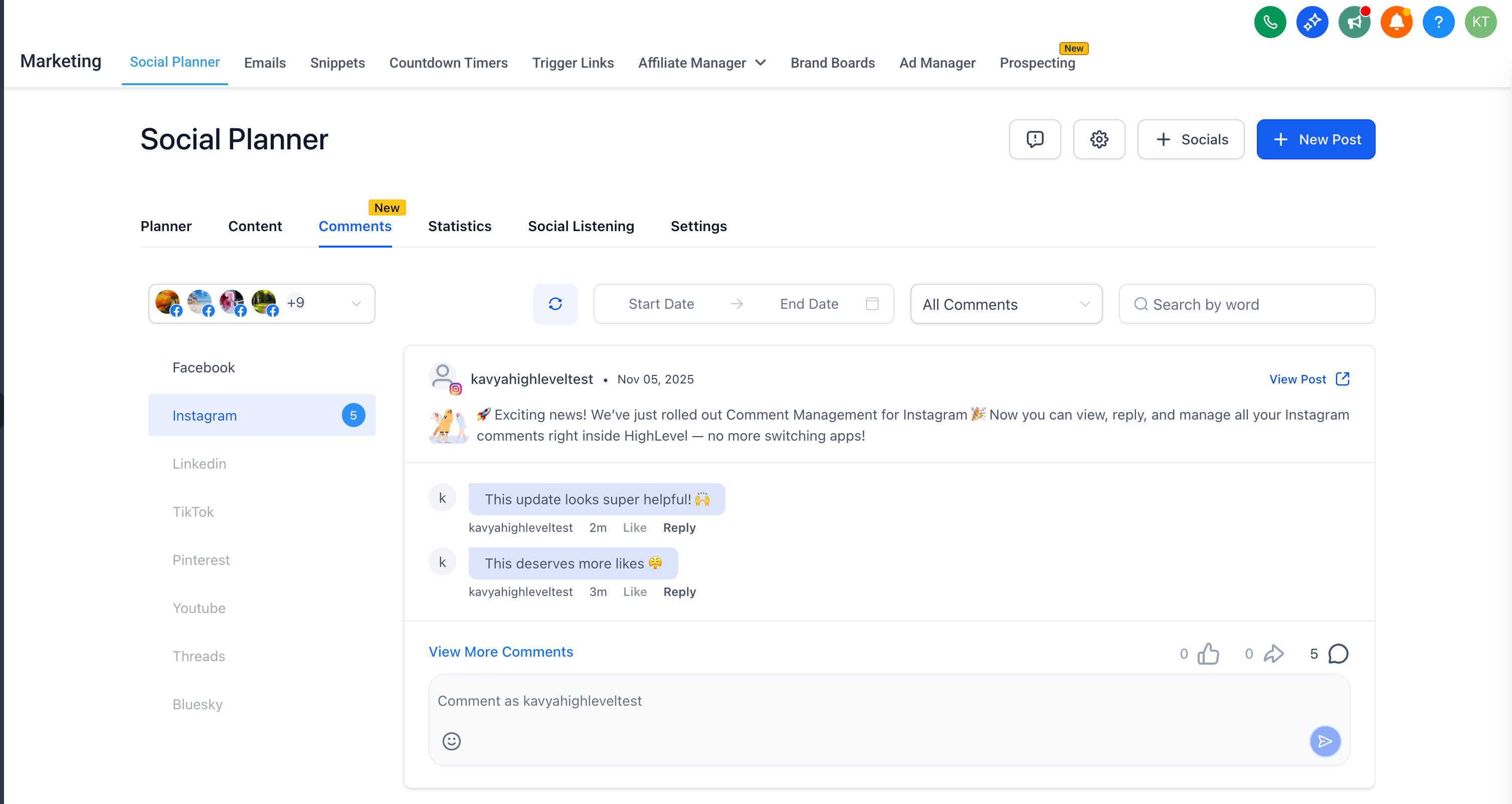
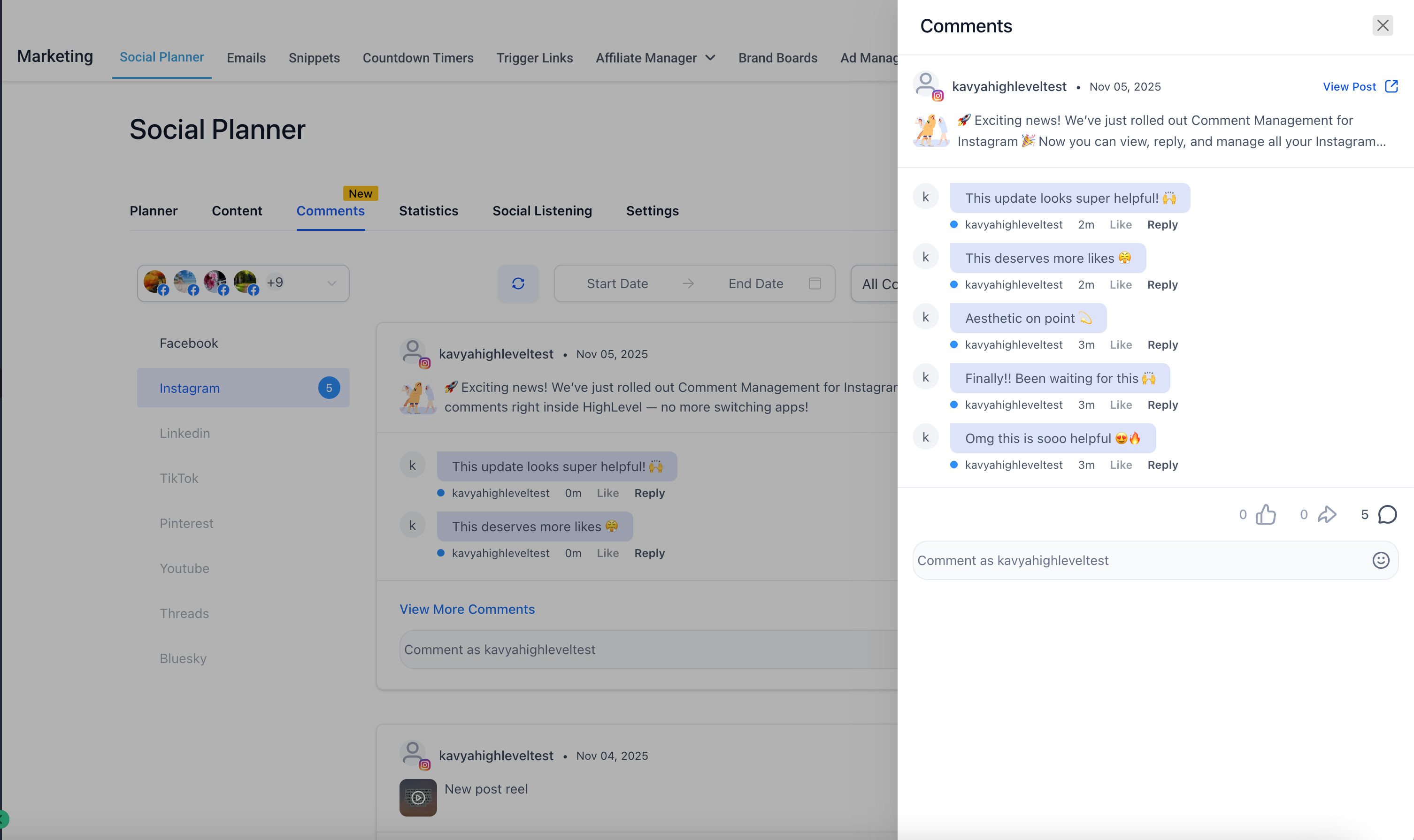
3️⃣ Reply, mention, and manage threaded conversations all within Social Planner!
4️⃣ Use the filter to switch between Latest or Top comments
Support for all other platforms is coming soon! 🚀
