
Cloning of Content within a Course (New Builder)
Content Cloning has been introduced in the New Courses Builder to assist creators in duplicating course items quickly and efficiently. This enhancement allows
instant cloning of Lessons, Quizzes, and Assignments
, including
all associated content and assets
, which significantly reduces repetitive setup during course creation.
-
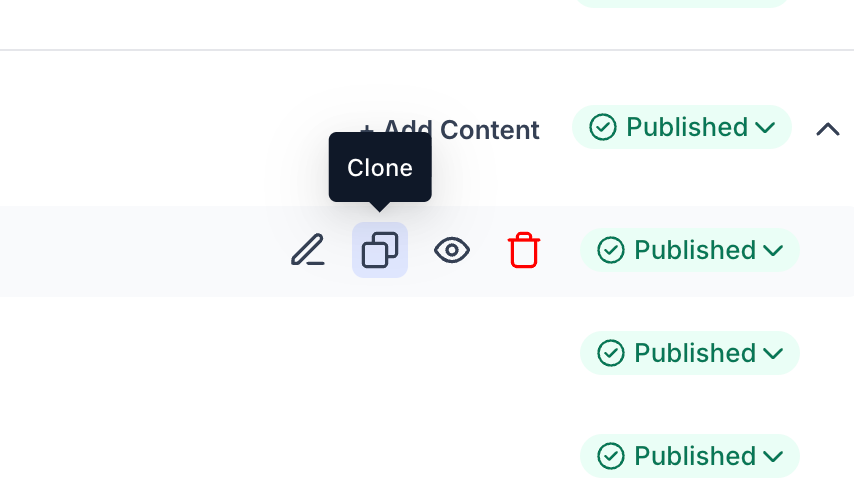
Course Outline View – Each row for Lessons, Quizzes, and Assignments now includes a Clone option.
-
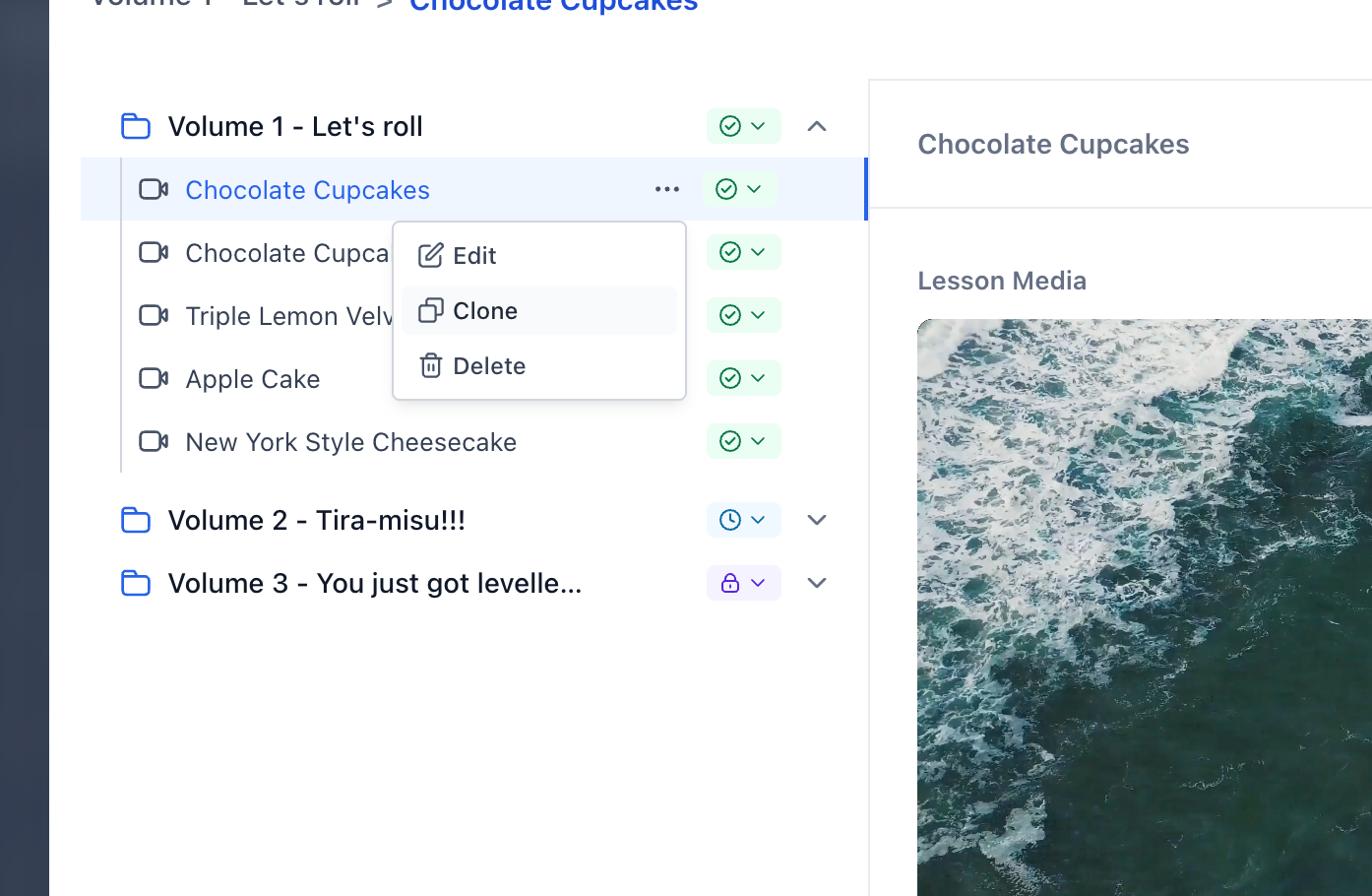
Editor Modal – The Clone option is also accessible from the sidebar overview.
-
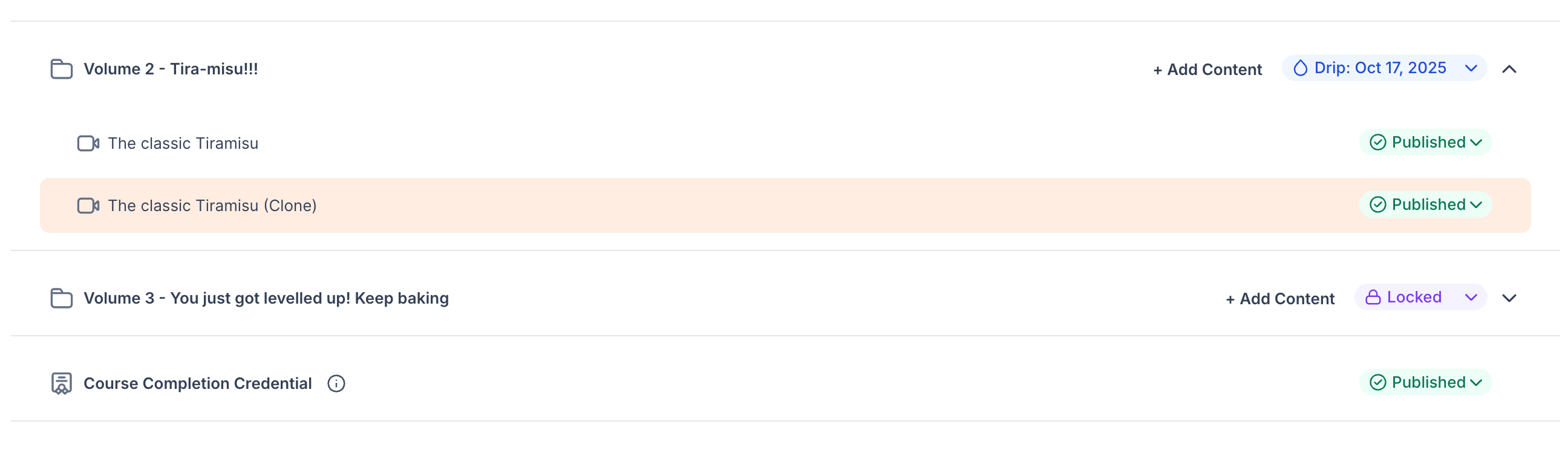
A cloned item is created adjacent to the original.
-
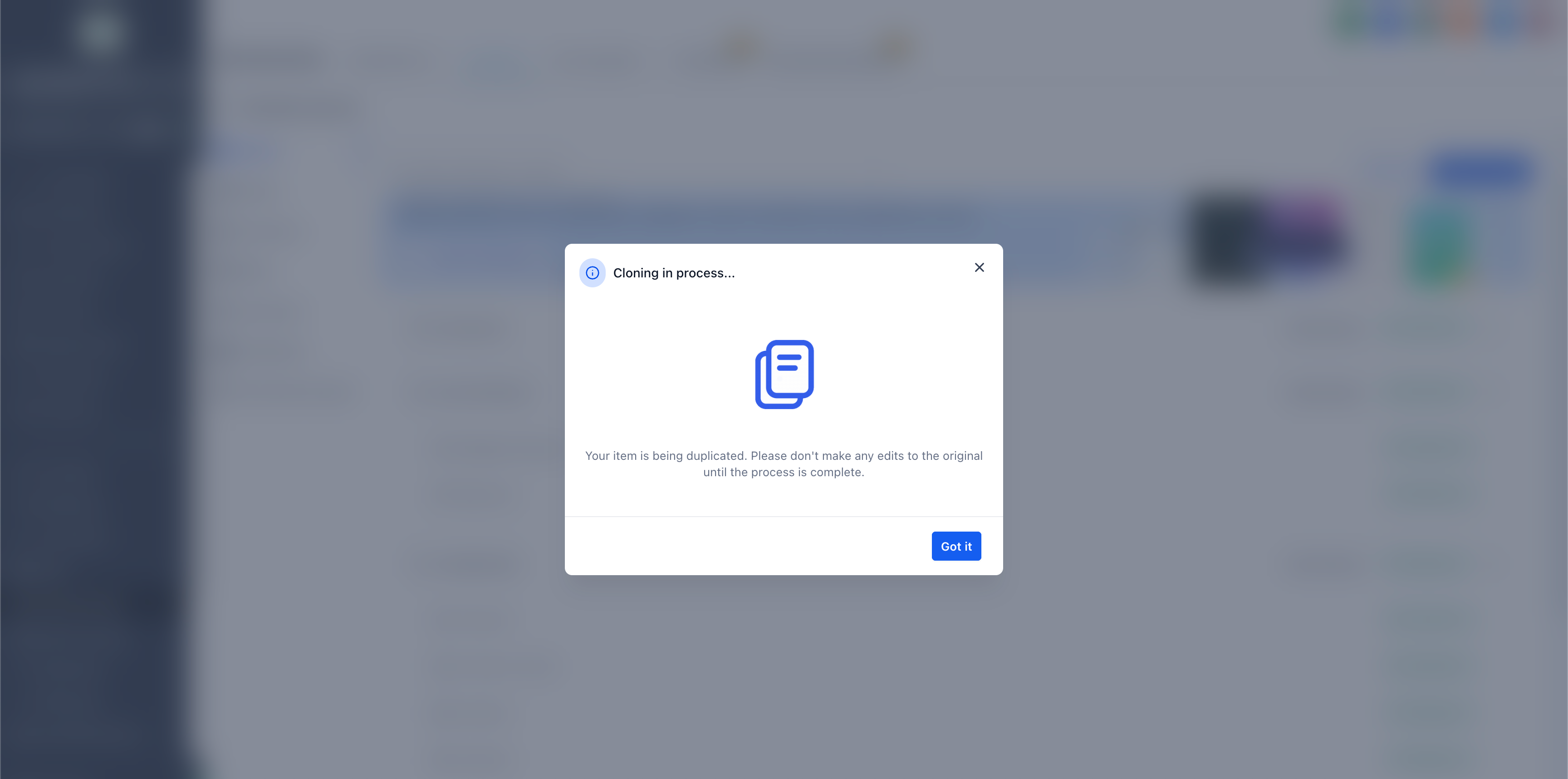
A progress modal is displayed during the cloning process.
-
Typical completion time is approximately 1 to 2 seconds.
The following elements are duplicated as part of the cloning process:
- Videos and all attached media
- Thumbnails (lesson-level and media-level)
- Descriptions and content body with exact formatting
- Quiz questions
- Assignment materials
- Speeds up course creation by eliminating repetitive configuration.
- Enables consistent reuse of structures across modules (e.g., recurring quizzes or assignments).
- Original content remains unchanged; cloned items are fully editable immediately after creation.
Extend content cloning across courses, enabling creators to import content from one course into another for an even more streamlined creation experience.
