Client Portal – Preview Default Email Templates in Notification Preferences
Preview Default Email Templates in Notification Preferences
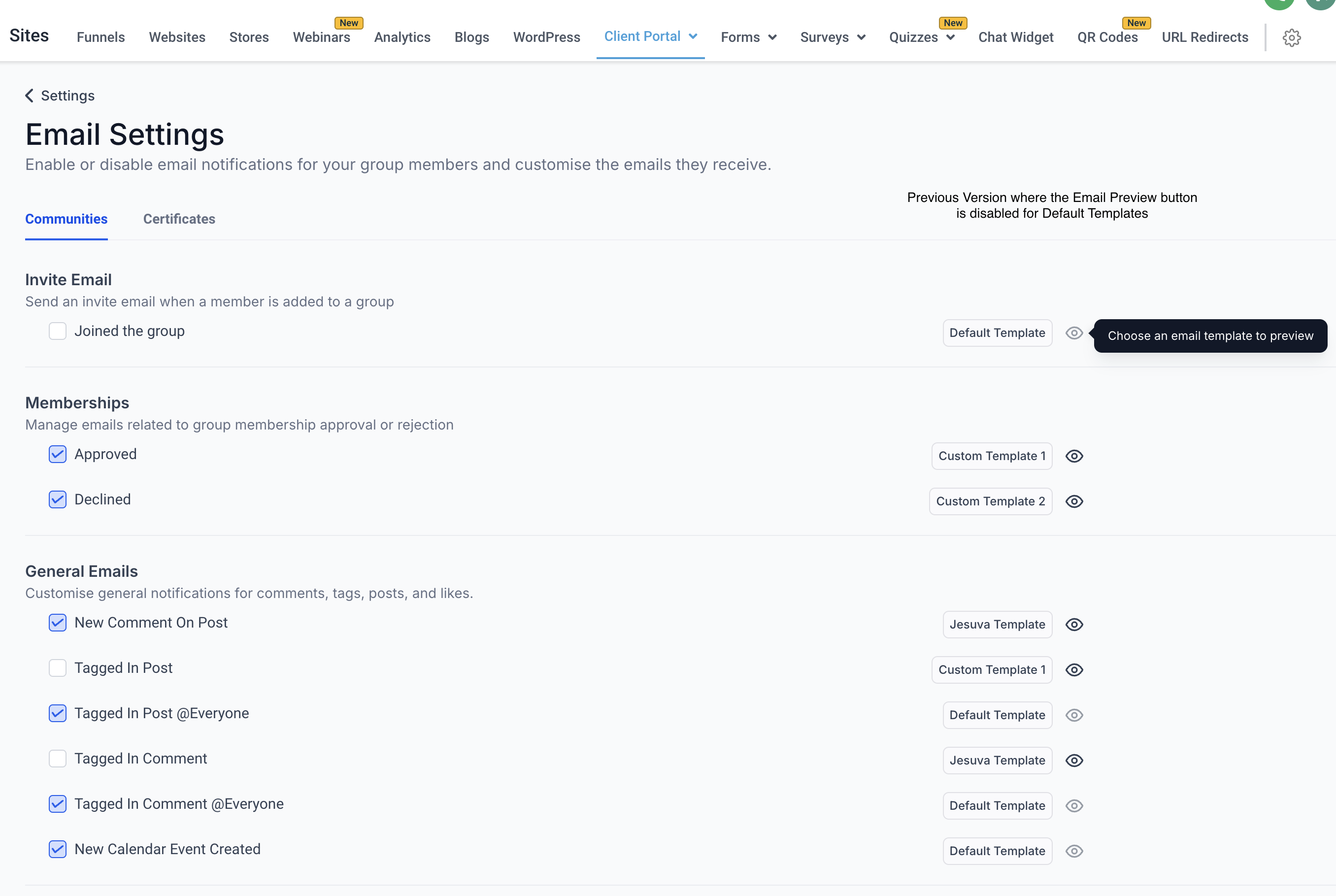
We’re excited to announce a significant enhancement to the Notification Preferences feature in the Client Portal! Initially, the feature allowed users to manage and customise notifications, but previewing default email templates was not supported. With this update, client portal owners can now preview the default email templates, enabling them to review and assess the default content structure before making any changes or customisations.
With this enhancement, client portal owners can now view the default email templates for all notification types directly within the Client Portal. This update ensures that client portal owners can make informed decisions when customising templates by understanding the default messaging and design.
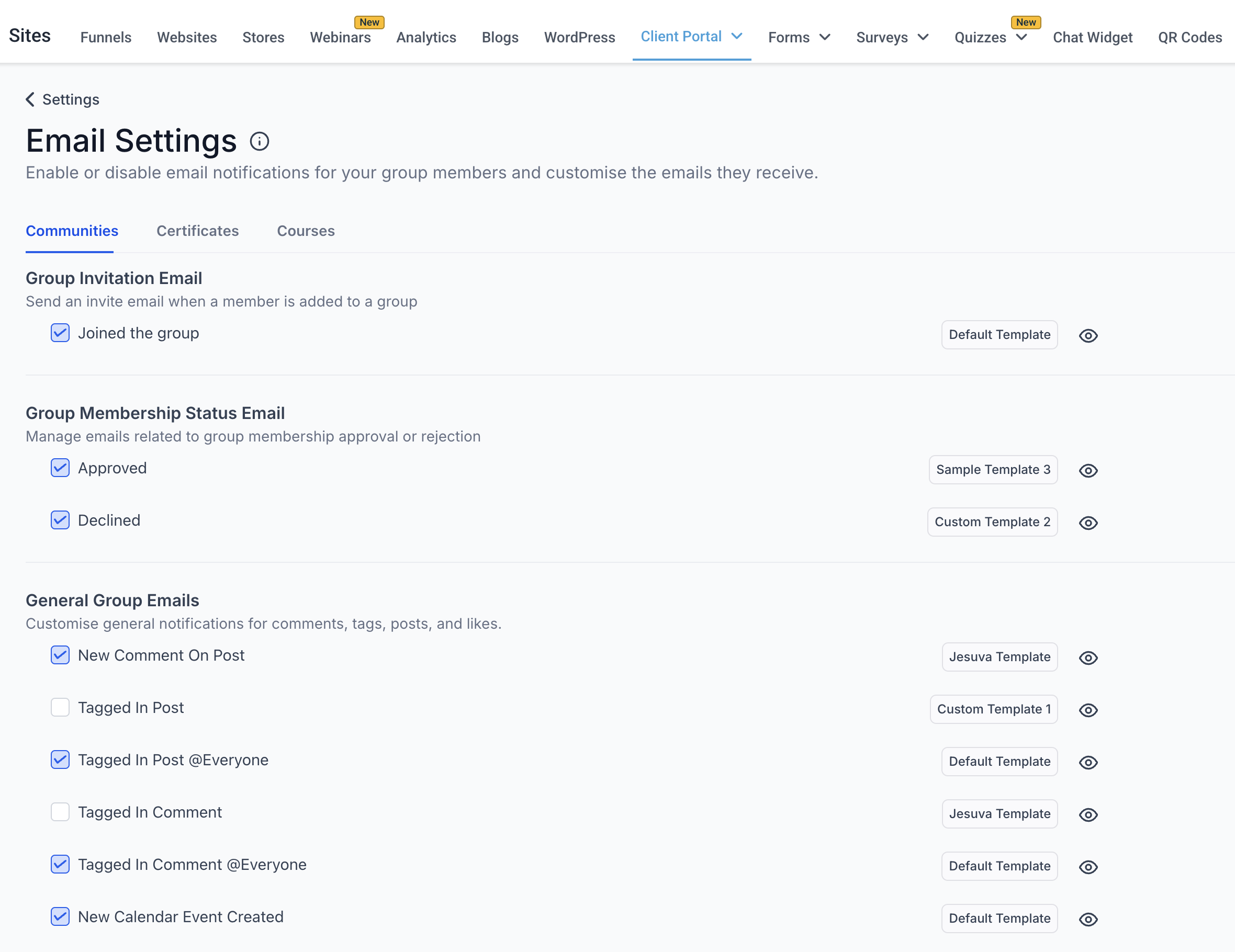
- Preview Default Templates: Users can now click on the Eye Icon next to default email templates to preview them directly in the Notification Preferences settings.
- Streamlined Customisation: Viewing the default templates helps users understand the original structure, tone, and format, making it easier to tailor custom templates to their specific needs.
- Enhanced User Experience: This feature ensures that users have full visibility into the default messaging, reducing guesswork and improving confidence in customisation efforts.
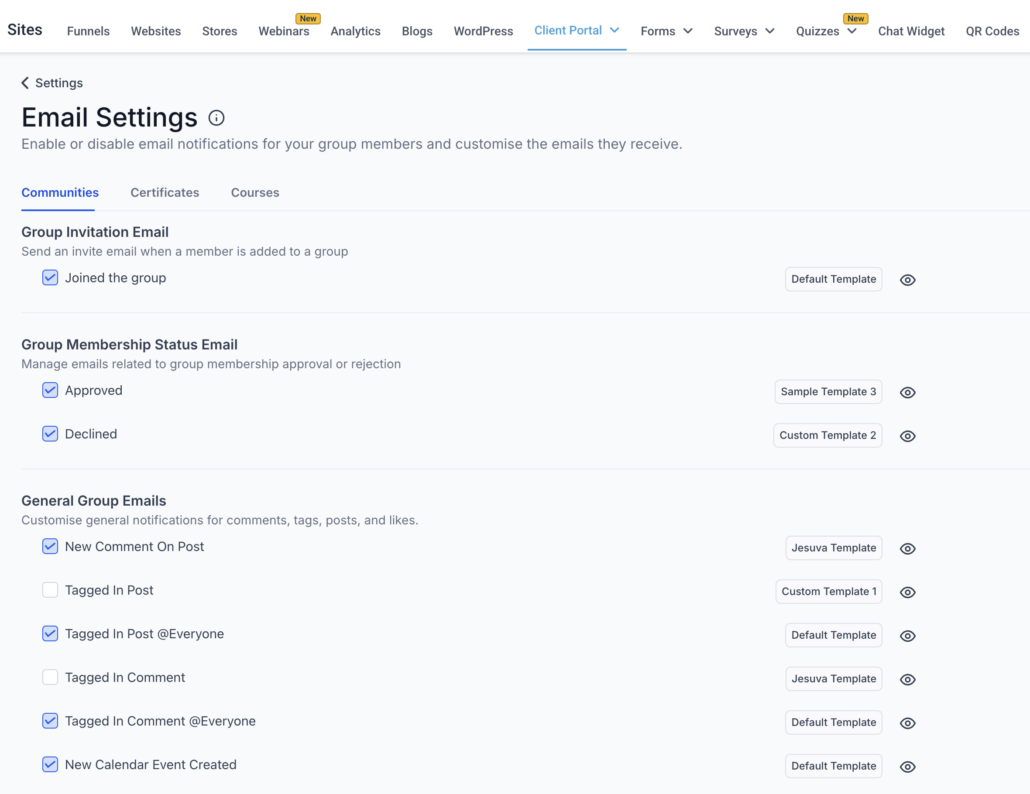
- Navigate to: Sites -> Client Portal -> Settings -> Email Settings.
- Under each child app (e.g., Communities, Certificates, Courses based on your access), locate the notification options.
- Find the default email template and click on the Eye Icon to preview it.
- Review the default email content and structure.
- If needed, use the Edit button to create a customised version of the default template that aligns with your requirements.