Calendar Duplication Now Copies Notification Settings!
Improved Duplicate Calendar Functionality
We’ve enhanced the
Duplicate Calendar
functionality to provide a more
consistent
and reliable
setup
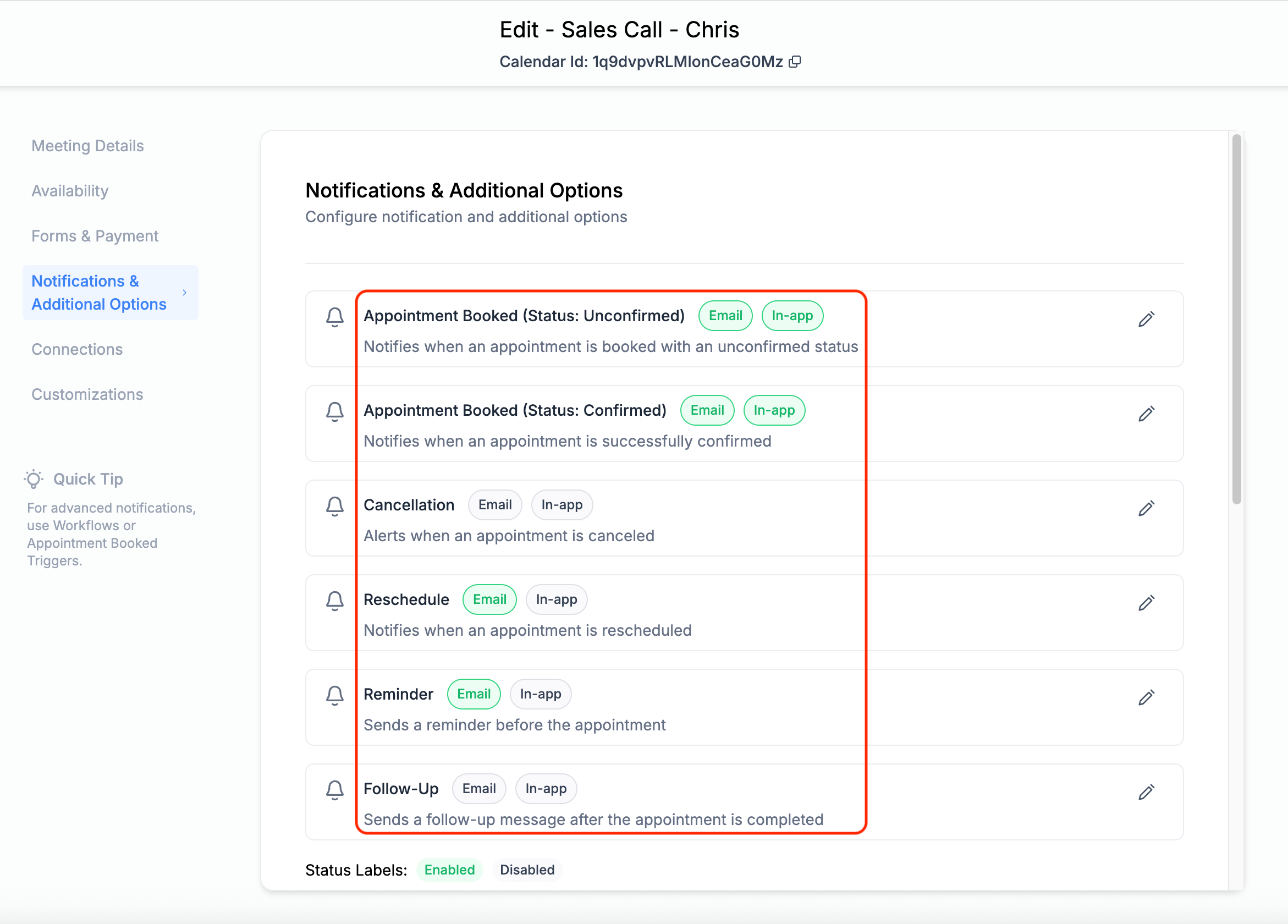
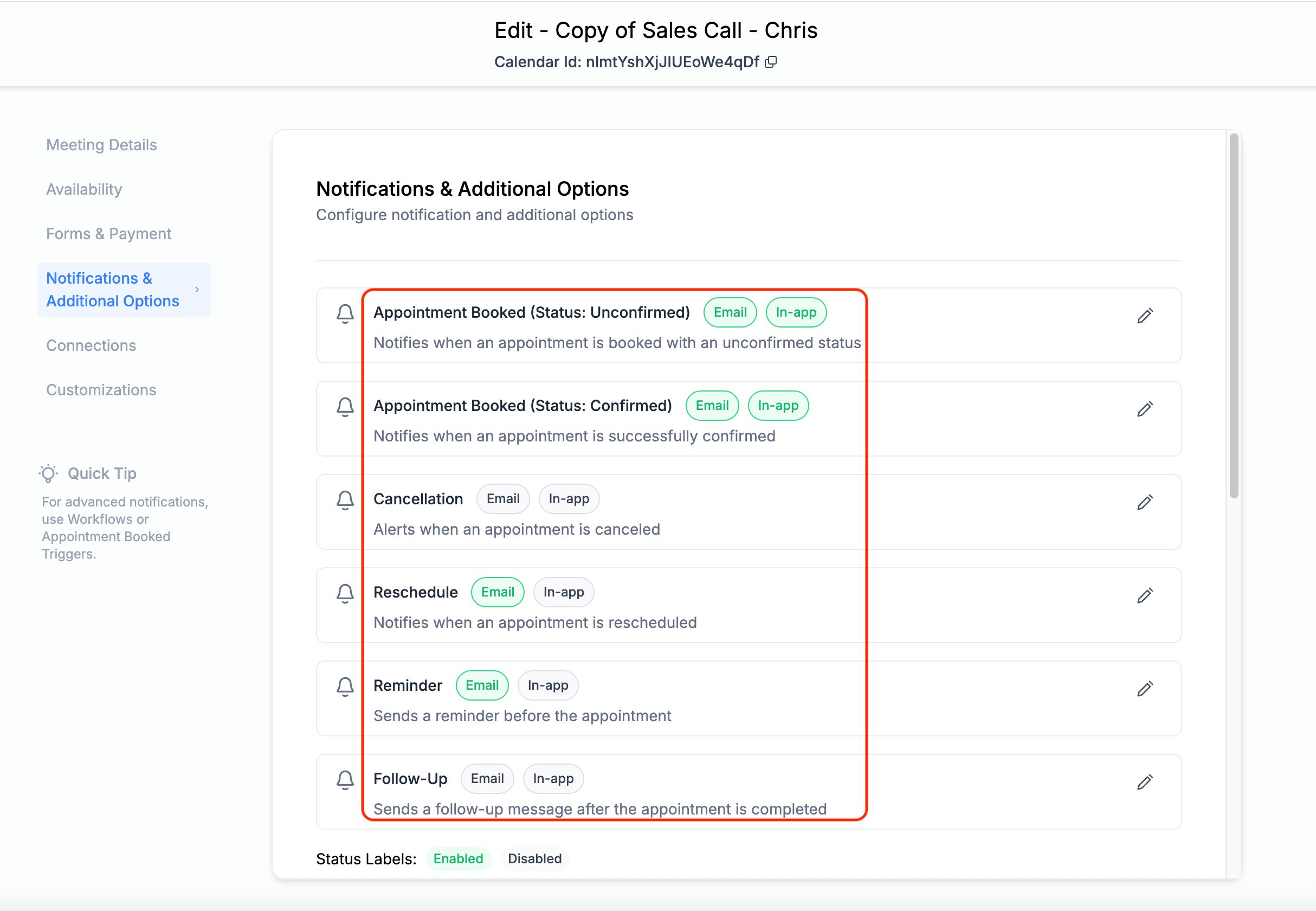
experience. Now, when you duplicate a calendar, all notification templates and their associated settings and toggles will be
copied over
—just like the rest of the calendar configuration.
Previous Limitations
Previously, notification templates (such as email/in-app)
weren’t carried over
when duplicating a calendar. This created confusion, caused missed client communications, and led users to raise support tickets. With
this update
, duplicated calendars will now
include all notification configurations
from the original, ensuring that nothing gets missed.
- Notification templates are now copied during calendar duplication
- All associated toggles and settings (like “Reminder”) are retained
- No more missed notifications due to silent configuration gaps
- A more intuitive duplication experience that matches user expectations
Conclusion
This improvement ensures better reliability and a more seamless scheduling workflow.