Calendar Dedicated Sending Domains Now Available
You can now assign dedicated sending domains specifically for Calendar emails! This enhancement provides you with improved control over the deliverability of your appointment-related emails.
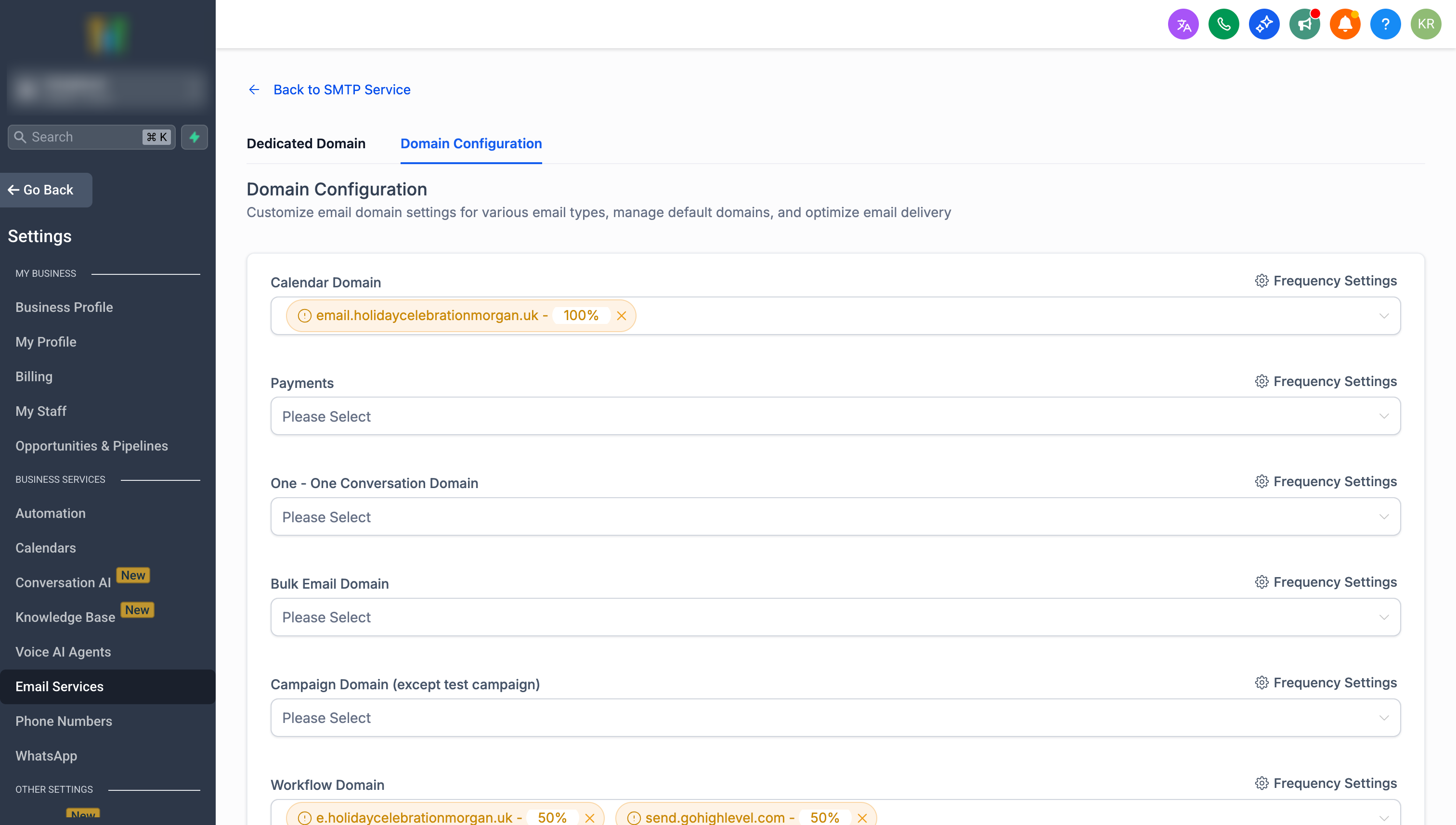
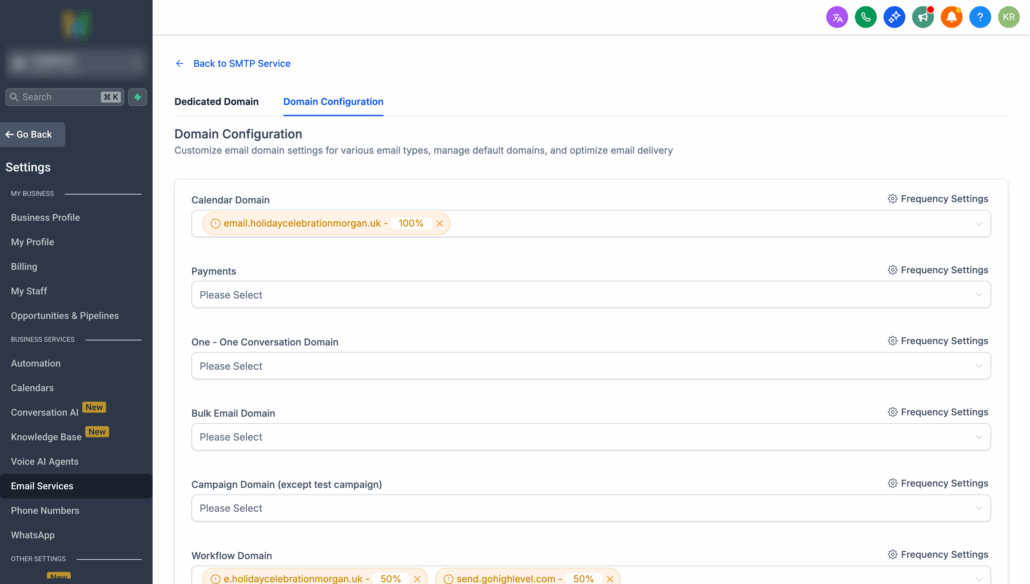
To set up dedicated domains for the following, navigate to Sub-account Settings → Email Service → SMTP Service → Domain Configuration:
- Appointment confirmations
- Calendar reminders
- Reschedule notifications
- Other calendar-related communications
✅ Better Deliverability – Separate domains for calendar emails
✅ Load Distribution – Split traffic across up to 5 domains per category
✅ Reputation Protection – Isolate calendar emails from other communications
✅ Flexible Allocation – Percentage-based distribution control
- Ensure you have created sub-account domains.
- Go to Domain Configuration in your sub-account settings.
- Add your domains to the Calendar category.
- Set the percentage distribution as needed.
Note: This feature is available for LC Email Users.