Button Icons for Form Builder
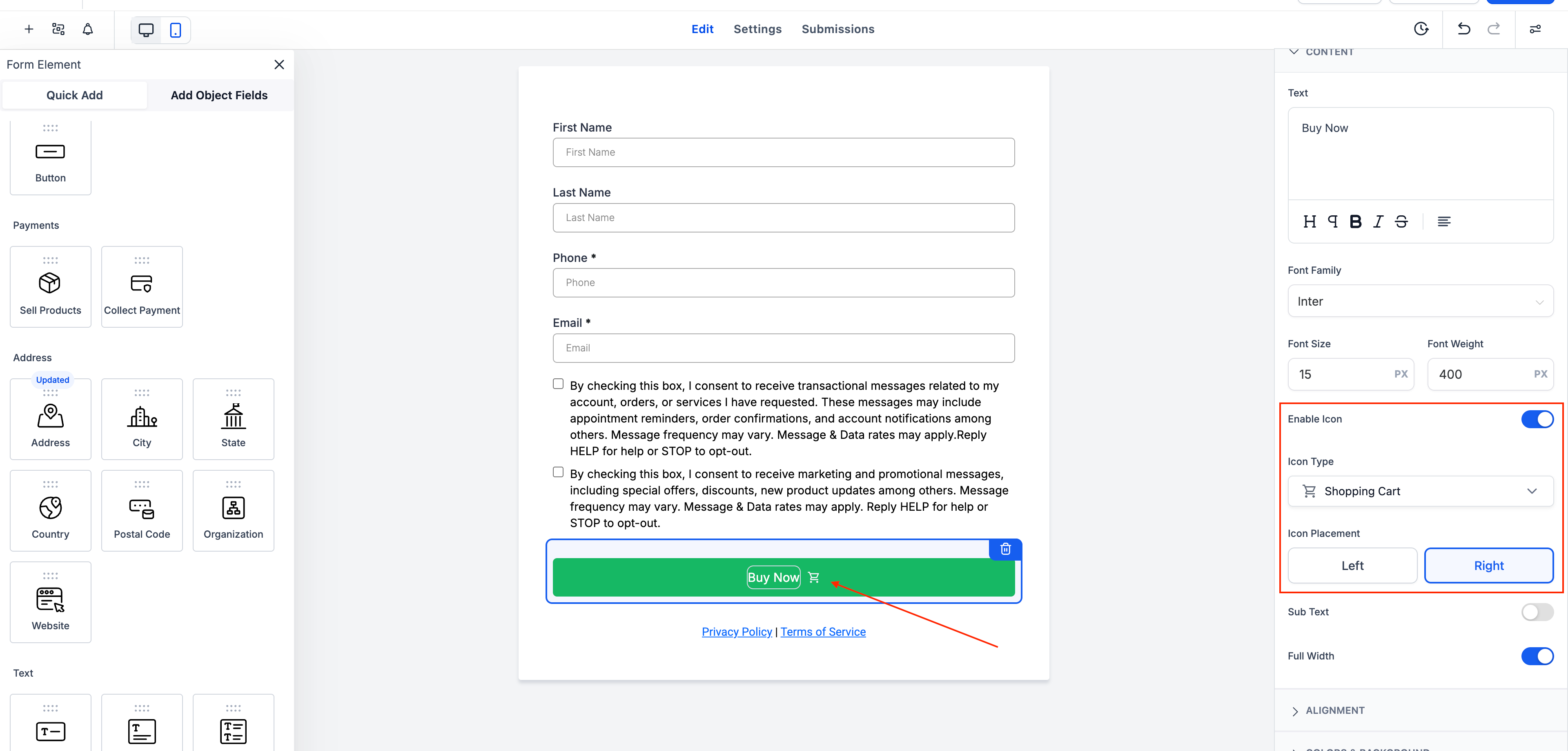
You can now enhance your form buttons by adding icons! The latest update introduces an intuitive way to enrich your buttons with a wide selection of Material Symbols—fully searchable and easy to use.
-
Icon Picker Sidebar:
Easily add icons to buttons using a simple toggle and search interface.
-
Flexible Placement:
Decide whether to display icons on the left or right of the button label.
-
Live Preview:
Instantly view your selected icon rendered in the form preview.
-
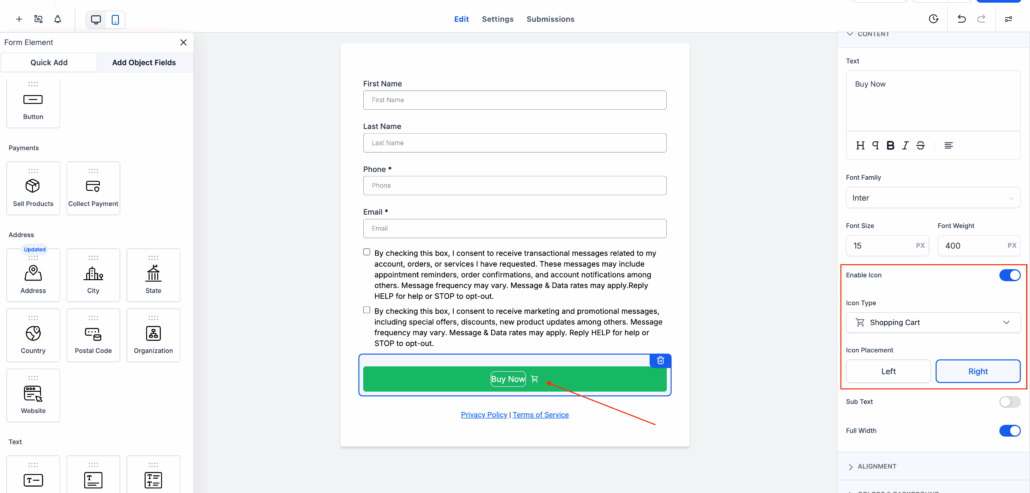
Add a Button Element to your forms and toggle the “Show Icon” option to enable icons on the button.
-
Utilise the search-friendly icon picker to find the perfect symbol.
-
Select the position of the icon—either to the left or right of the label.
-
Observe changes reflected immediately in the preview pane for a seamless design experience.
This enhancement adds visual appeal and interaction cues to your forms, making them not only functional but also delightful to use. 💫