
Bluesky Integration in Social Planner
We’re excited to announce that Social Planner now supports Bluesky!
This enhancement allows you to connect your account and manage posts directly within Social Planner, enabling you to create, schedule, and publish without switching tools.
You can now:
- Connect your Bluesky account via OAuth (handle + app password).
- Compose posts with up to 300 characters, plus 4 images or 1 video.
- Tag other Bluesky users in your posts.
- Schedule and auto-post via Review Flow, RSS Auto-posting, Category Queue, and CSV Upload.
- Save posts as drafts or publish them instantly.
Step 1:
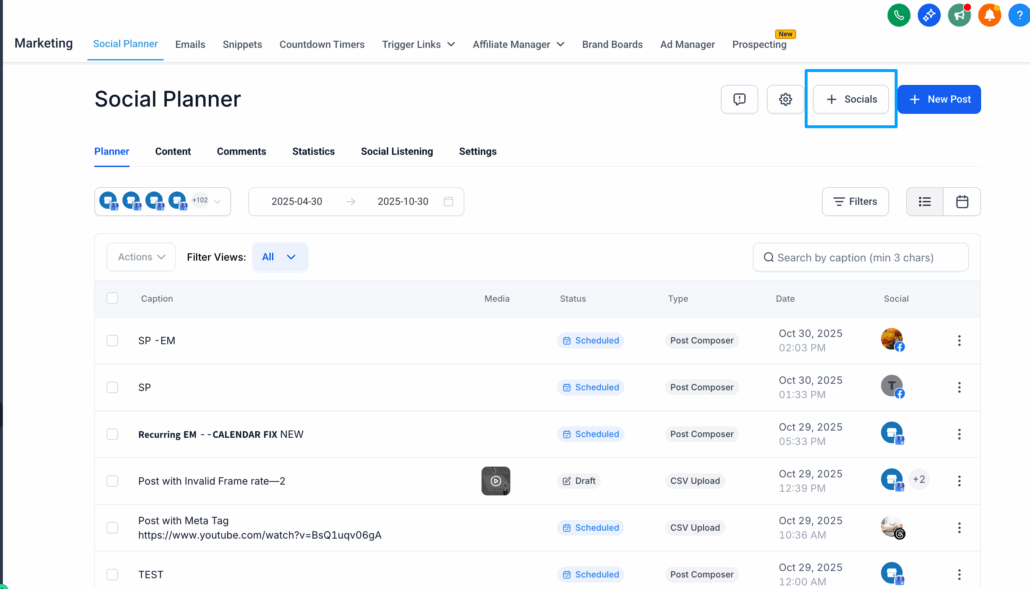
Open Social Planner and navigate to “+ Socials”
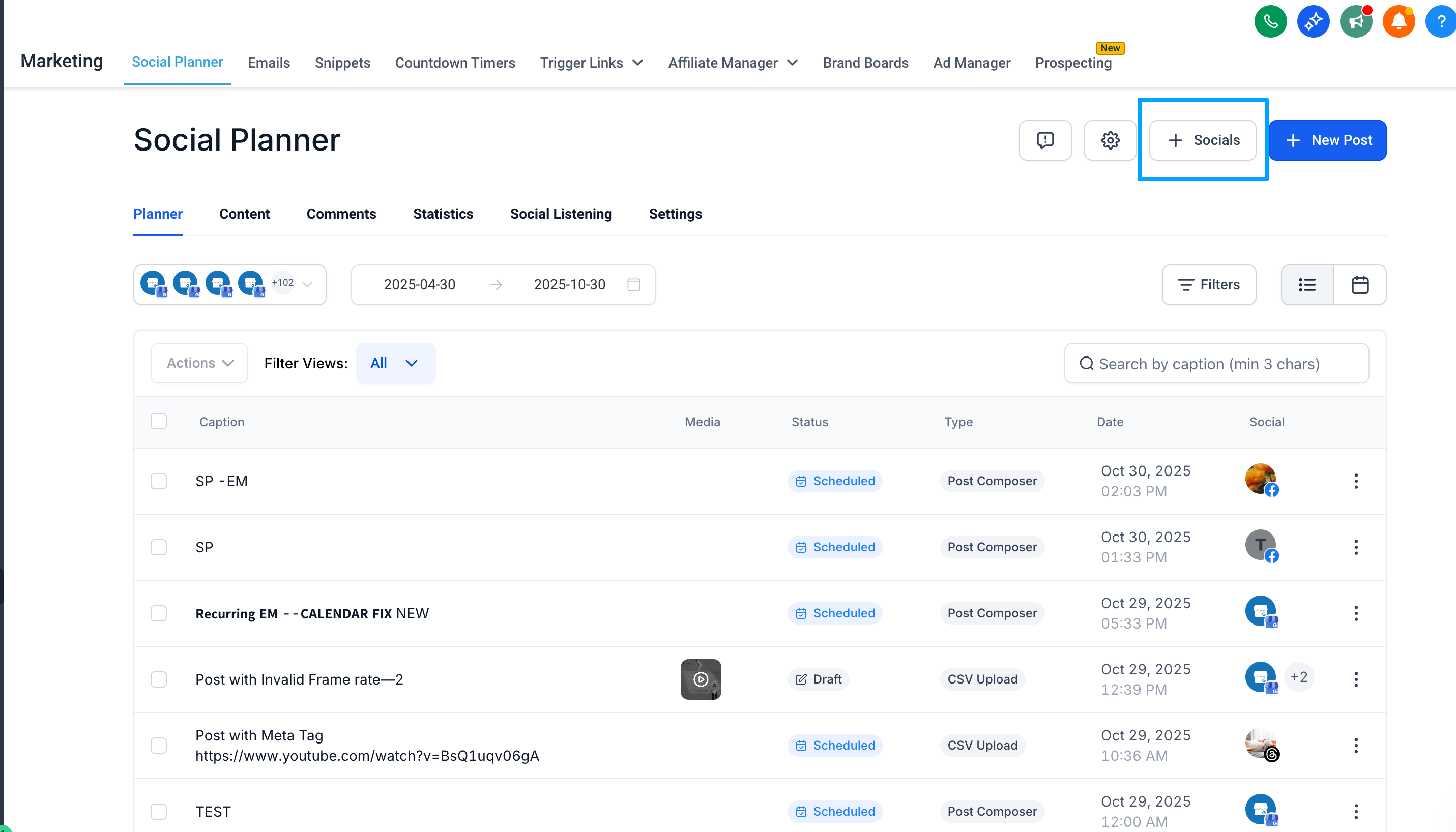
Then click on “Connect Bluesky”
Step 2:
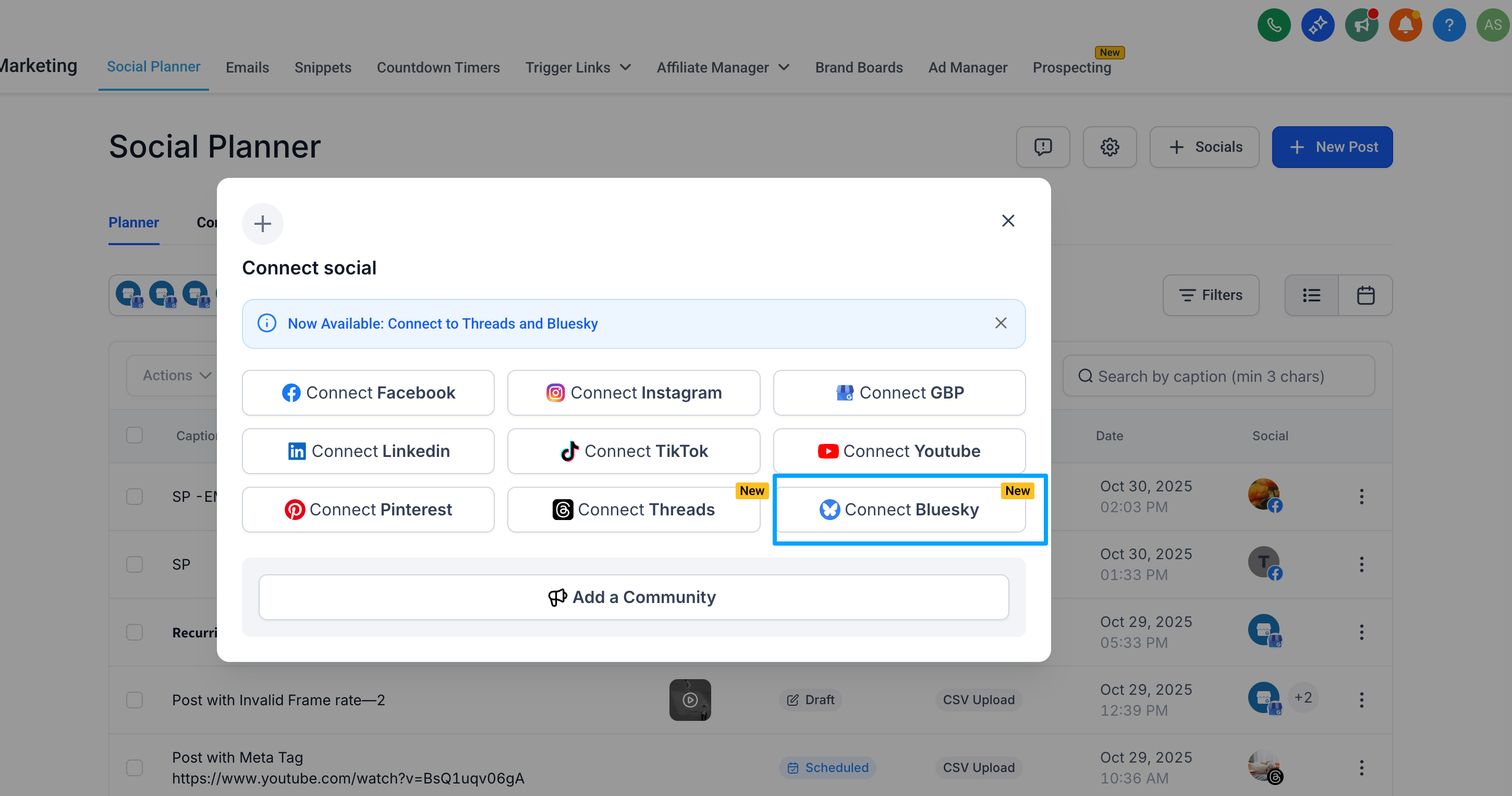
Authenticate with your handle and app password (not your main password).
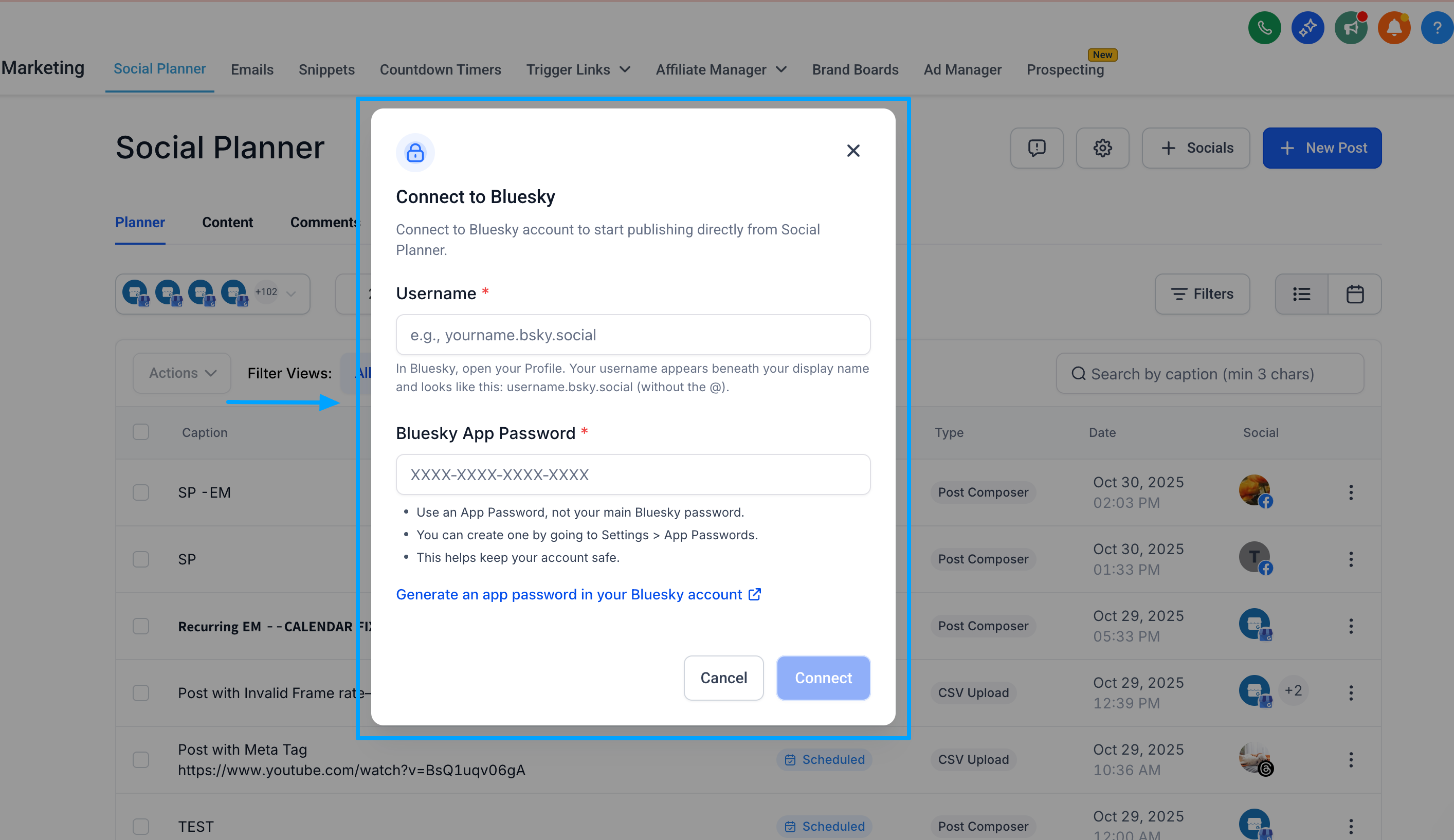
How to log into Bluesky in Social Planner:
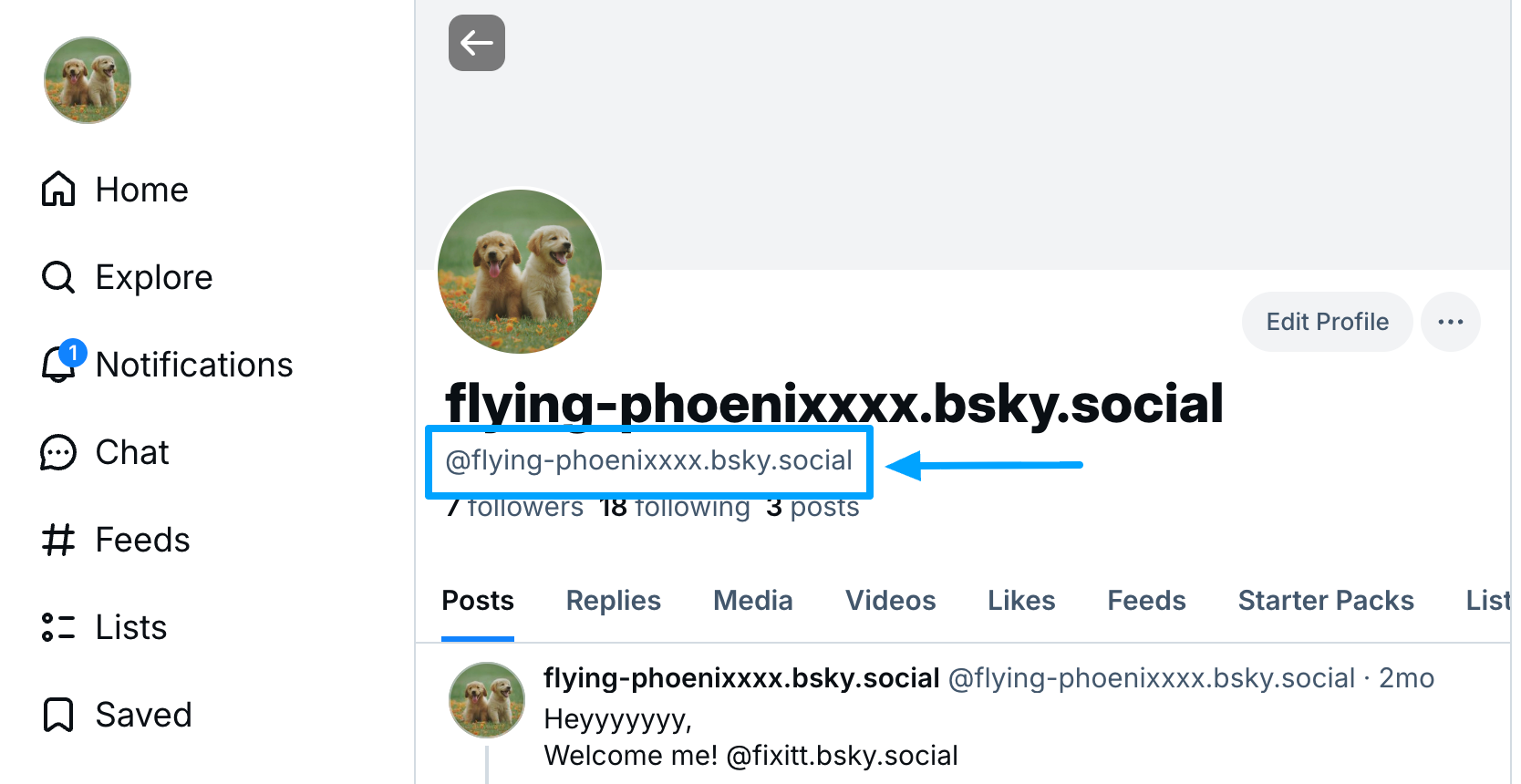
Go to Bluesky and navigate to Profile >> below the display name, copy your username (without “@”).
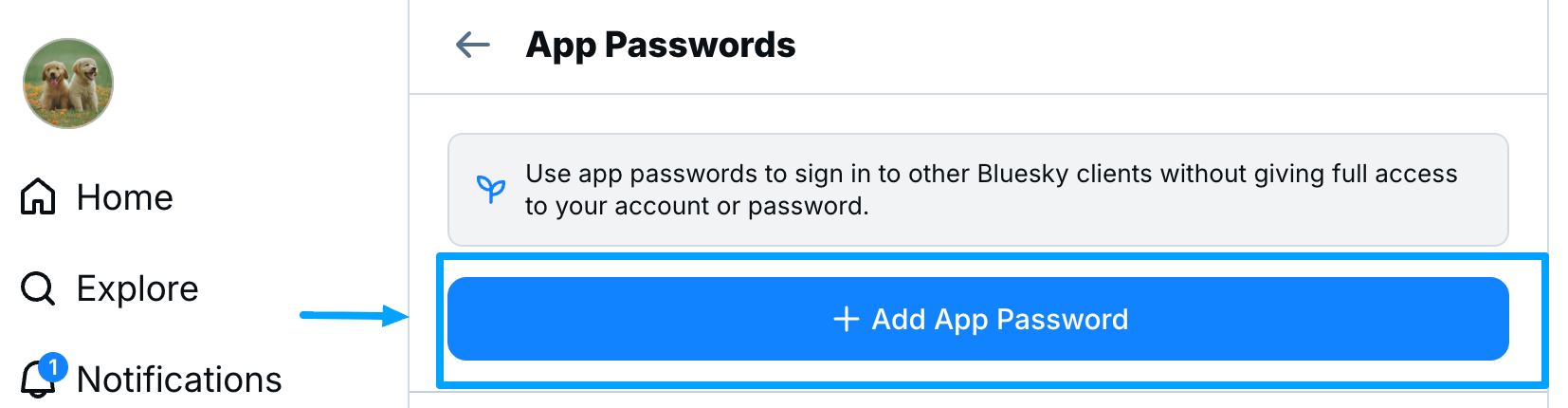
Navigate to Settings >> Privacy & Security >> App Password.
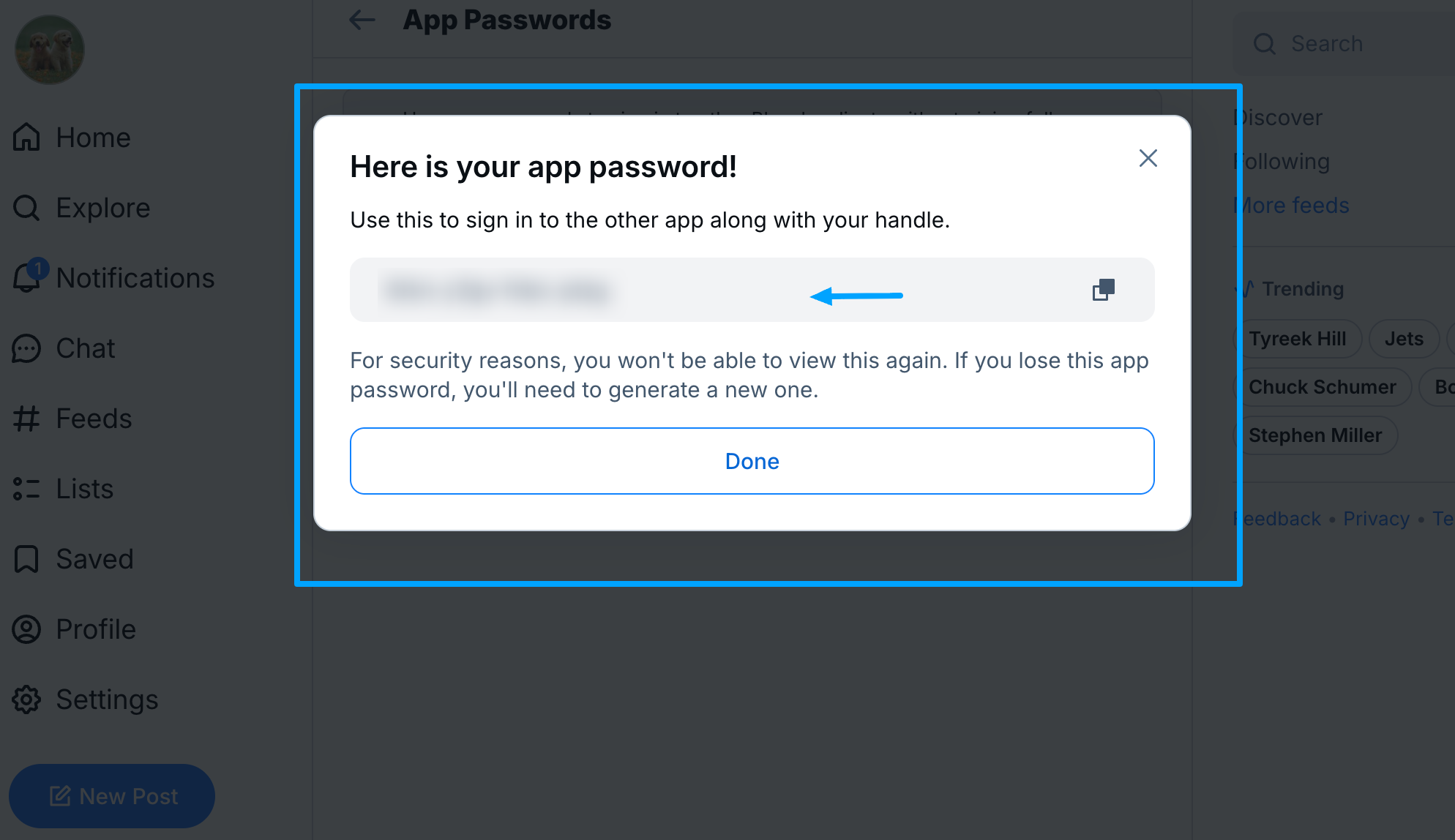
Create an App Password and log into Social Planner using the same password and username.
Step 3:
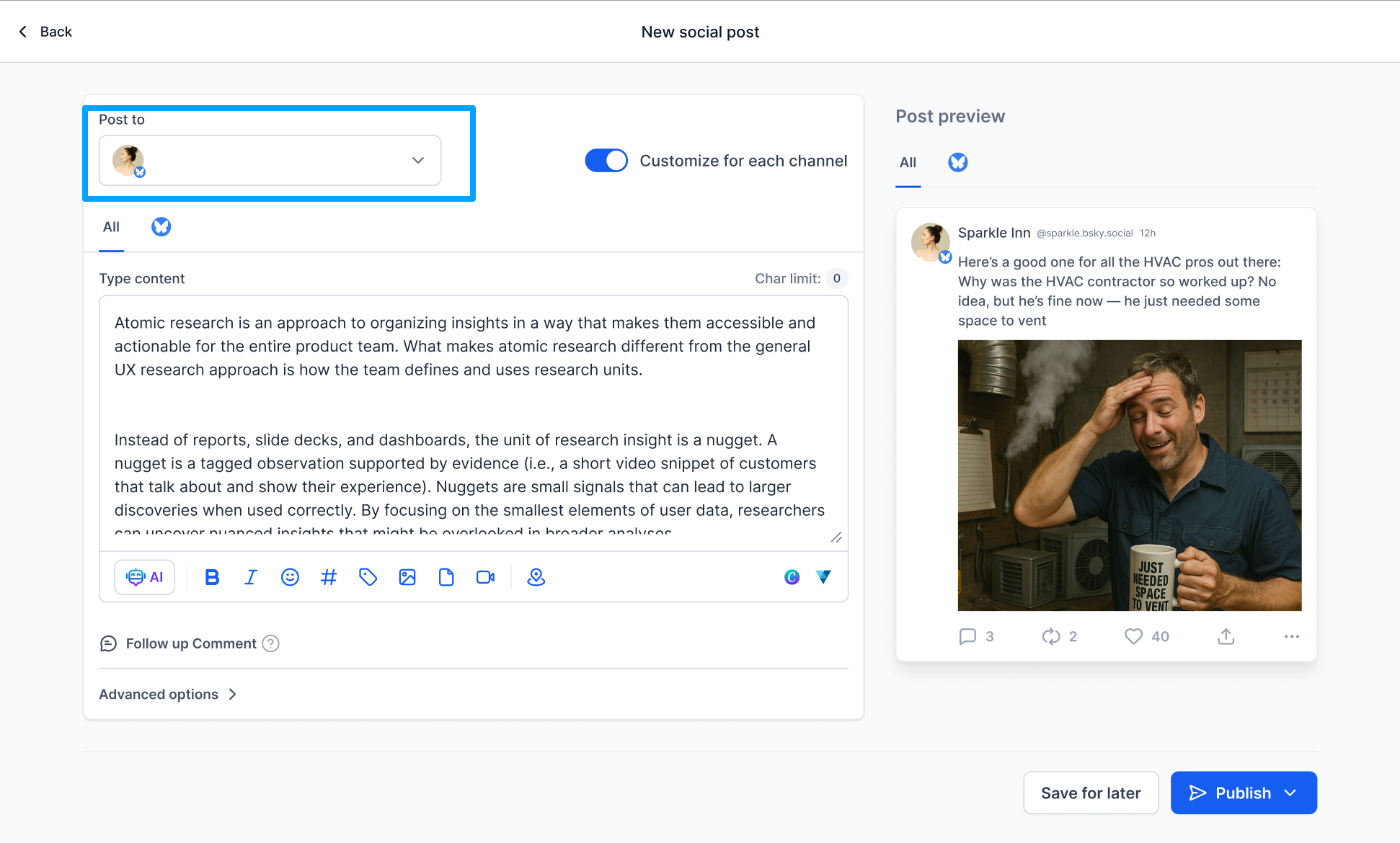
Add your text, tag users, upload media → Save, schedule, or auto-publish.
📌 Bluesky is a rapidly growing decentralised platform that attracts early adopters and niche audiences.
🤝 Be among the first to establish your brand presence on a platform that competitors may not yet be utilising.
🚀 Manage Bluesky alongside Facebook, Instagram, LinkedIn, and Threads, all from one dashboard.
