Blogs – Revamped URL Blog Importer Experience 🚀
- **Revamped Import UI & Guided Flow**
The Blog Importer now features a clearer, step-by-step process: Scan → Review → Map → Import.
Enhancements include:
- Improved button labels
- Clearer progression between stages
- Better scanning feedback
- More intuitive placeholder text
- **Improved Content Mapping Experience**
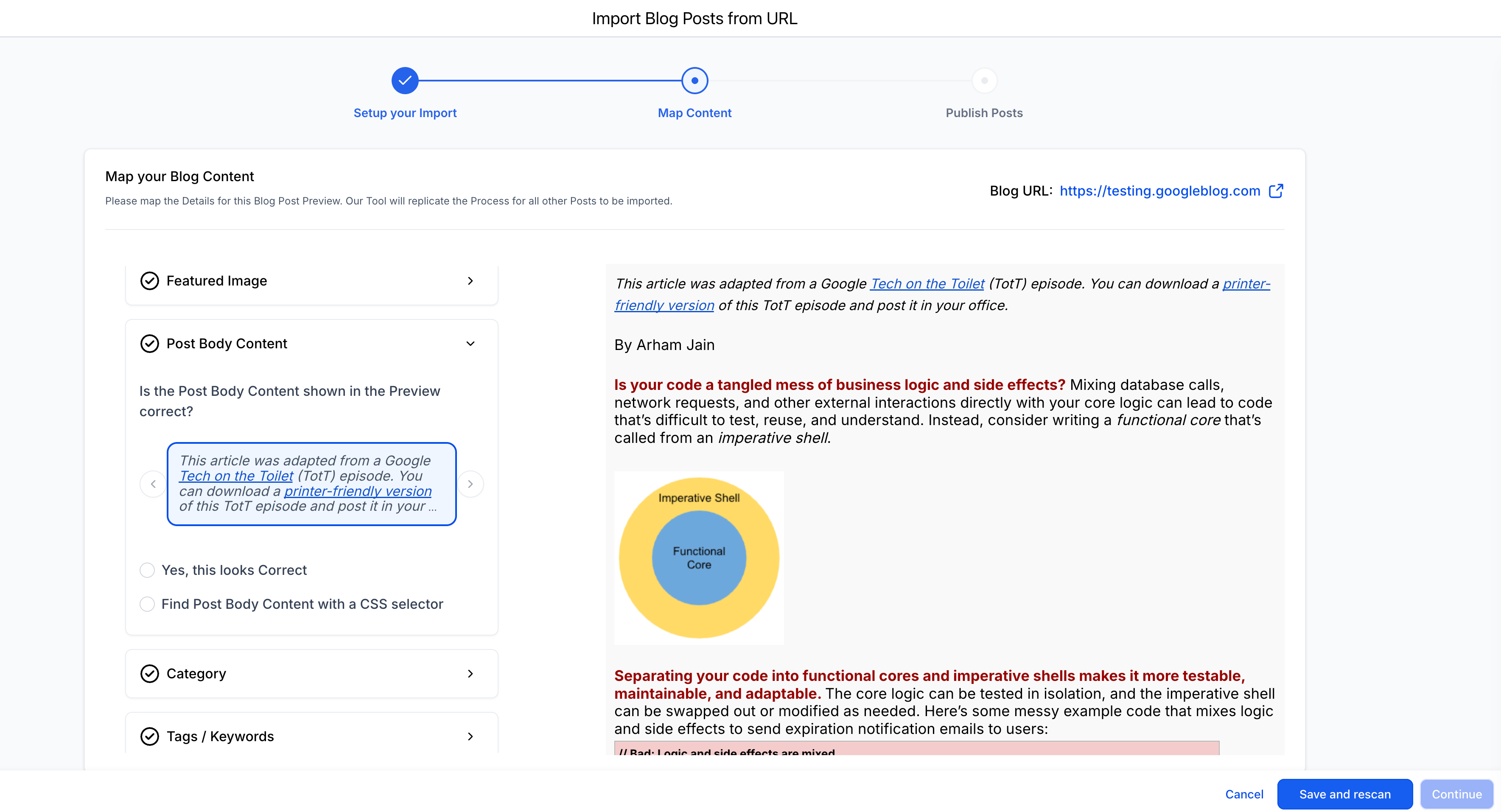
We have simplified metadata mapping to eliminate friction:
- Fixed confusing Previous/Next navigation
- Clearer preview and selection interface
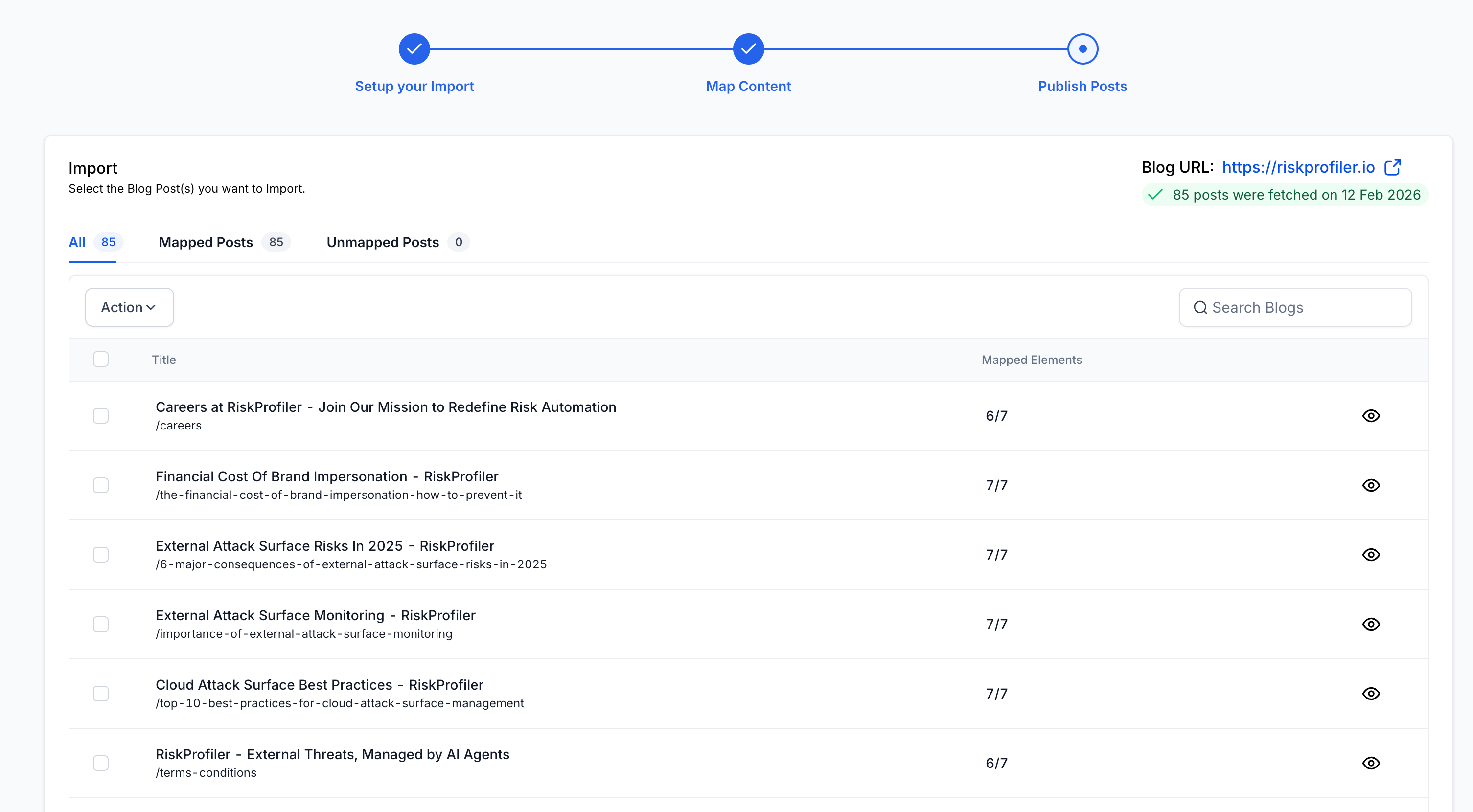
- Better visibility into mapped versus unmapped posts
- Users can now confidently track what’s ready to import.
- **Manual Metadata Mapping During Import**
If imported posts are missing, users can now add them directly during the import process instead of cancelling or restarting.
- **Mapped vs. Unmapped Post Handling**
Imports are now smarter and more flexible:
- Mapped posts → Imported as Published
- Unmapped posts → Imported as Draft
Users can import both types without facing any blockage, while still maintaining content integrity.
💡 **Why it matters**
This upgrade helps users:
- Complete migrations with higher success rates
- Move from external CMS platforms with confidence
- Avoid manual copy-paste workflows
- Reduce dependency on support for blog recovery or mapping issues
🛠️ **How it works**
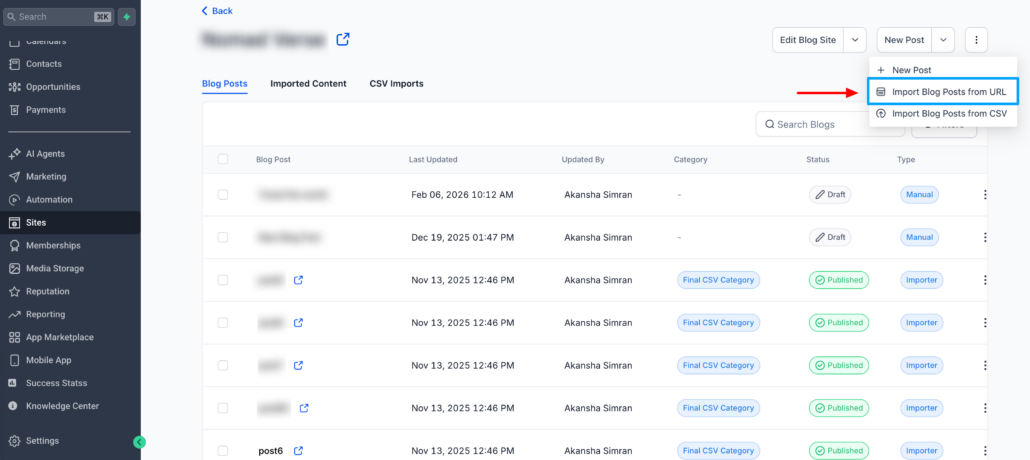
- Go to Sites → Blogs
- Click Create New Blog Post → Import
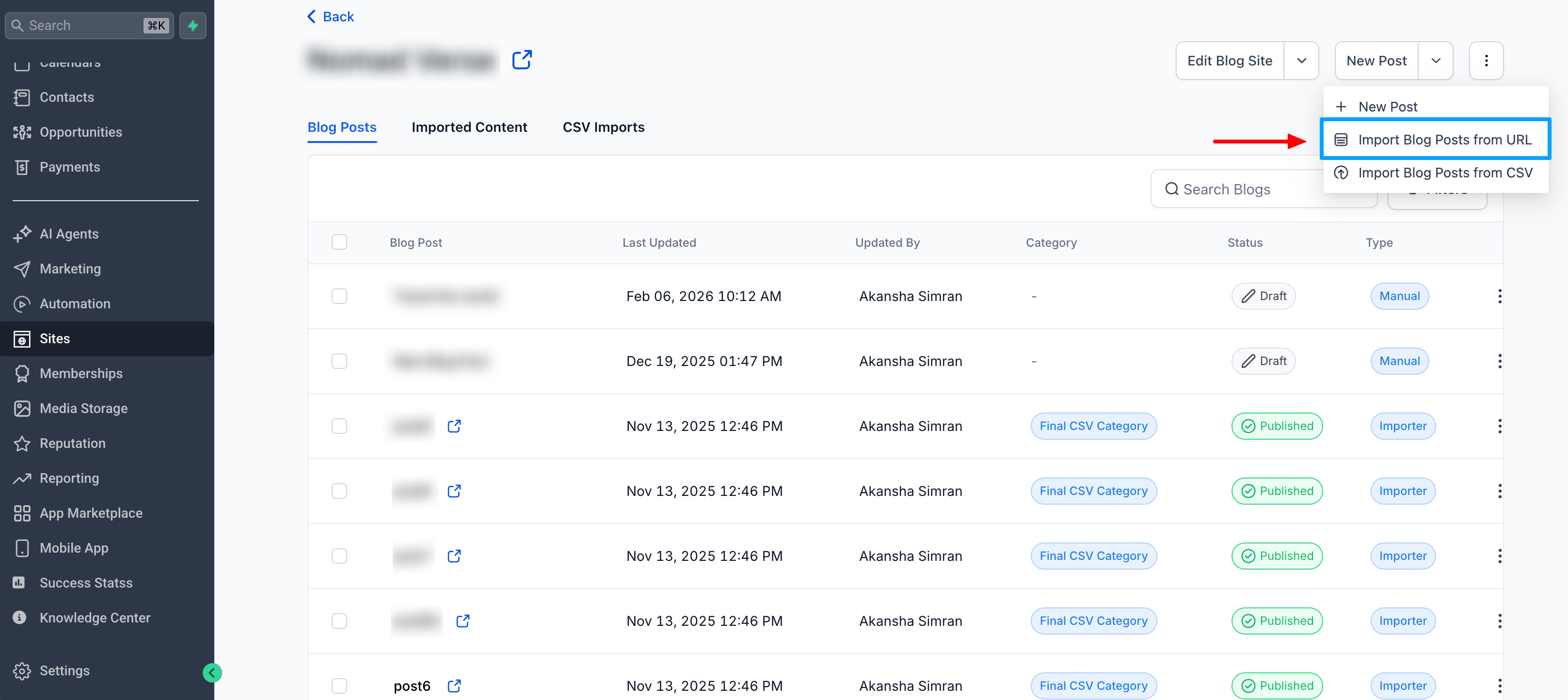
– Enter the homepage URL and scan.
- Review detected posts
- Map metadata (author, category, tags) if needed
- Import mapped and/or unmapped posts
- Posts are automatically assigned the correct status (Published or Draft) based on mapping.