
“Between” Operator for Workflow Trigger Filters
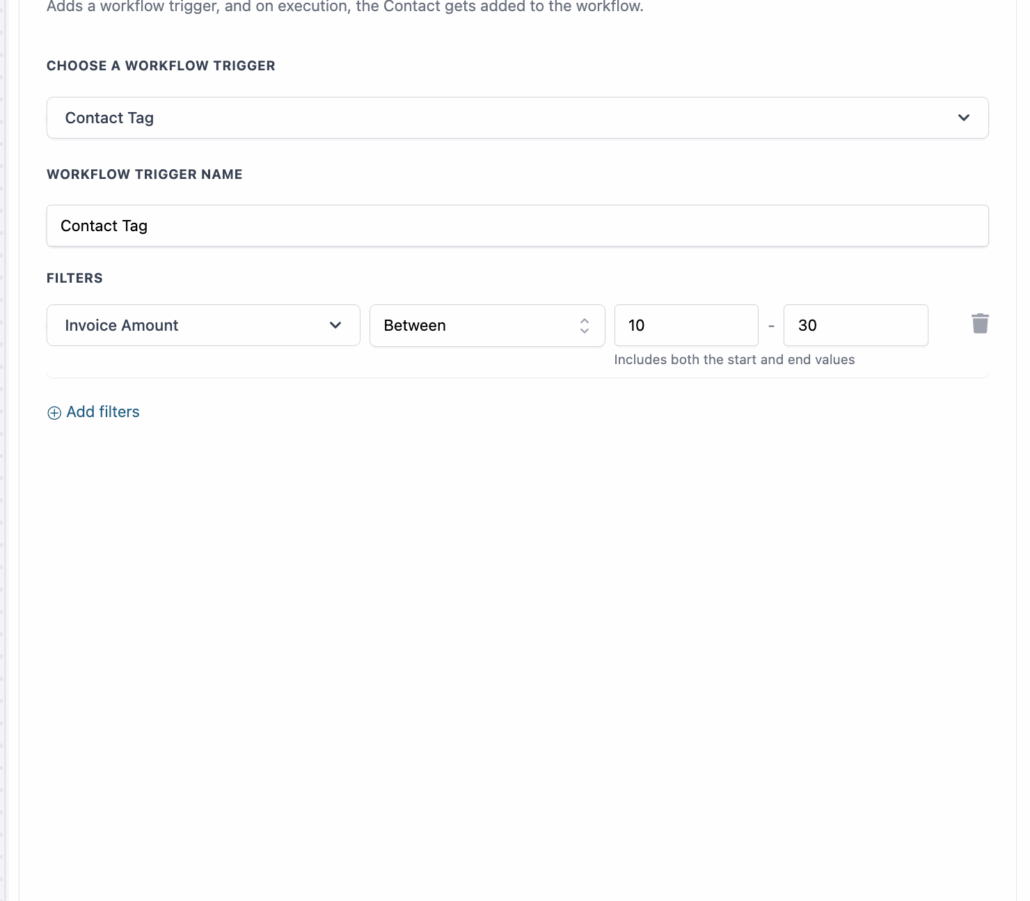
We have introduced a “Between” operator for workflow trigger filters, which allows you to filter values within a specific numeric range using a straightforward two-field input.
Key Features:
- Set minimum and maximum values in two input fields
- Inclusive by default – both start and end values are included
- Works with all numeric fields in triggers
- Built-in validation prevents errors if the minimum value is greater than the maximum
- Clear helper text: “Includes both the start and end values”
Quiz Score Automation:
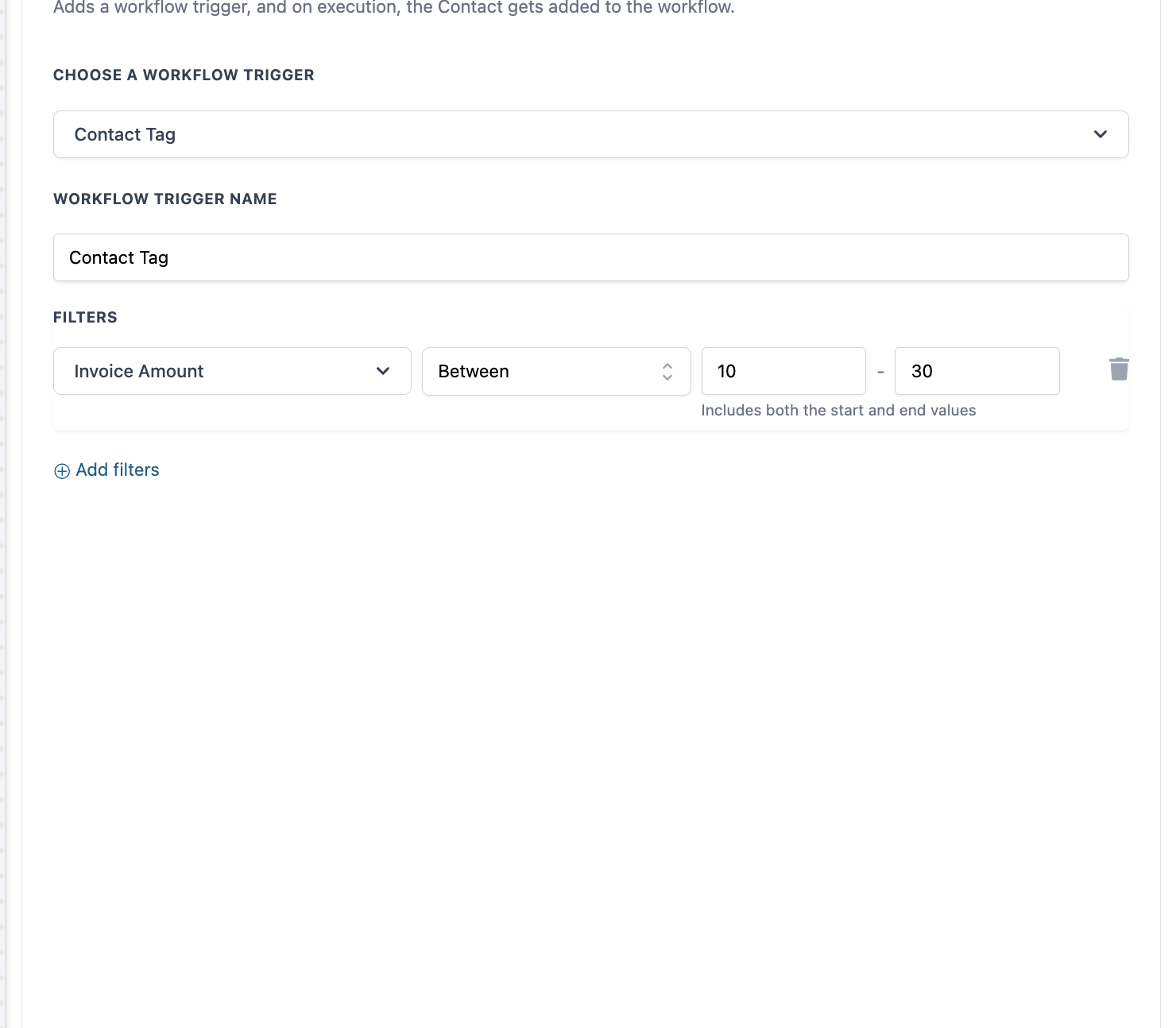
Route contacts based on their quiz performance (for instance, scores between 30-60 can trigger a nurture campaign).
Other Applications:
Filter by purchase amounts, age ranges, engagement scores, or any logic based on numeric ranges.
How to Use:
- Open your workflow trigger configuration
- Select a numeric field to filter
- Choose “Between” from the operator dropdown
- Enter minimum and maximum values
- Save your configuration