Badge Builder, Refined to Perfection 🔥
We have rolled out a set of refinements that make badge creation smoother, more precise, and enjoyable. These enhancements may not be flashy, but they are thoughtful improvements that can significantly affect your daily workflow.
🧹 Cleaner Editing Experience
- The toolbar now auto-hides when rotating or moving elements.
- Resizing issues for lines and shapes have been fixed.
- Unnecessary corner markers have been removed for a neater canvas.
🎯 Better Control for Small Elements
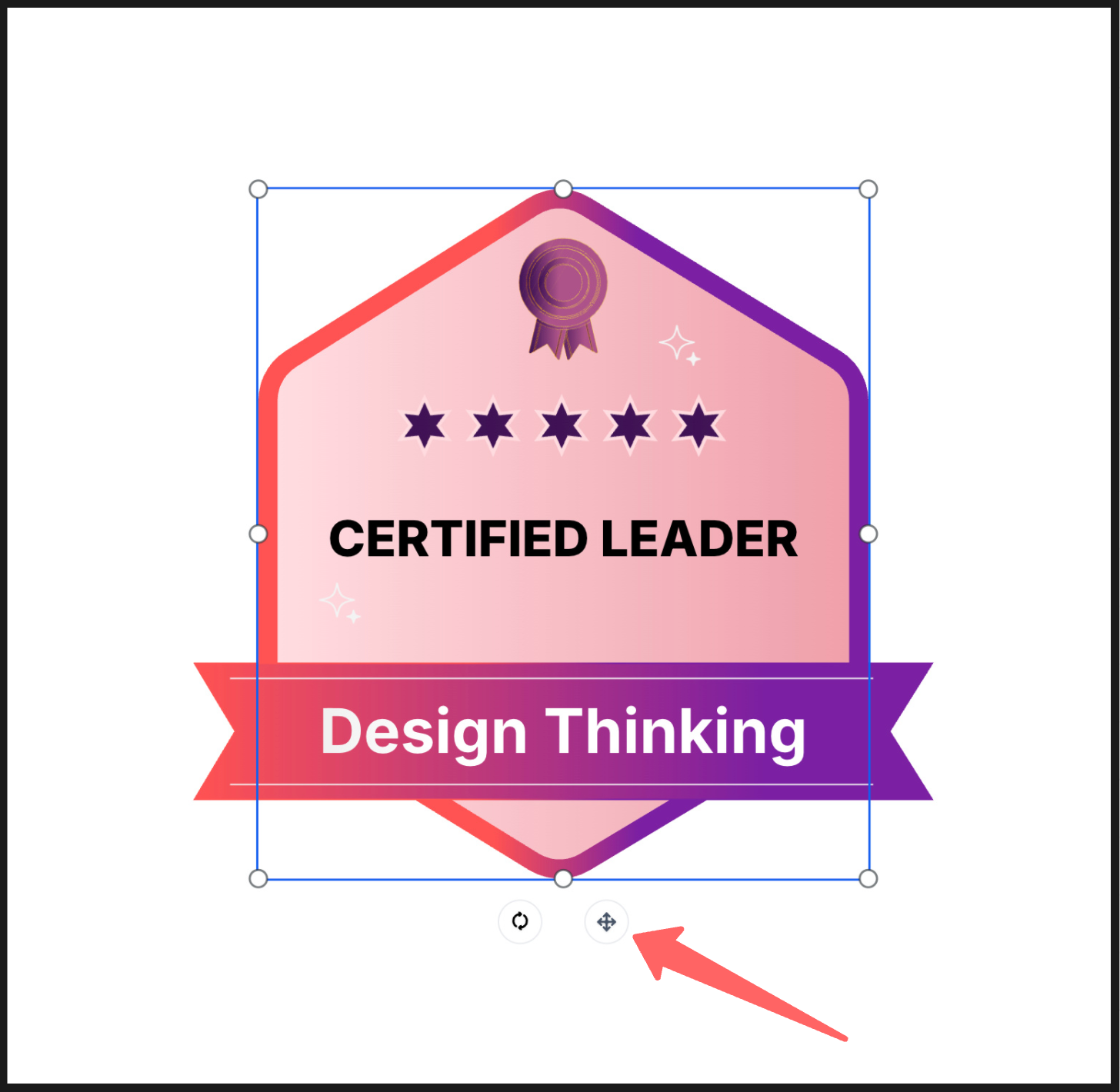
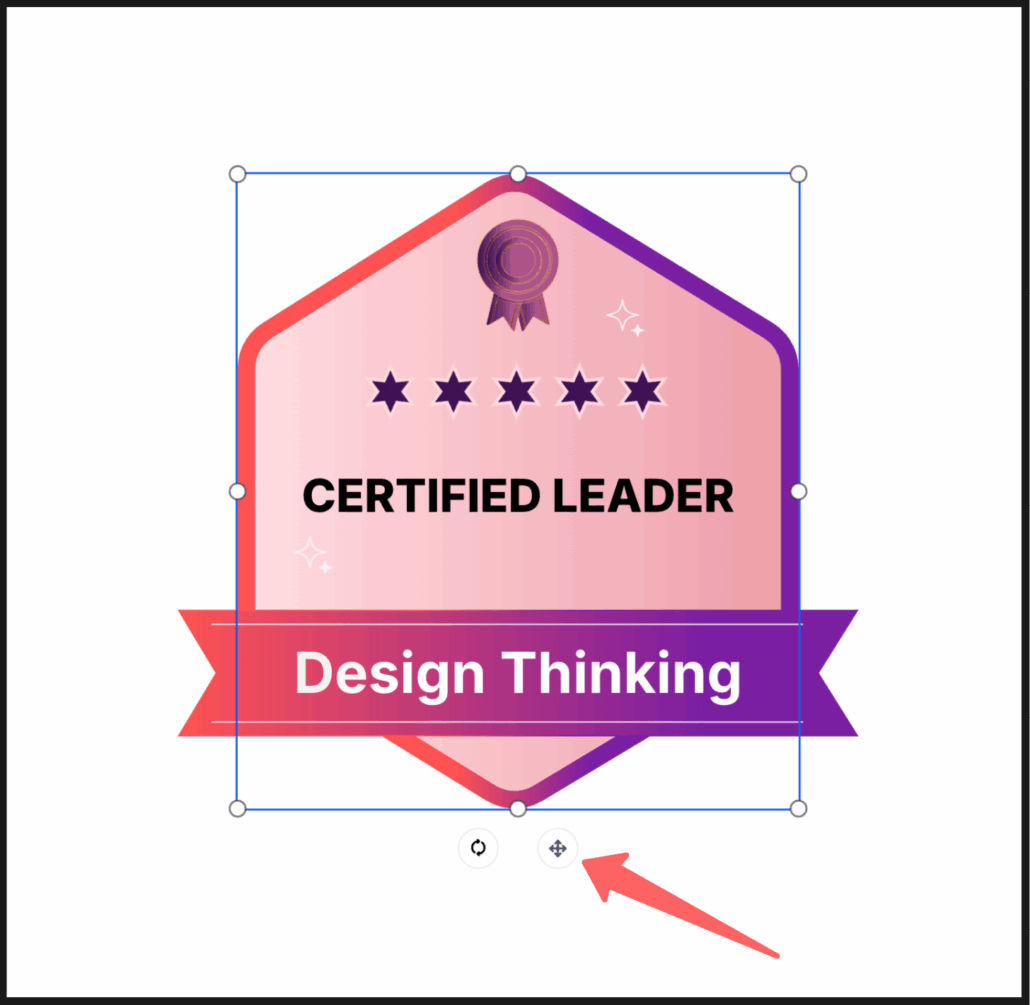
- A new move icon makes it easier to reposition tiny or tightly packed objects.
🎨 Visual Consistency Upgrades
- Template borders now perfectly match the final badge preview.
- Less clutter equals more focus while designing.
- Tiny tweaks now feel effortless.
- What you see while editing is exactly what you get.
These small changes make a big impact, and more smart improvements are on the way!
🔍 How to Navigate to the Badge Builder?
- Go to “
Memberships
”.
- Select the “
Credentials
” tab.
- Click “
Create
” in the top-right corner.
- Choose “
Create Badge
” from the dropdown.