
Autosave Now in AI Builder
Autosave with AI Builder Workflows
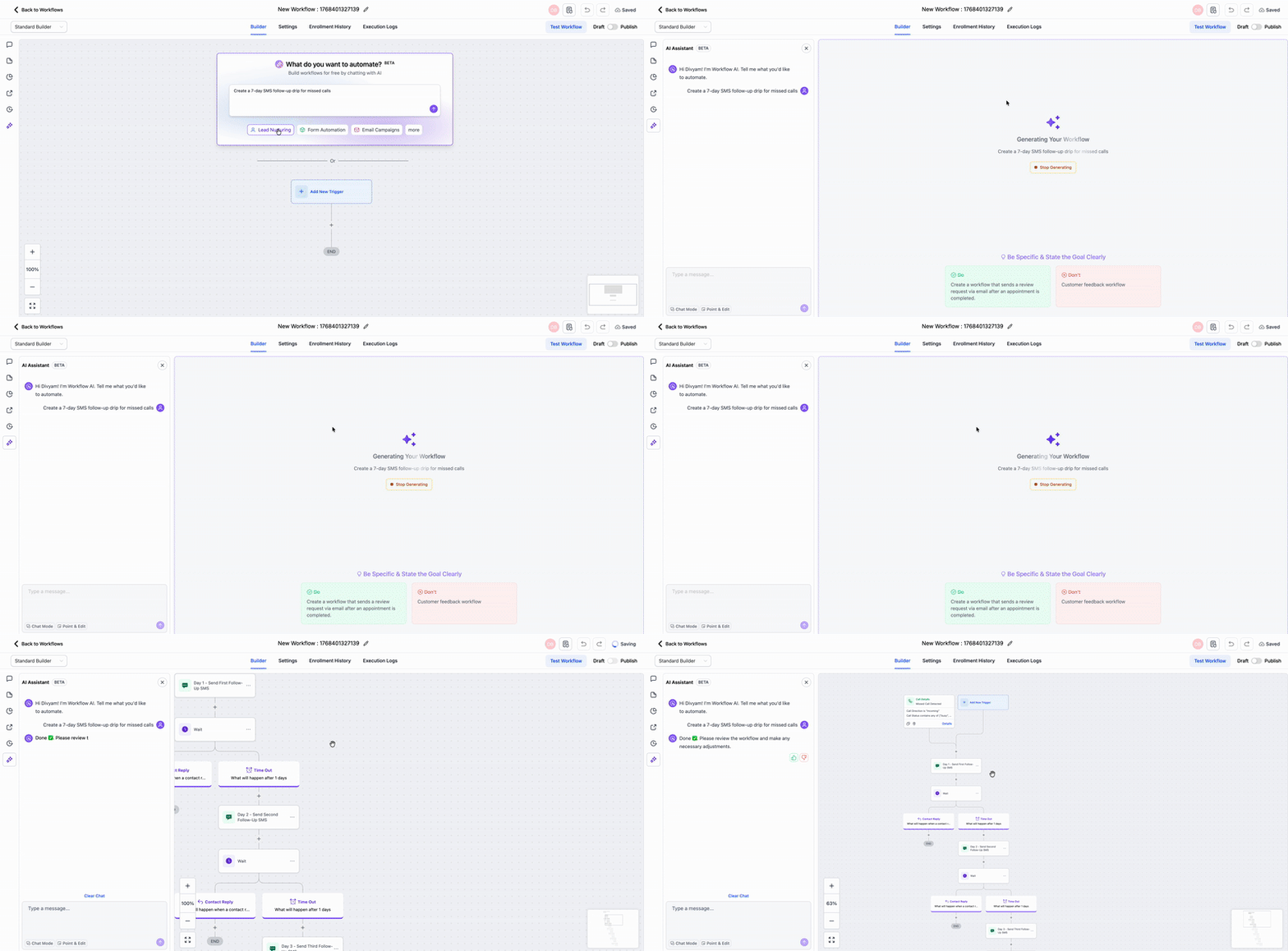
Autosave now functions seamlessly with workflows created in AI Builder. When you enable Autosave, your AI-generated workflows will automatically save upon creation, and every subsequent edit made in AI Builder will be saved in the background.
To activate Autosave, go to the global workflow settings. Once enabled, any workflows you generate using AI Builder will save automatically. Moreover, further edits conducted through AI Builder will continue to save without any manual effort required.
Work confidently with AI, knowing that you won’t lose any progress due to forgotten saves, network issues, or browser refreshes.
