
Auto-Scroll to First Error + Improved Error Handling in Forms, Surveys & Quizzes
We’ve introduced two key enhancements to Forms, Surveys, and Quizzes:
- Auto-Scroll to First Error
- Streamlined Field-Level Error Display in Surveys
These updates aim to minimise submission friction and make error correction easier and more intuitive.
Auto-Scroll to First Error
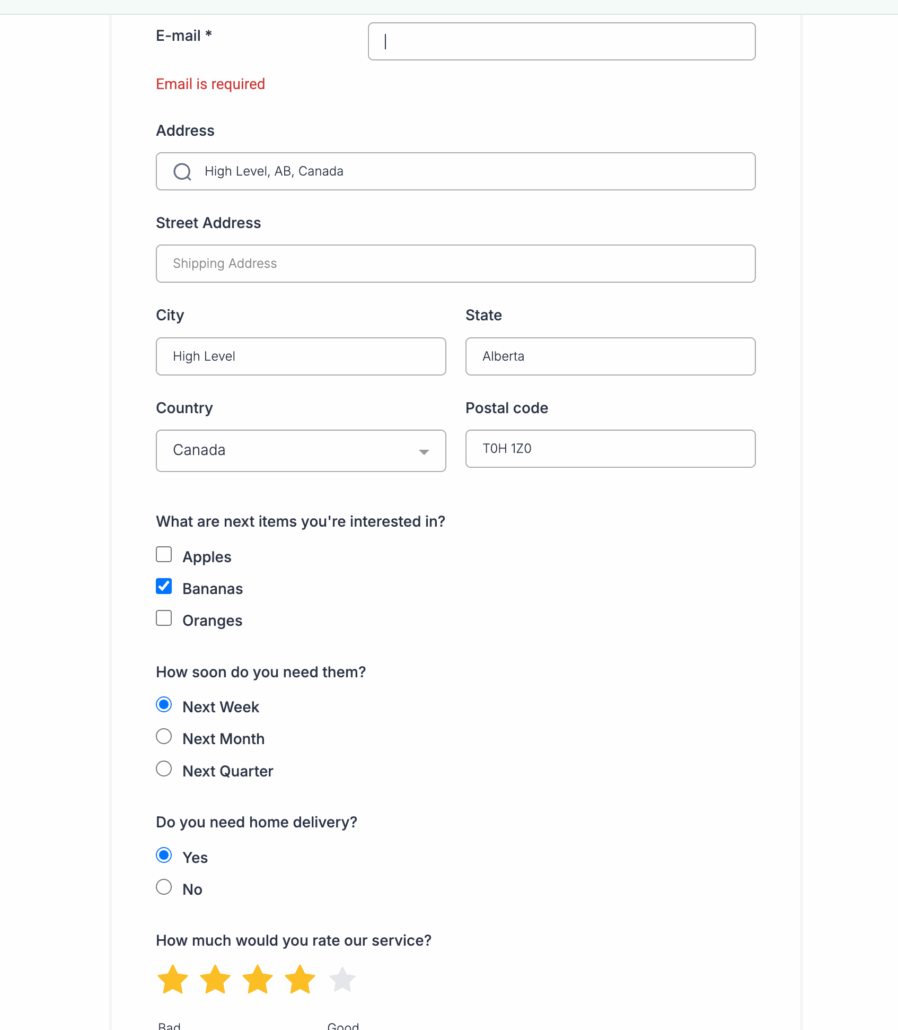
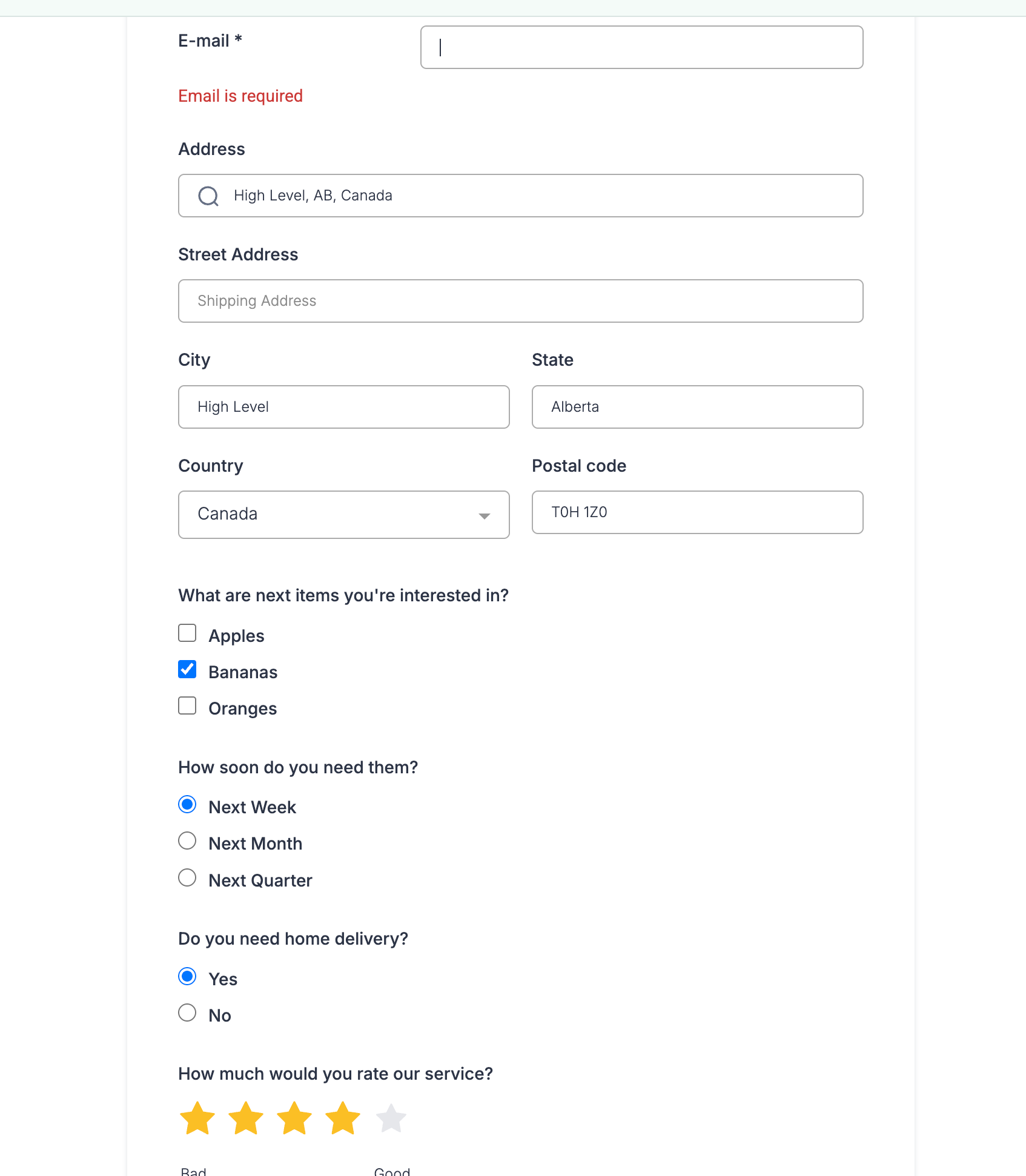
- When users attempt to submit a form or survey with validation errors, the system now automatically scrolls to the first field with an error.
- This feature eliminates the need to manually scan the form for missed inputs.
**Improved Survey Error Messaging**
- Previous Behaviour: All validation errors in surveys were displayed as a single list at the top of the slide, requiring users to locate and rectify each field manually.
- New Behaviour: Errors now appear inline—directly on the relevant fields—with auto-scroll guiding users to the first issue.
Mobile-Friendly
- These changes are particularly beneficial on mobile devices, where manually identifying errors in lengthy forms was previously cumbersome.
Upon form or survey submission:
- If any fields contain validation errors, the user is automatically taken to the first error on the page.
- Inline error messaging ensures users don’t overlook critical input issues, especially in surveys with multiple fields per slide.
This update applies to all Forms, Surveys, Quizzes, and Requests.
- This feature is enabled by default—no setup is required.
- It is especially effective for longer, complex forms with multiple inputs or sections.
Check these videos for feature flow:
