
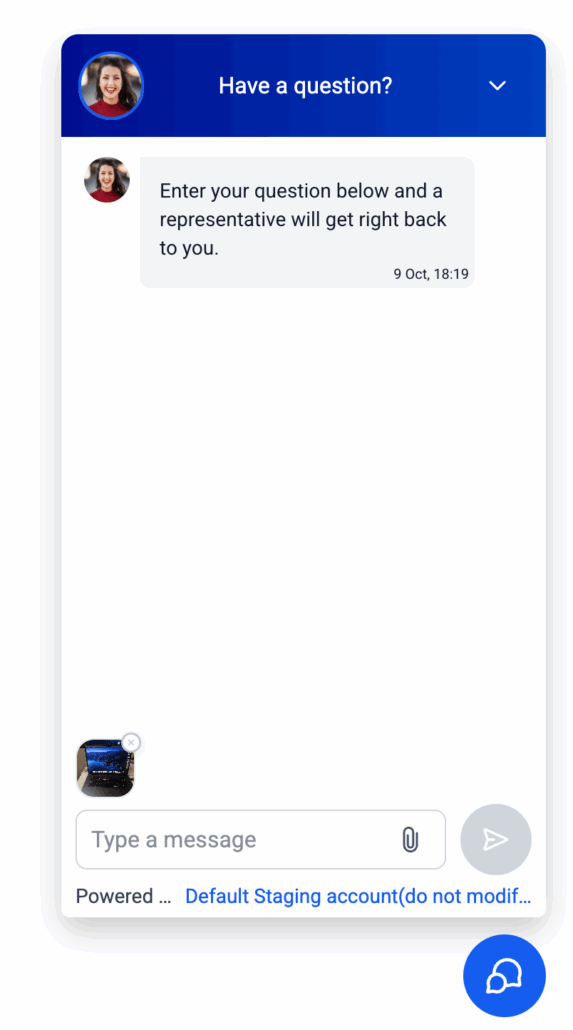
📎Attachments in Live Chat Widgets
🧾 Summary of the Release
share files within Live Chat
. Simply drop in an
image
or a
, write a message and hit send—no more asking customers to email screenshots. It’s simple, quick, and works perfectly on both desktop and mobile.
-
What You Can Send:
Images
with extensions –
.jpg, .jpeg, .png, .heic
and
PDF documents
with the
.pdf
extension.
-
How Many:
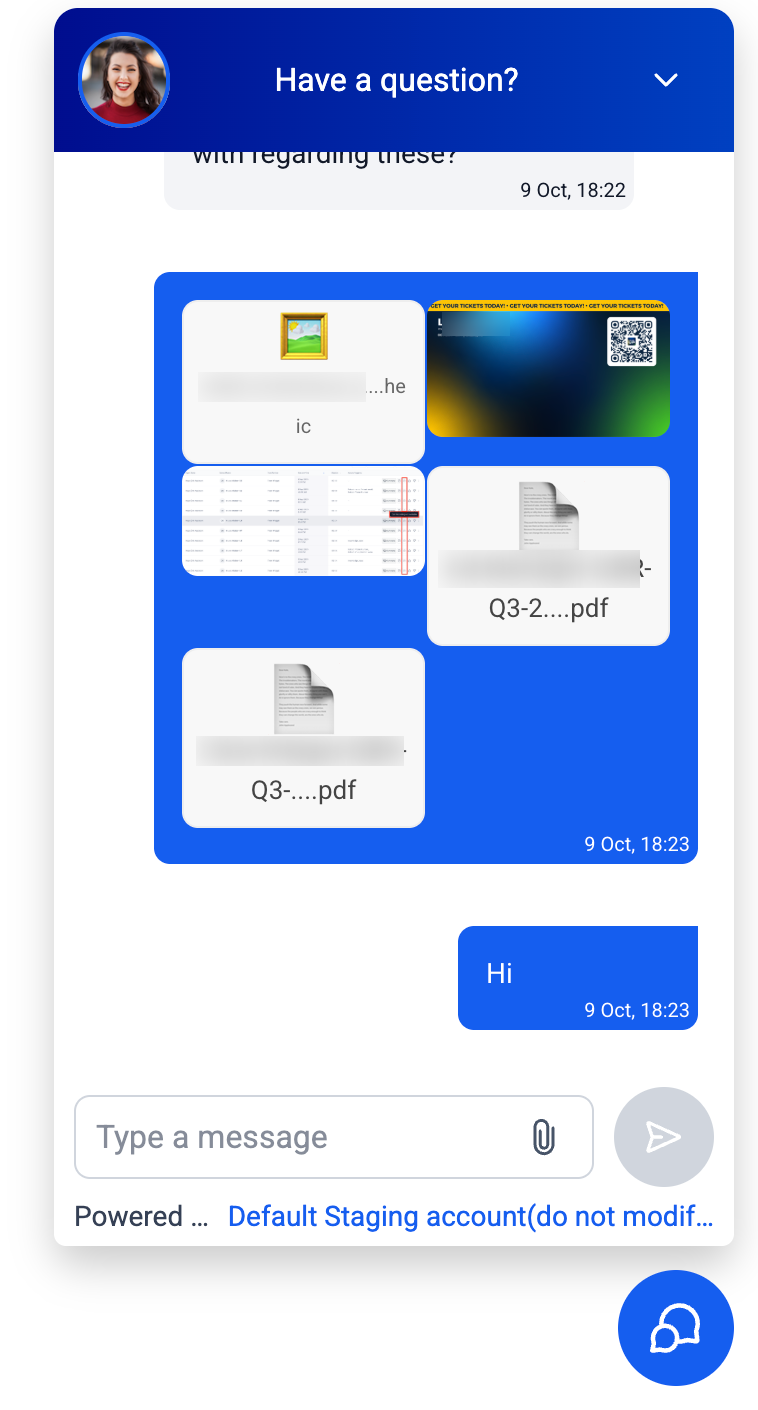
Up to 5 files per message
, with each
file size being less than 20MB
.
- How It Looks:
-
JPG/PNG
files will display a small picture preview directly in the chat.
-
HEIC/PDF
files will show the file name along with a download option.
-
Desktop & mobile: Drag files in from your
file explorer
on desktop or select from
Camera/Gallery
on mobile.
-
Built-in checks will clear messages if a file is too large, unsupported, or if you attempt to add the
same file twice
in one message.
-
Visitors/end users
can click the
paperclip
icon in the chat (or drag files from your file explorer).
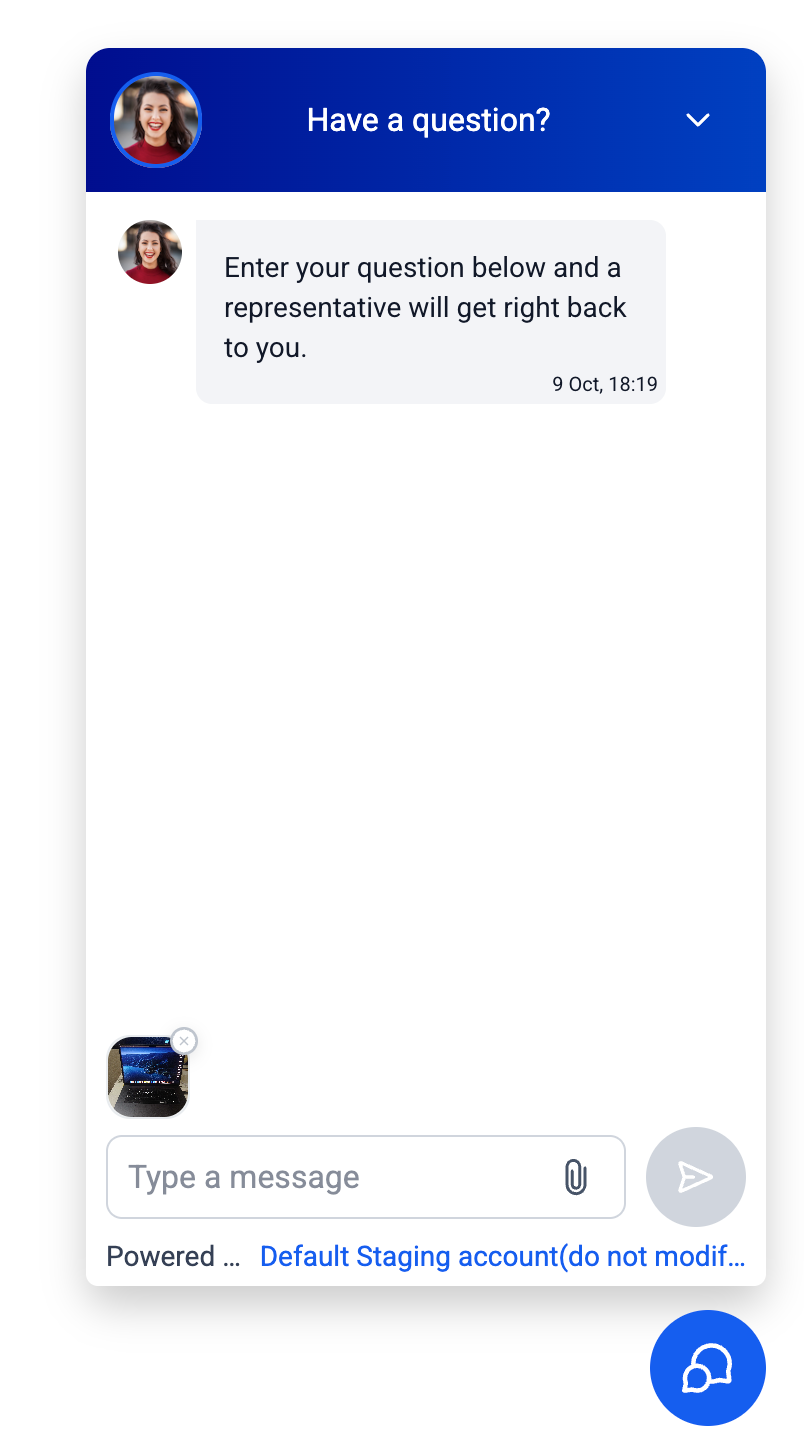
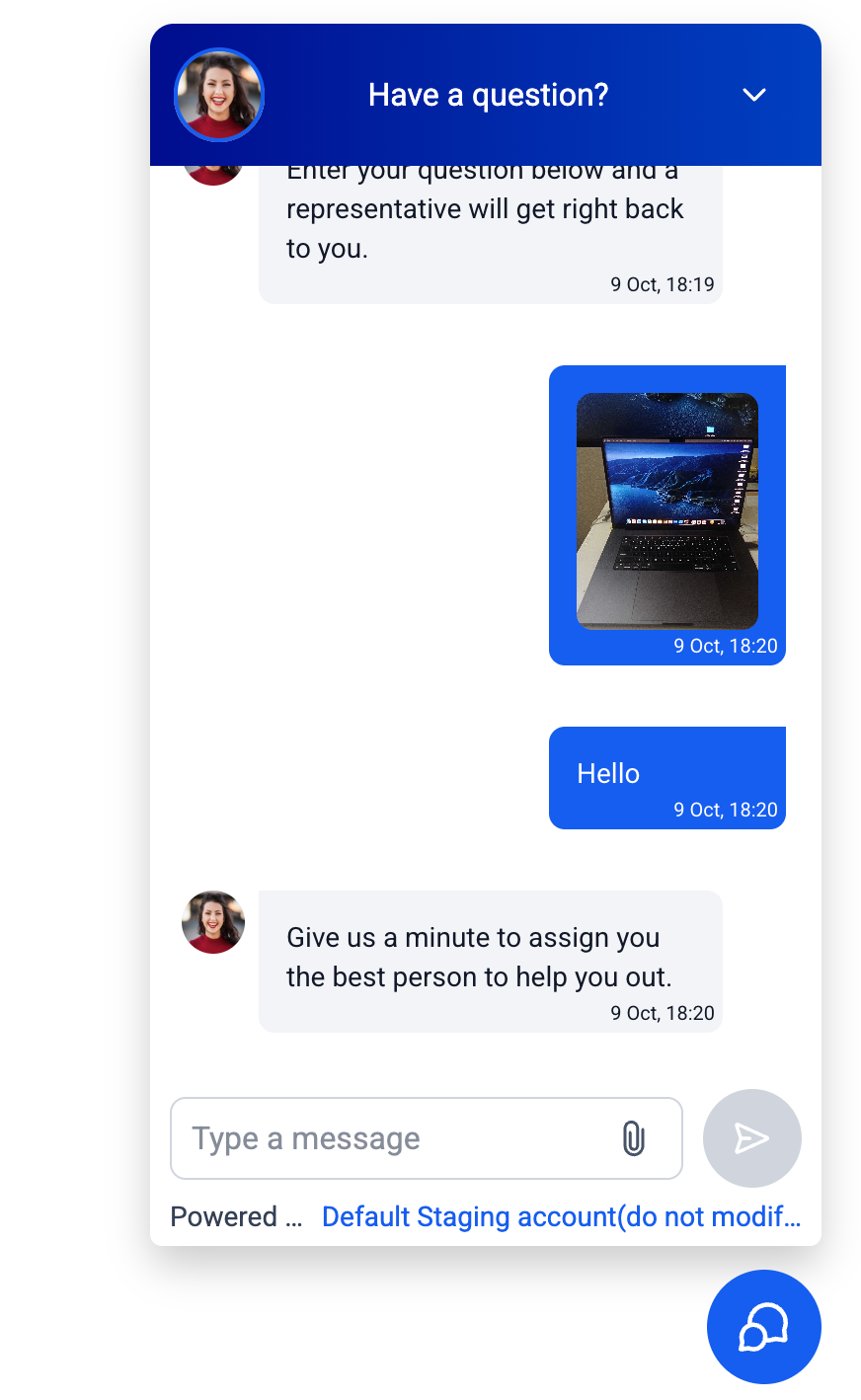
- Choose up to five supported files.
-
Type a Short Message (required), then
Send
.
-
In your
Conversations
inbox, click on images to preview or download; HEIC/PDF files will download automatically.
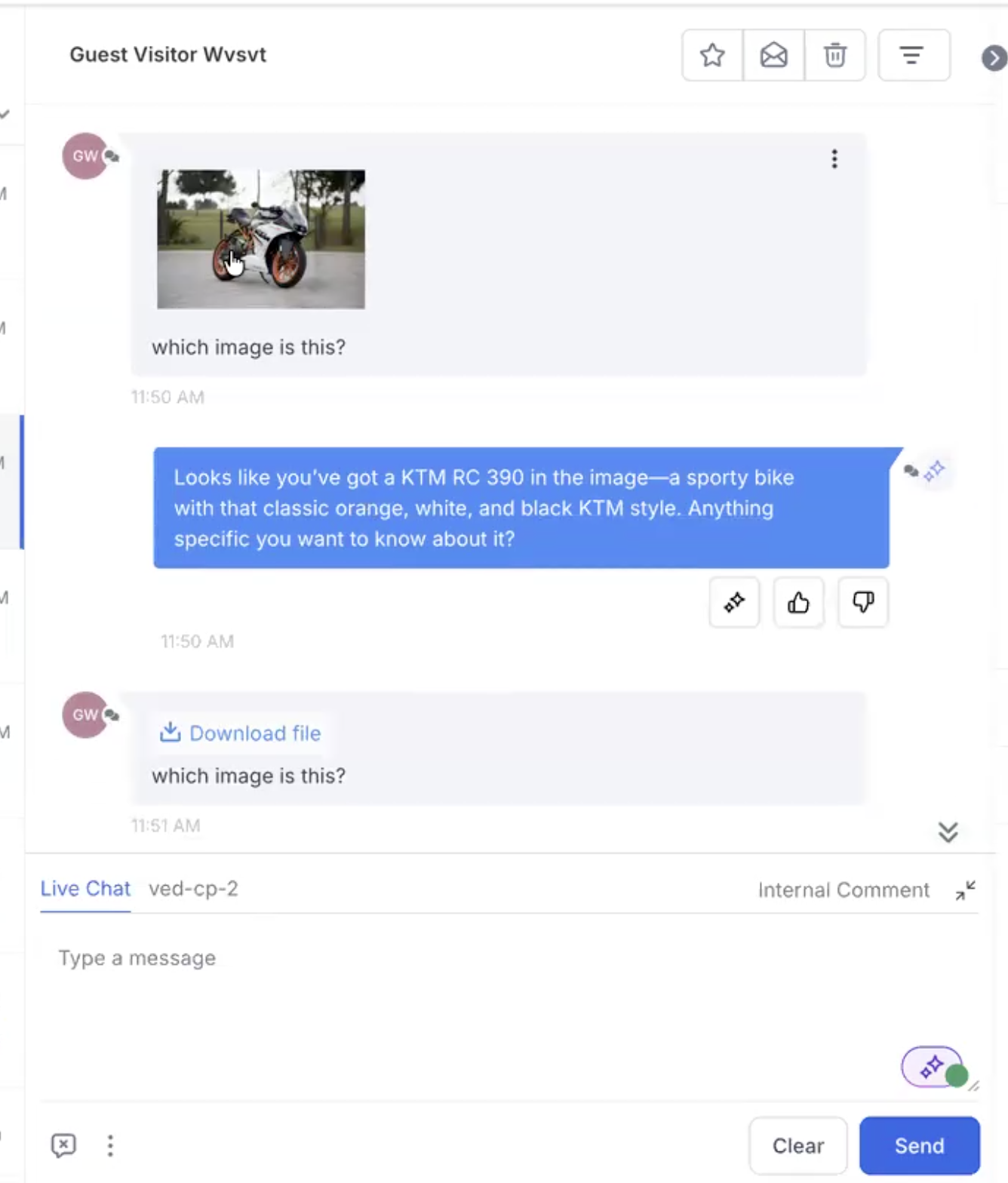
Tip: If nothing happens when you drag a file, ensure you are dragging from your computer’s file explorer, not from another application or window.
🤖 Conversation AI (Optional)
respond to images
sent by customers?
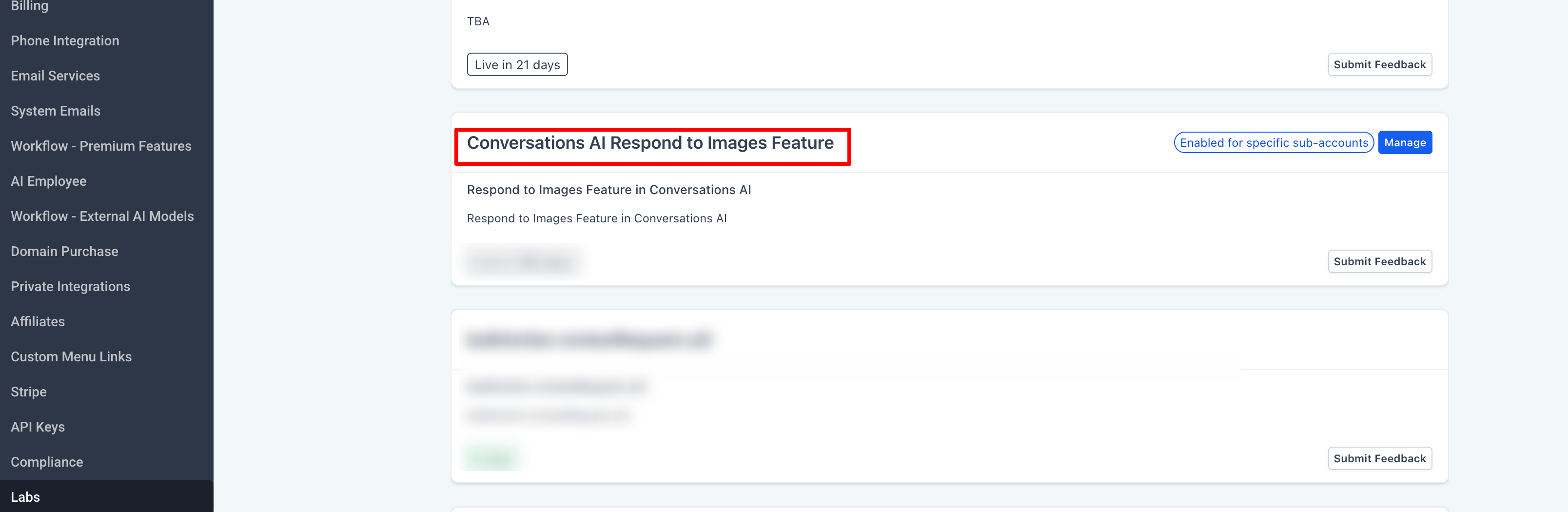
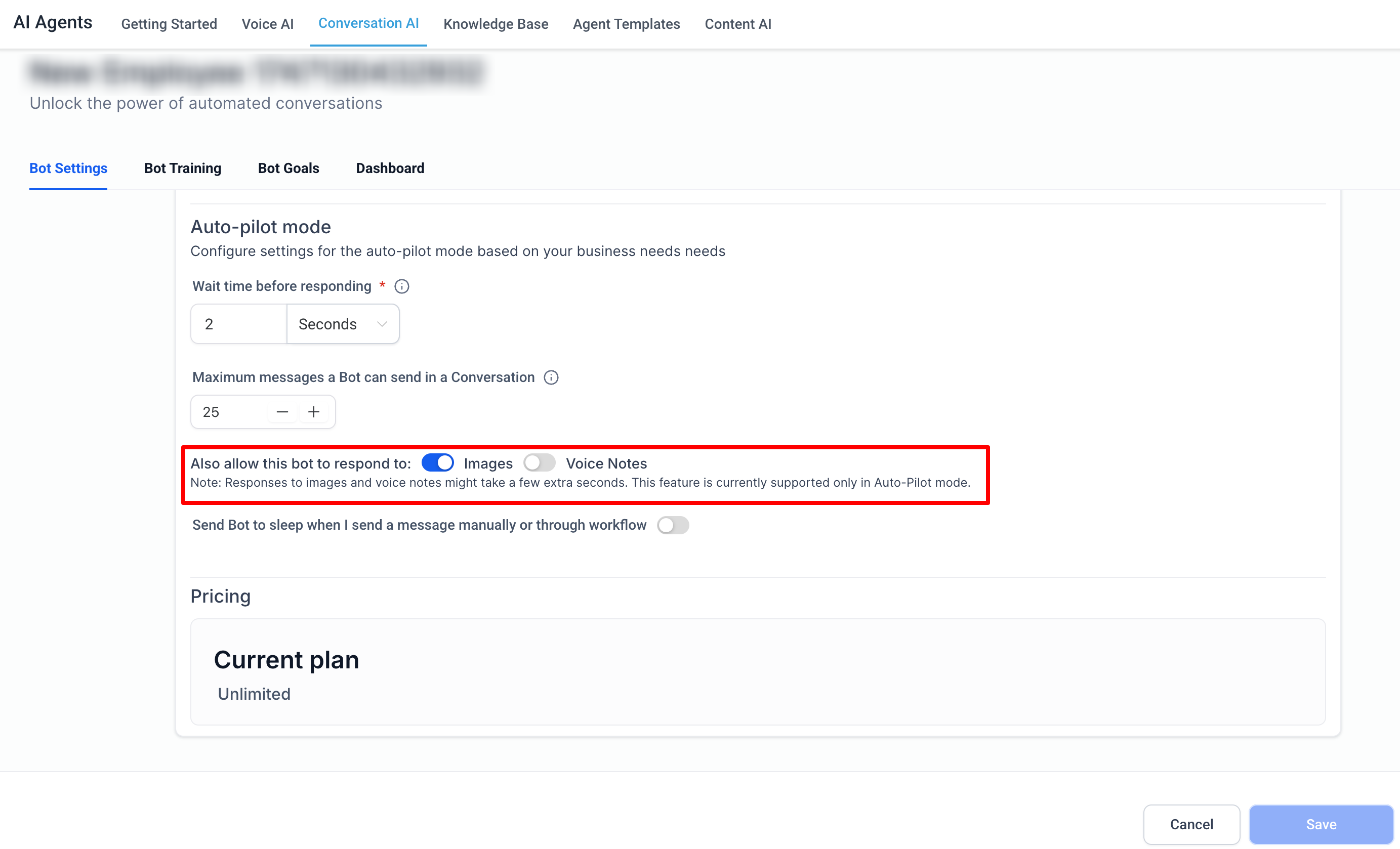
Note: Currently, the bot can only respond to
images
(not PDFs).
-
Agents sending files
from the Conversations inbox (in progress)
- More file types and additional safety checks.
- Filenames with
unusual characters
(e.g., repeated spaces, +, <, >) may be blocked from being uploaded.
