
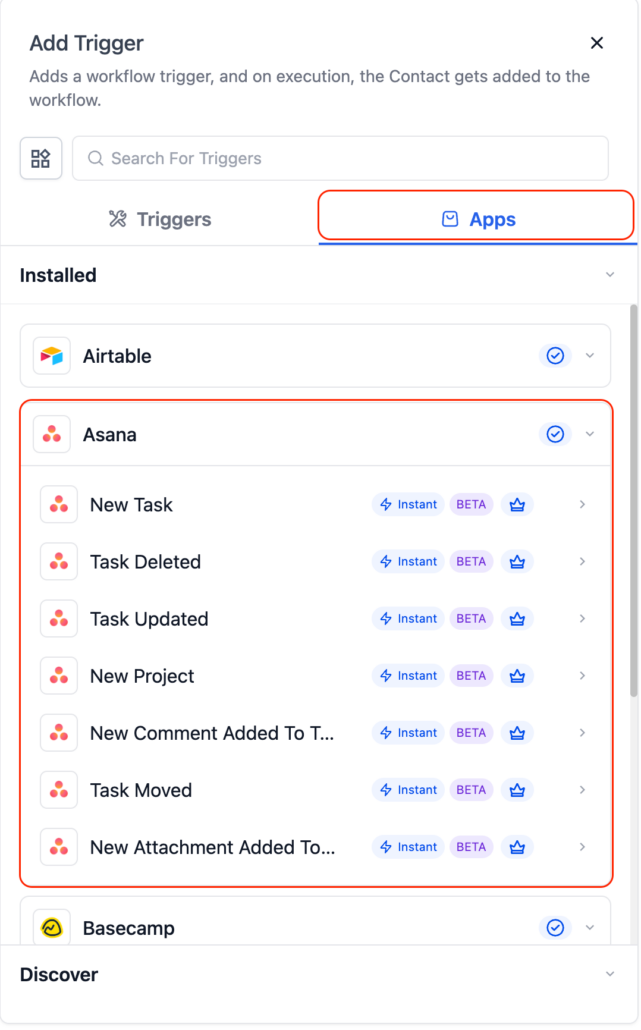
Asana – New Actions & Triggers in Workflows
You can now connect Asana directly to your workflows, making it easy to create tasks, update projects, and synchronise work between Clixio and Asana without relying on Zapier, Make, or custom webhooks.
Triggers (from Asana → Clixio):
Instant triggers that activate as soon as an activity occurs inside Asana:
- Task Created (Instant) – Activates when a new task is created.
- Task Updated (Instant) – Activates when a task is updated (status, fields, etc.).
- Project Created (Instant) – Activates when a new project is created.
- Comment on Task (Instant) – Activates when a comment is added.
- New User – Activates when a new user joins your Asana workspace.
- Task Moved to Section (Instant) – Activates when a task moves between sections.
- New Attachment Added (Instant) – Activates when a file is uploaded to a task.
- Tag Added to Task (Coming Soon) – Activates when a tag is added.
- New Subtask (Coming Soon) – Activates when a subtask is created.
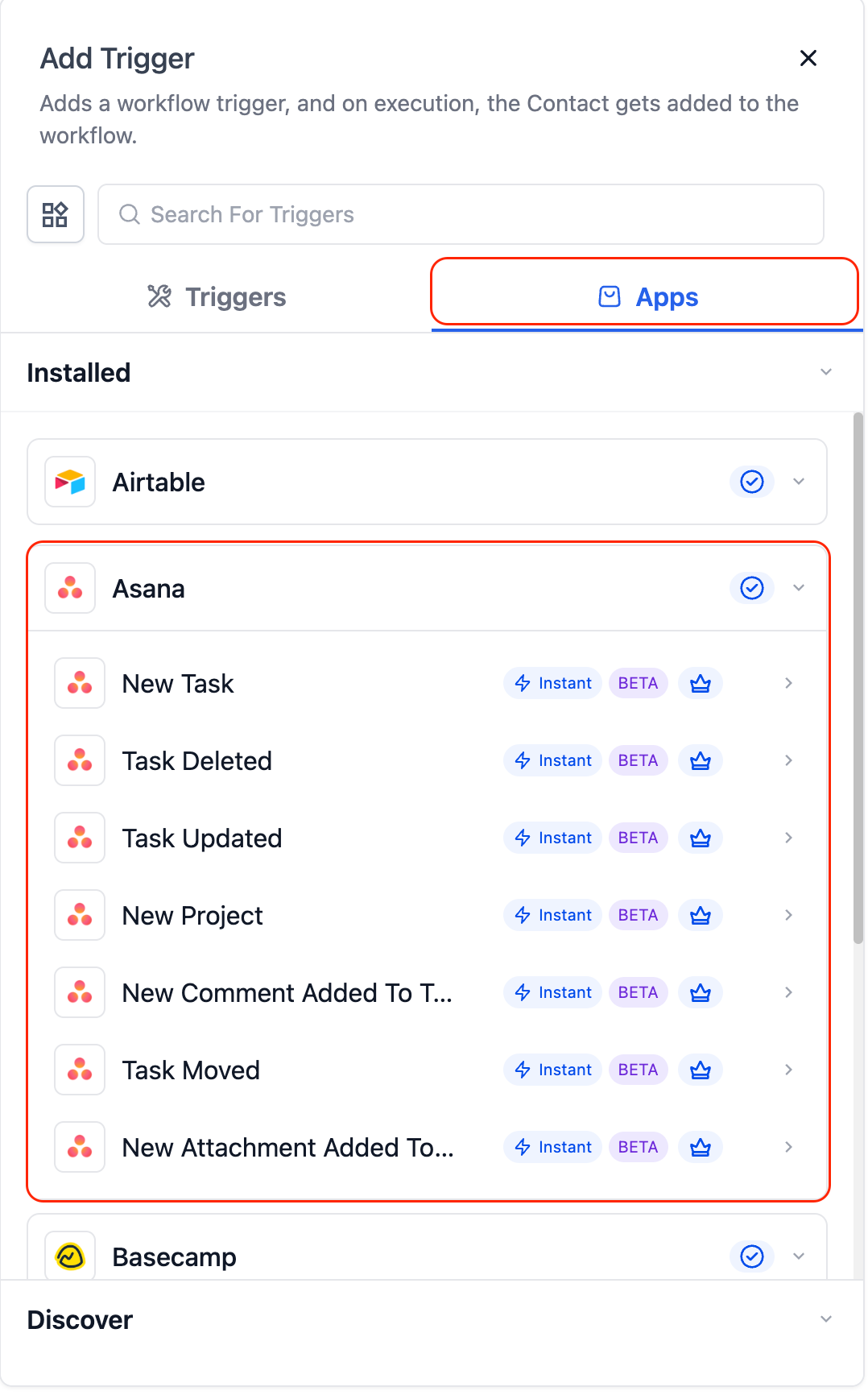
Actions (from Clixio → Asana):
- Create Task – Add new tasks with a name, details, due date, and assignee.
- Update Task – Modify existing task fields.
- Find Task by ID – Look up a task via its Asana task ID.
- Find Task – Search tasks by name.
- Create Section – Add a new section to an Asana project.
- Add Task to Section – Move an existing task into a section.
- Create Comment / Story – Add comments or internal notes.
- Create Subtask – Add subtasks beneath a parent task.
- Create Project – Generate new Asana projects programmatically.
- Find All Tasks from Project – Fetch all tasks within a project.
- Find Task in Project – Locate a specific task inside a project.
- Find Comment from Task – Retrieve comments on a task.
- Find Comment by Task ID – Fetch comments using the task’s ID.
A task is updated in Asana → Clixio sends a Slack or email notification to the assigned team member.
A new lead or form submission is received → Clixio automatically creates a new Asana task with contact details and follow-up notes.
Cross-Platform Project Synchronisation
A new project created in Asana → Clixio synchronises it to ClickUp, Airtable, or other systems to maintain alignment across all platforms.
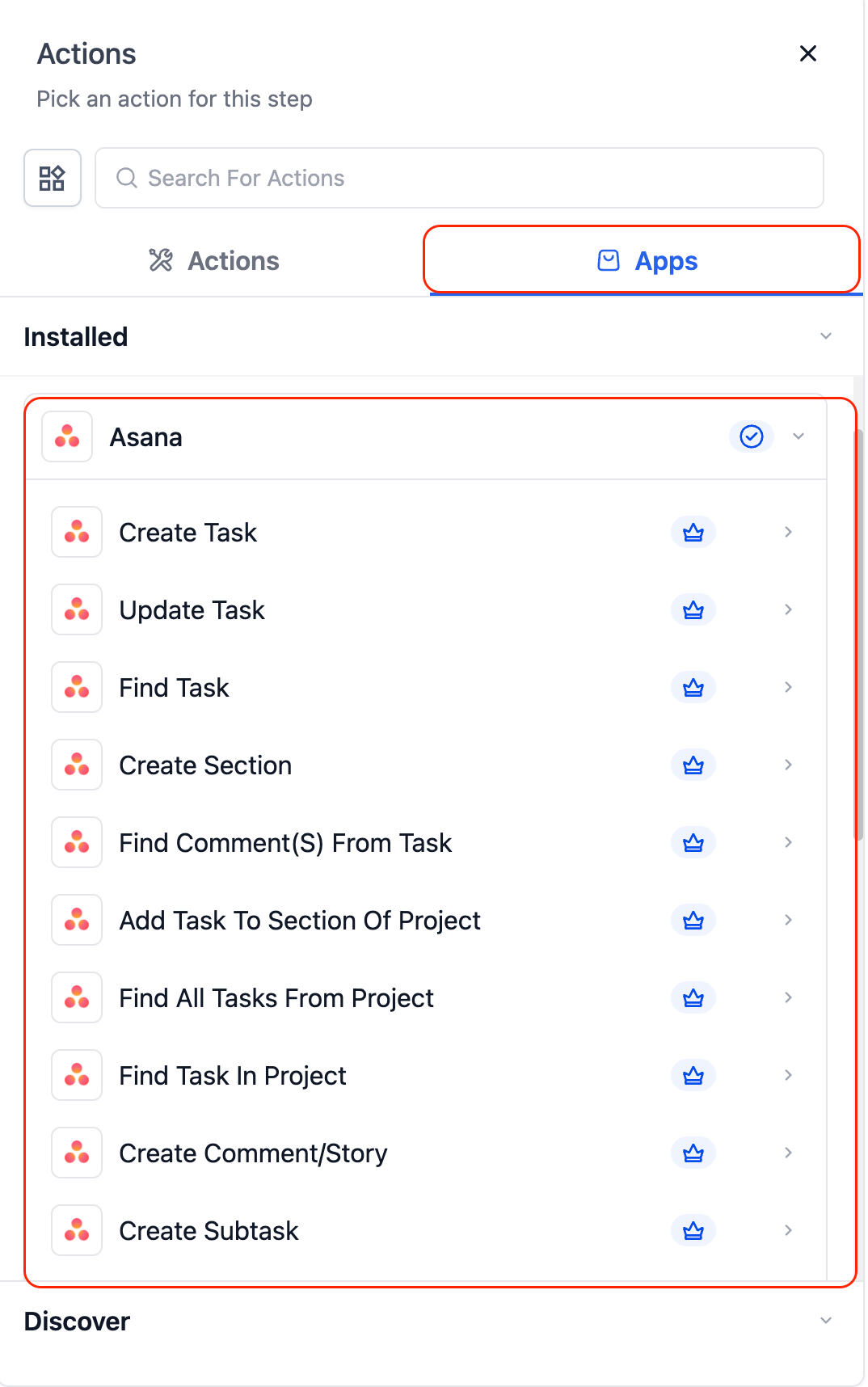
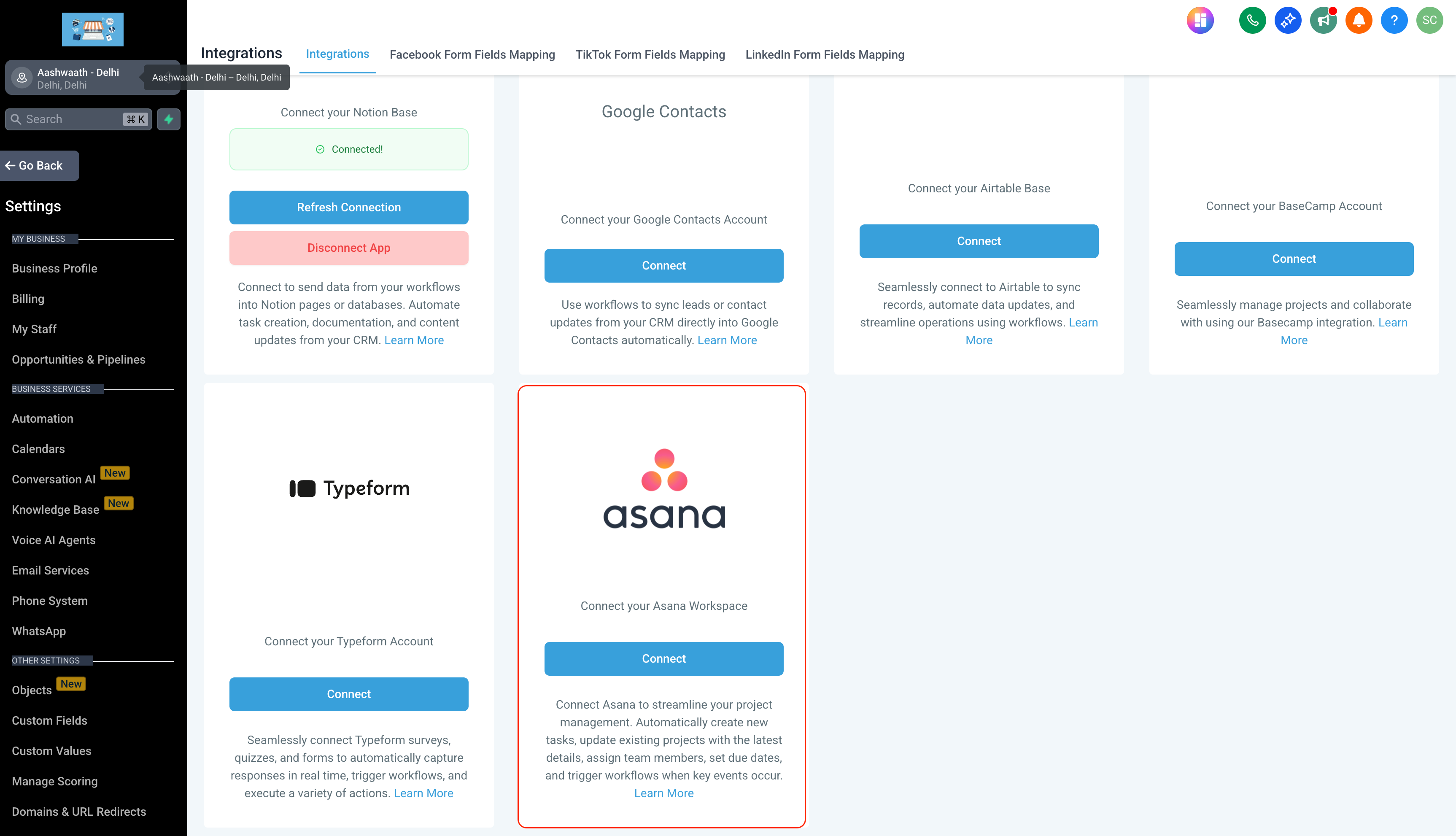
- In Workflows, search for “Asana.”
- Select a trigger or action → click Connect Now.
- Log in with your Asana account via OAuth.
- Alternatively, connect via Settings → Integrations → Asana.
- All Asana triggers are instant — powered by real-time webhooks (no polling delay).
- Works with both free and paid Asana plans (advanced features may require paid tiers).
- Recommended: Use Fields Changed when using Task Updated to avoid cascading updates triggering unnecessary workflows.
