Animation Customizations in Funnels & Websites
The Page Builder just got a major animation upgrade! We’ve introduced a powerful new animation adjustment system that provides you with fine control over how elements animate on your pages. This release transforms the way you create engaging, dynamic content with precisely tuned animation controls.
Advanced Animation Adjustment Panel
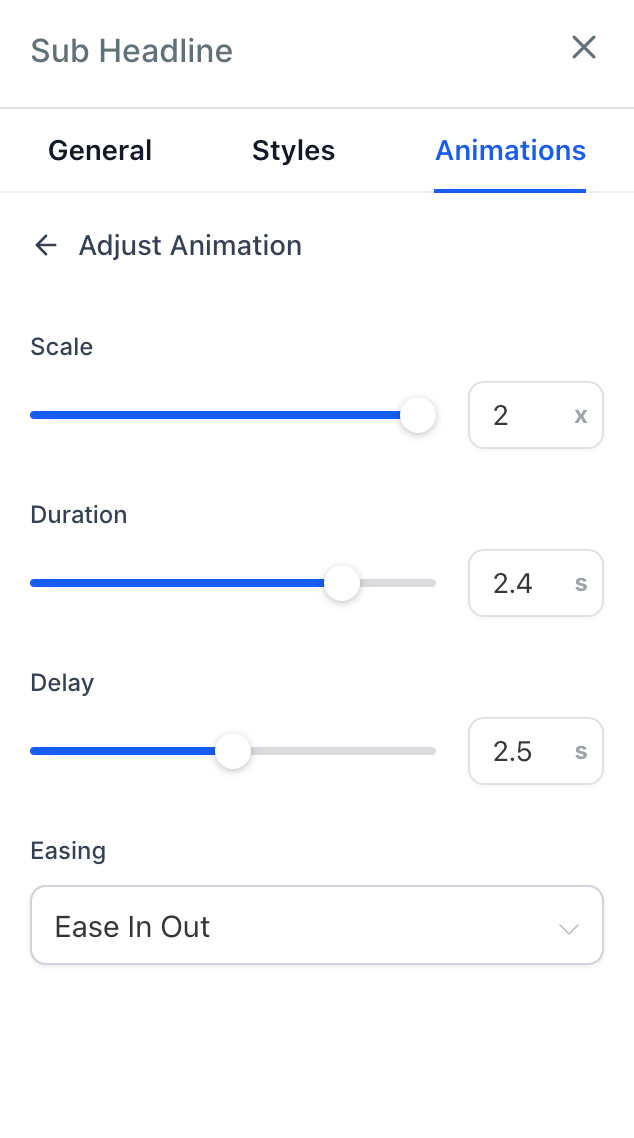
Introducing the all-new dedicated interface for fine-tuning animation properties with real-time previews. Say goodbye to default animation settings!
Precision Animation Controls
Scale Control: Adjust the animation scale from 0.5x to 2x for either dramatic or subtle effects.
Duration Control: Fine-tune animation timing from 0.1s to 3s for perfect pacing.
Delay Control: Set precise delays from 0s to 5s for staggered animations.
Easing Control: Choose from Linear, Ease-In, Ease-Out, and Ease-In-Out for smooth motion.
Dynamic animation keyframes are generated, with support for additional customisation features in the future.
Real-time Preview: See changes instantly as you adjust animation parameters.
New Navigation and Grouping: Enjoy a clean, organised interface.
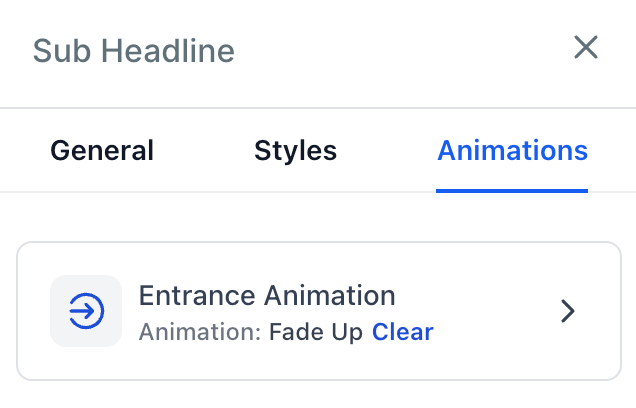
- Select any element → Click the ‘Animations’ tab in the right sidebar.
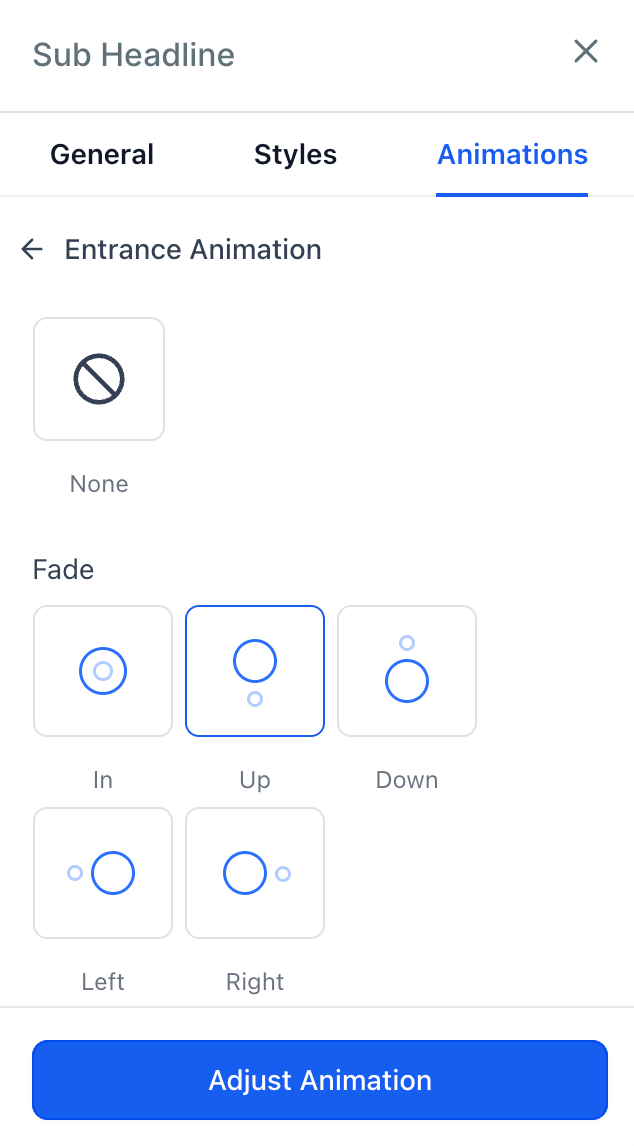
- Choose your animation from the available groups.
- Click the ‘Adjust Animation’ button at the bottom of the sidebar.
- Fine-tune your animations!
This feature paves the way for enhancing animation effects and introducing new customisation options in the future.
Stay tuned – more customisation and new animations are on their way!