
AI Powered Field Tooltips | Clixio Changelog
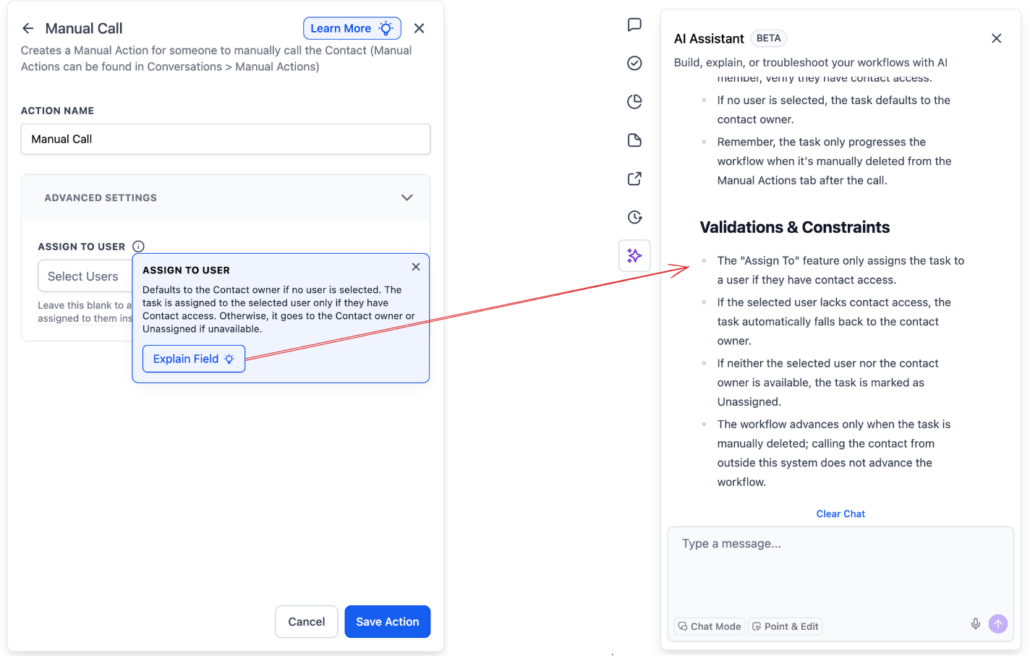
Workflow Action Fields now include AI-powered tooltips that provide contextual explanations directly within the builder. Building on the existing “Learn More” AI capability available for actions and triggers, this feature extends AI-assisted guidance to the individual field level.
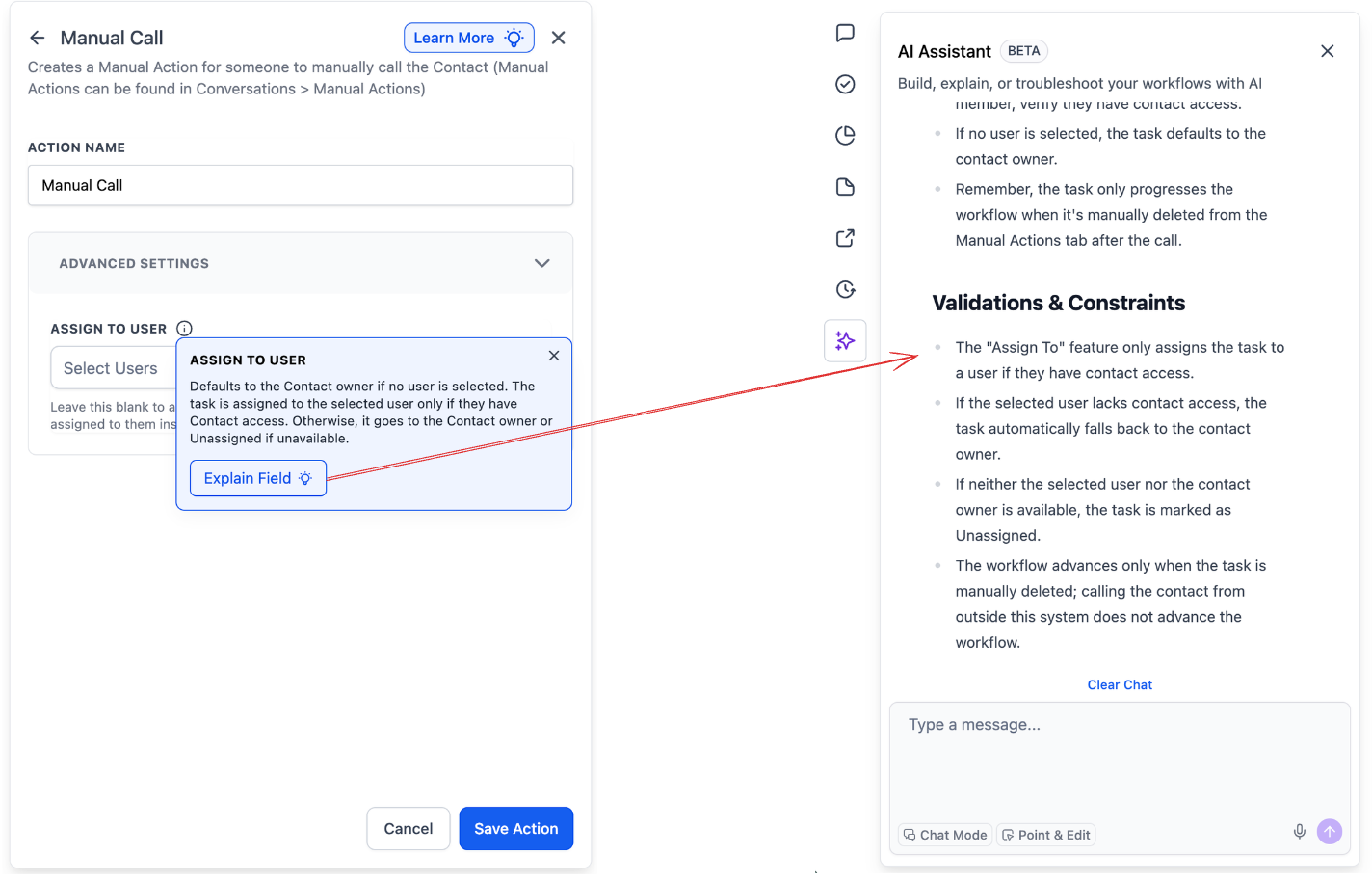
When hovering over the ℹ️ icon next to a field, users see a brief description of the field’s purpose along with an “Explain” call-to-action. Clicking “Explain” opens the AI assistant, which offers a detailed, conversational explanation of that field — including how it impacts the workflow. Users can ask follow-up questions and clarify any doubts without leaving the builder.
Manual Action to SMS
and
Manual Action to Call
Actions. Results from this test will inform a broader rollout.
Depending on the outcomes of the experiment, AI-powered tooltips will expand to all fields across all actions and triggers — making the workflow builder more self-explanatory and reducing the learning curve for new users.
Users no longer need to leave the builder to search for documentation or guess the purpose of a setting. Combined with the existing “Learn More” capability on actions and triggers, field-level AI tooltips offer instant, contextual clarity precisely where it’s needed.
