
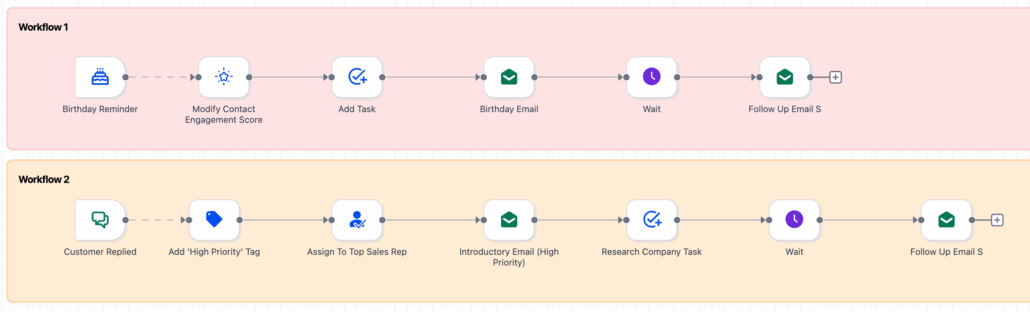
Advanced Builder: De-Linked Nodes for Workflows
Organise Independent Branches in Your Workflows
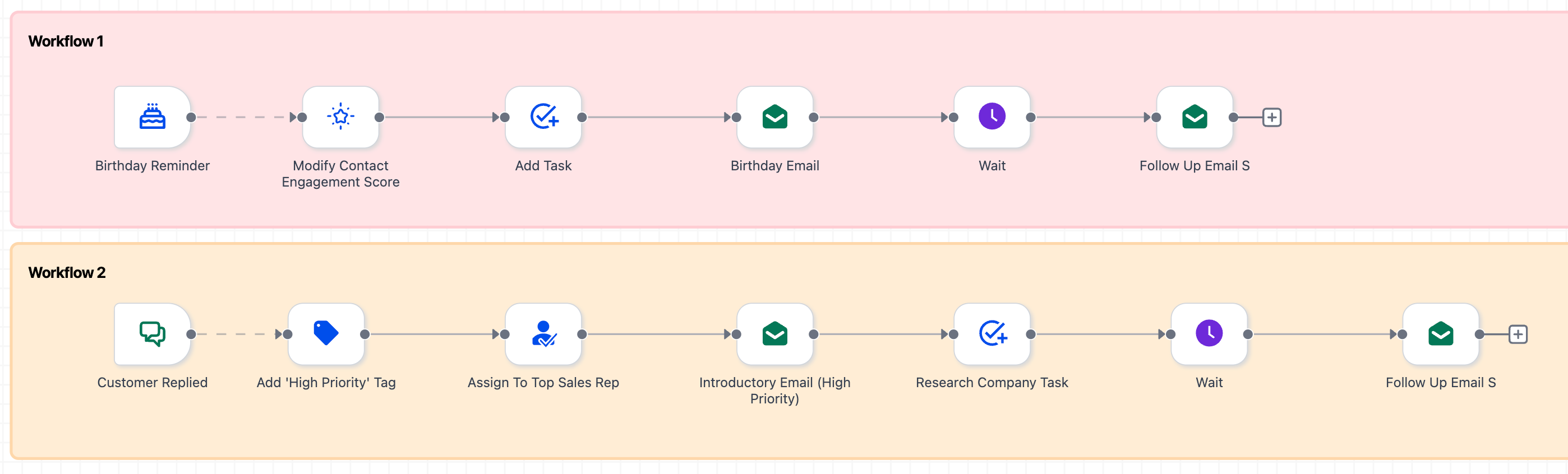
Create multiple mini-flows side-by-side on a single canvas.
Visually Separate Workflow Paths
This makes it easy to read, test, and develop each path. Combine this approach with go-to connections for triggers to initiate any mini workflow branch from the trigger points.
- Open your workflow in Advanced Builder.
- Create one or more independent clusters of actions.
- Use the Go-To connection from the selected trigger to the first node of each cluster.
- (Optional) Incorporate sticky notes or colours to label each branch.
- Save your work and click ‘Publish’ when you’re satisfied.