Additional Notes in Checkout Page for Ecommerce Stores
We’re thrilled to introduce a new feature that allows shop owners to capture additional notes from customers on the checkout page. This enhancement gives customers the flexibility to provide specific instructions or details about their order directly at checkout. Shop owners can now enable a “Notes” section on the checkout page with the following features:
-
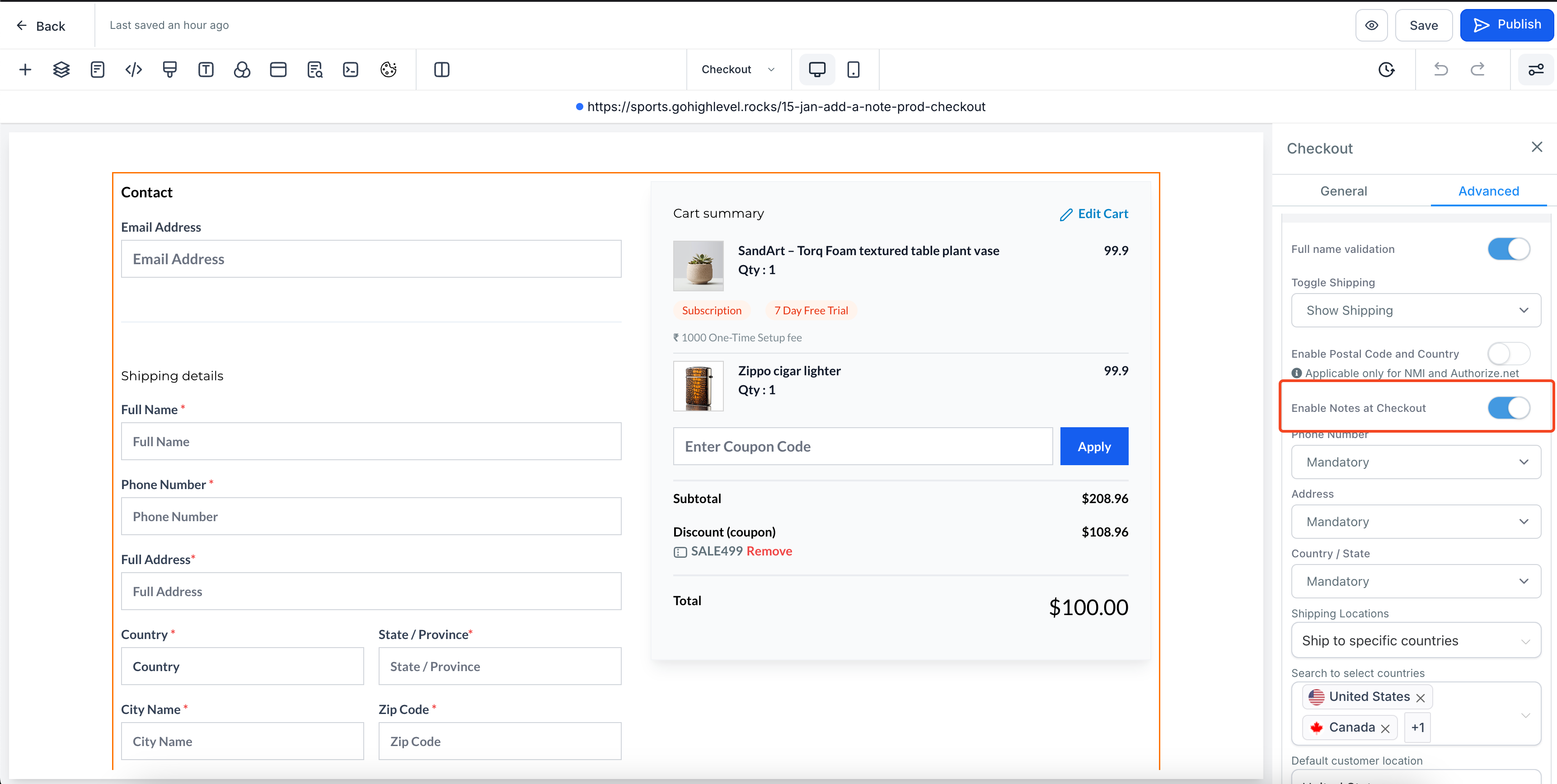
Enable/Disable Toggle:
- A toggle button labelled “
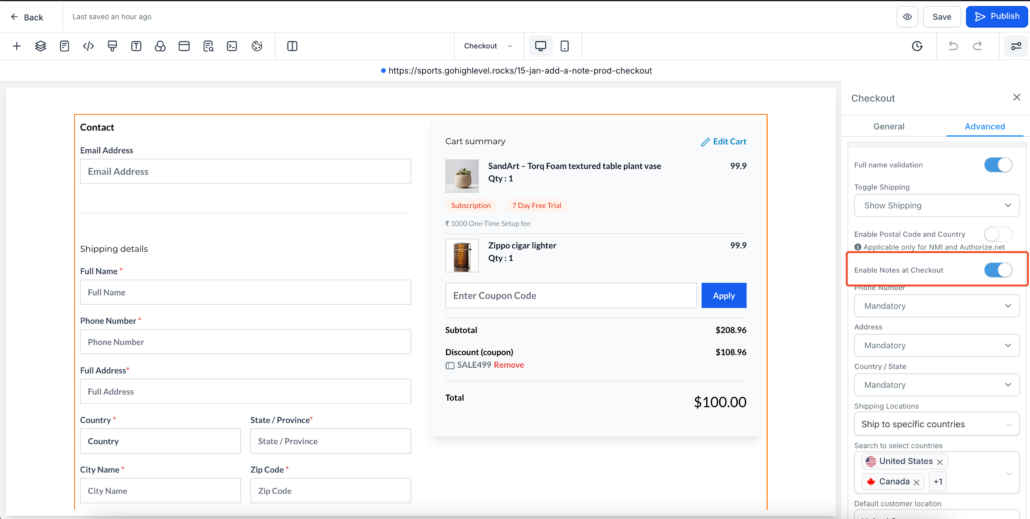
Enable Notes at Checkout
” is now available in the Checkout settings.
- Shop owners can easily turn the Notes section on or off based on their requirements.
-
Notes Checkbox Flow:
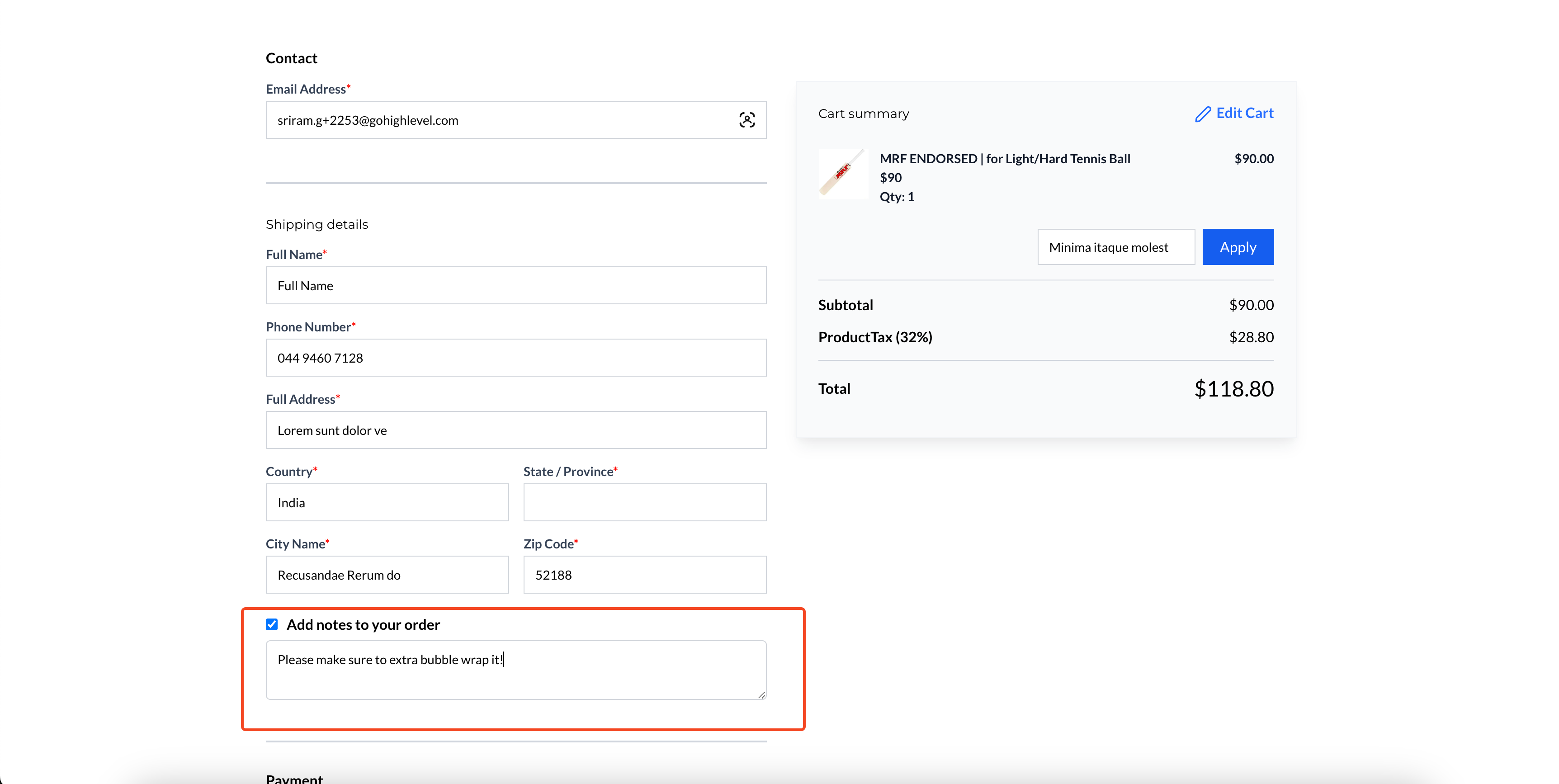
- A checkbox appears between the Shipping Details and Payment Options sections on the checkout page.
- By default, the checkbox is unchecked. Customers can check the box to add their additional notes in a textbox.
- If the box is checked but the textbox is left blank, the Notes section in the Order Details will appear as blank.
-
Text Customisation Options:
- Open your
Store Builder
and edit the
Checkout Page
in your Ecommerce Store pages.
- Select the Checkout element. To enable Notes at checkout page, head to the
Advanced Section
in Settings on the right side.
- In the
Form Options
section, users can toggle on “Enable Notes at Checkout”. Shop owners can easily turn the Notes section on or off based on their requirements.
- Customise the text for the Notes Heading and Placeholder in the
Text Options
section in General Settings.
- Save and publish the changes to enable the feature on your checkout page.
- The Notes section is entirely optional for customers. It enhances customer experience by allowing them to provide specific instructions if needed.
- If a customer does not check the Notes checkbox, no additional notes will appear in the Order Details.
- The Notes feature can be easily toggled on or off as required.