
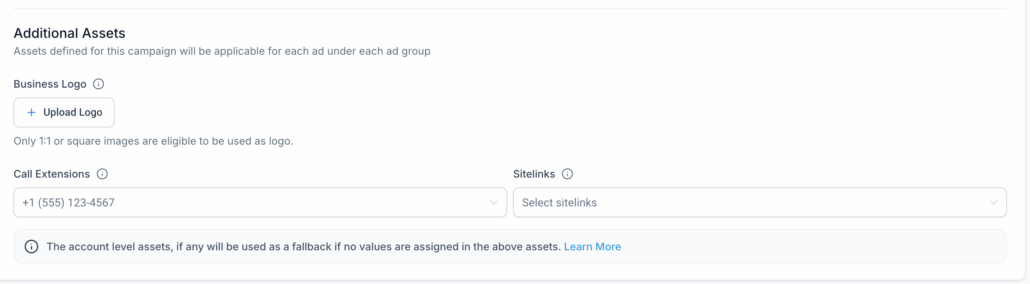
Additional Assets Support at Campaign Level in Google Ads
We’ve introduced a new
“Additional Assets”
section at the
campaign level
for Google Ads. Assets defined here apply uniformly across all ads within all ad groups of a campaign.
This enhancement allows users to configure the following three asset types directly in the campaign setup:
1. Business Logo
2. Call Extensions
3. Sitelinks
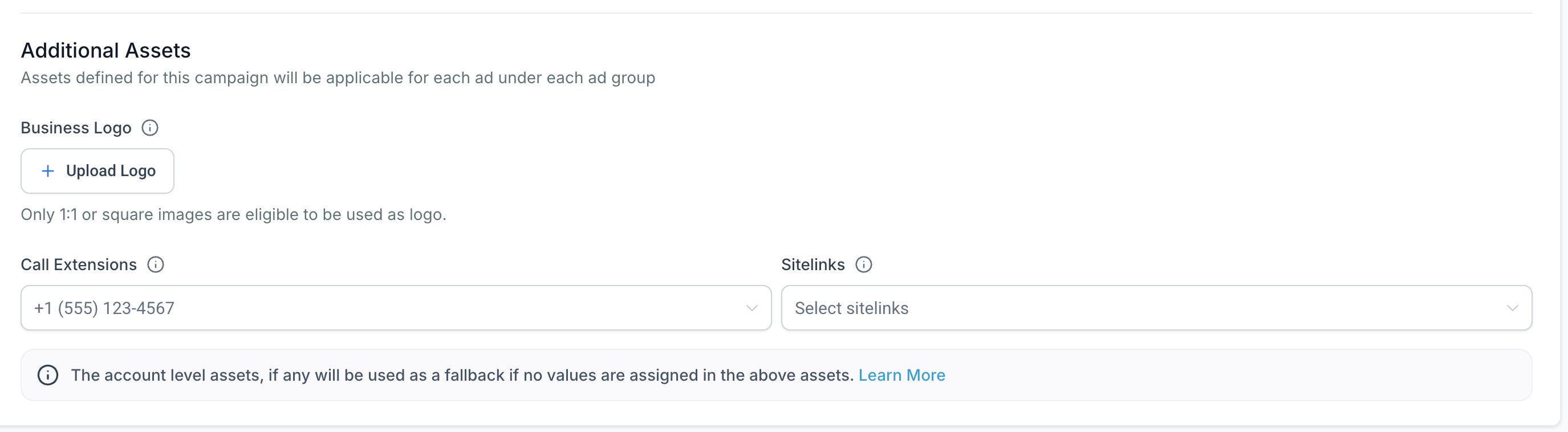
- You can now upload a 1:1 square image from the media library to be used as your brand logo.
- Upon upload, an
Edit
option appears, enabling cropping and aspect ratio adjustment.
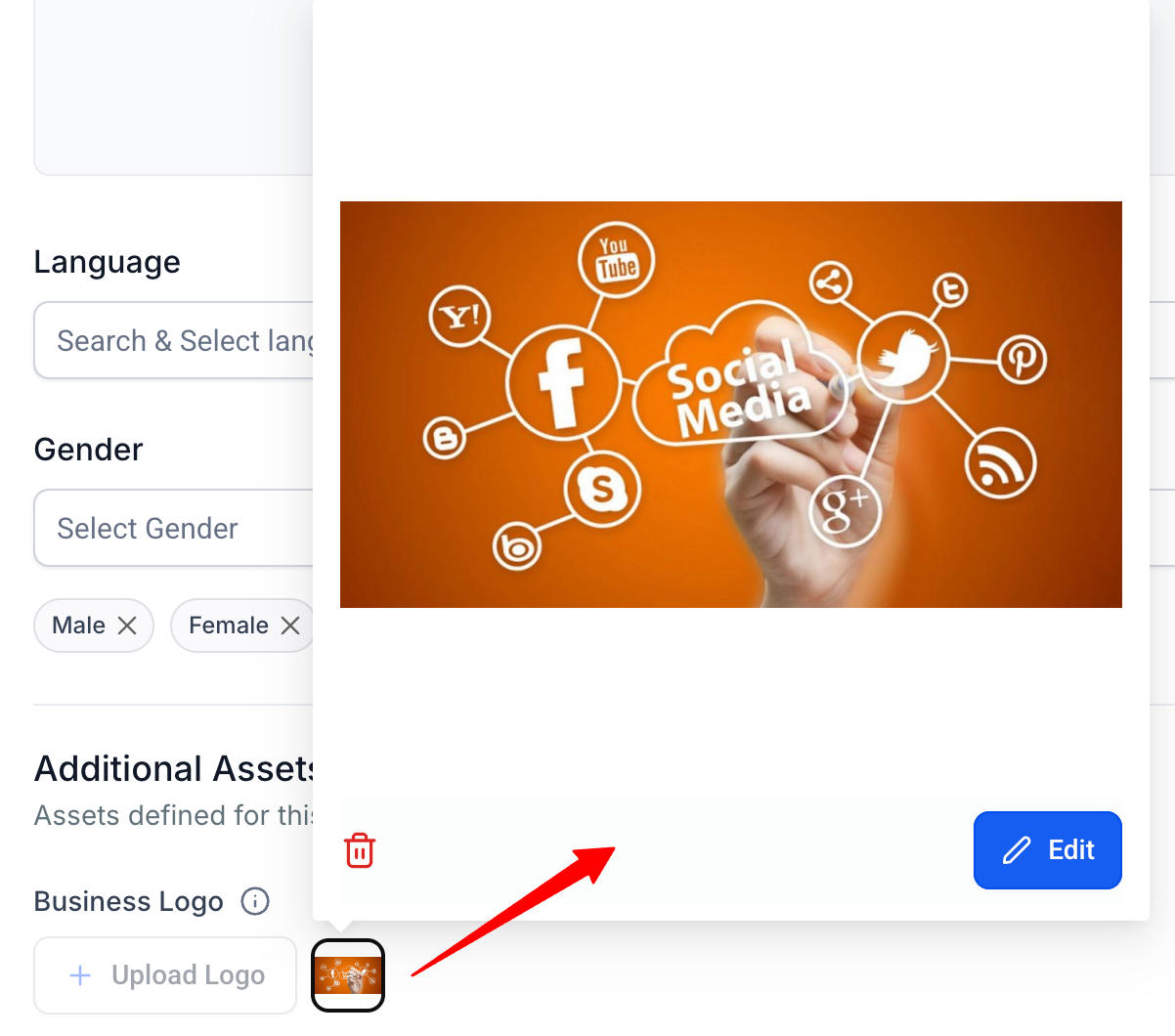
- Only square images are accepted; others will be discarded during campaign delivery.
- Add phone numbers that will appear in your ads, making it easy for users to call your business directly.
- Desktop users see the number; mobile users get a tap-to-call option.
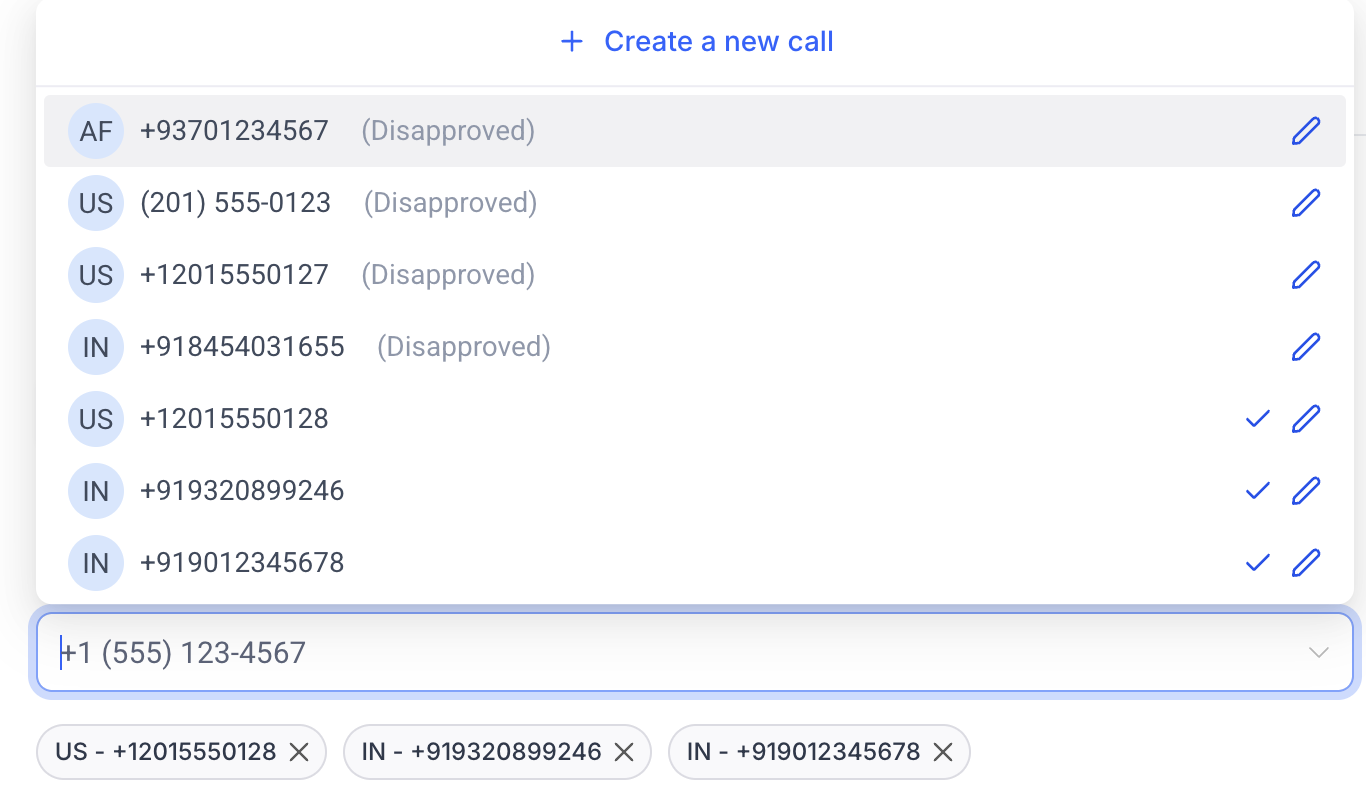
- Select from existing call extensions or click
“Create a new call”
to add a new number.
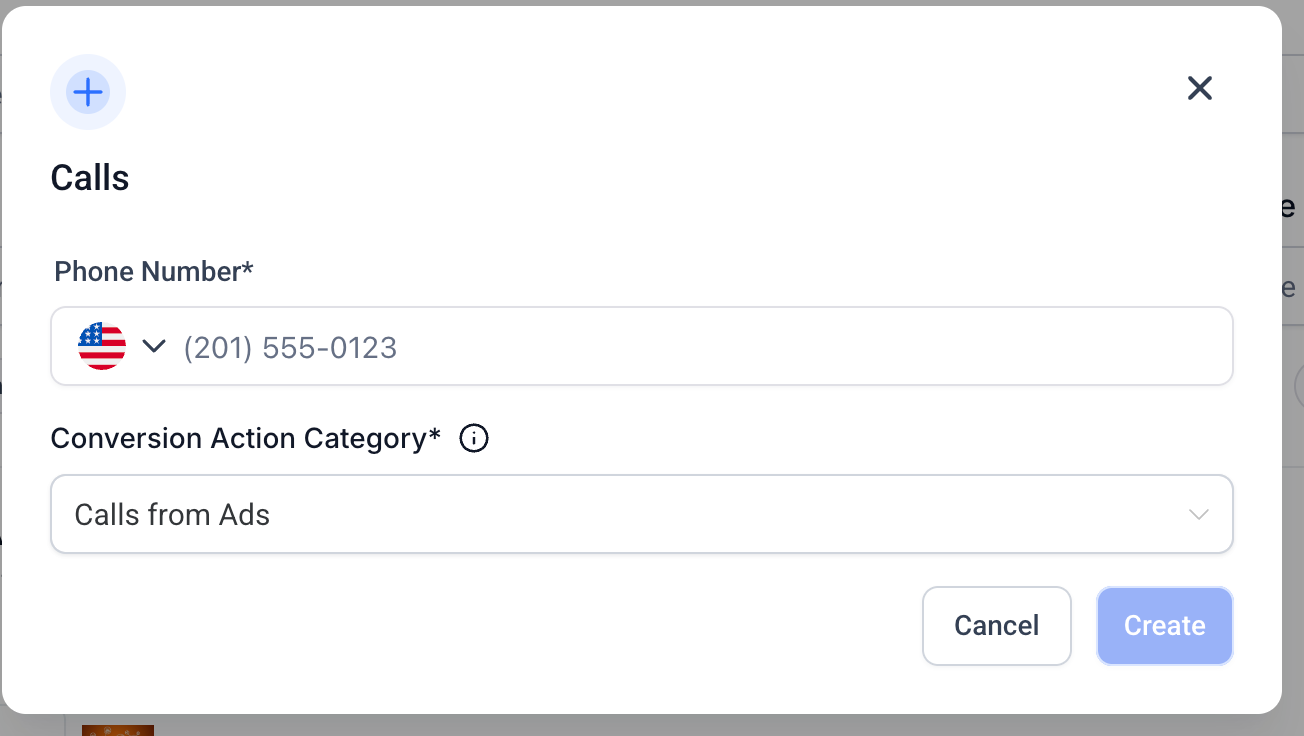
- You can assign multiple call extensions for broader reach.
- Display up to 20 additional site links that direct users to specific parts of your website.
- Minimum: 2 | Recommended: 4
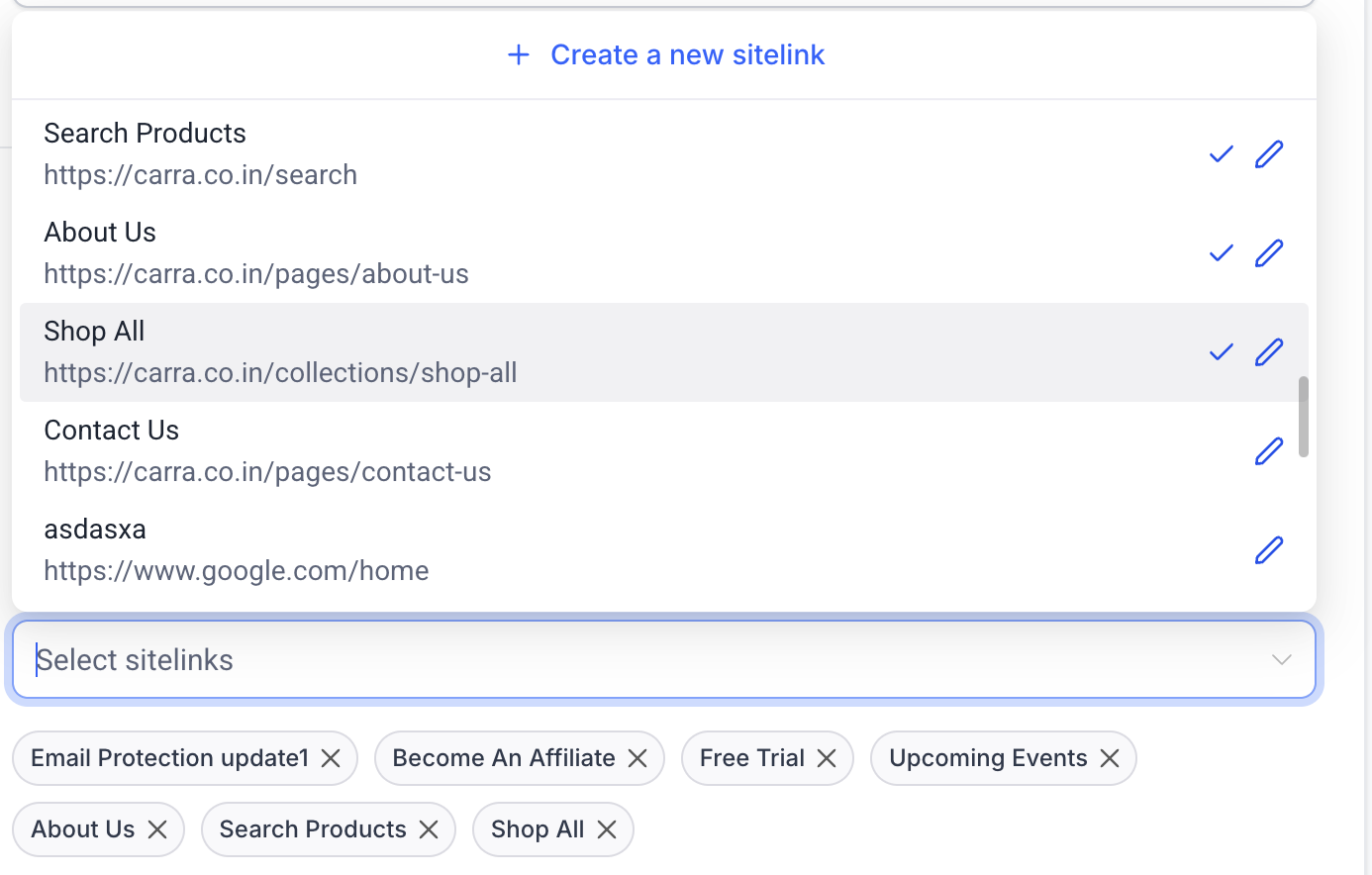
- Choose from existing sitelinks or create new ones using the
“Create a new sitelink”
button.
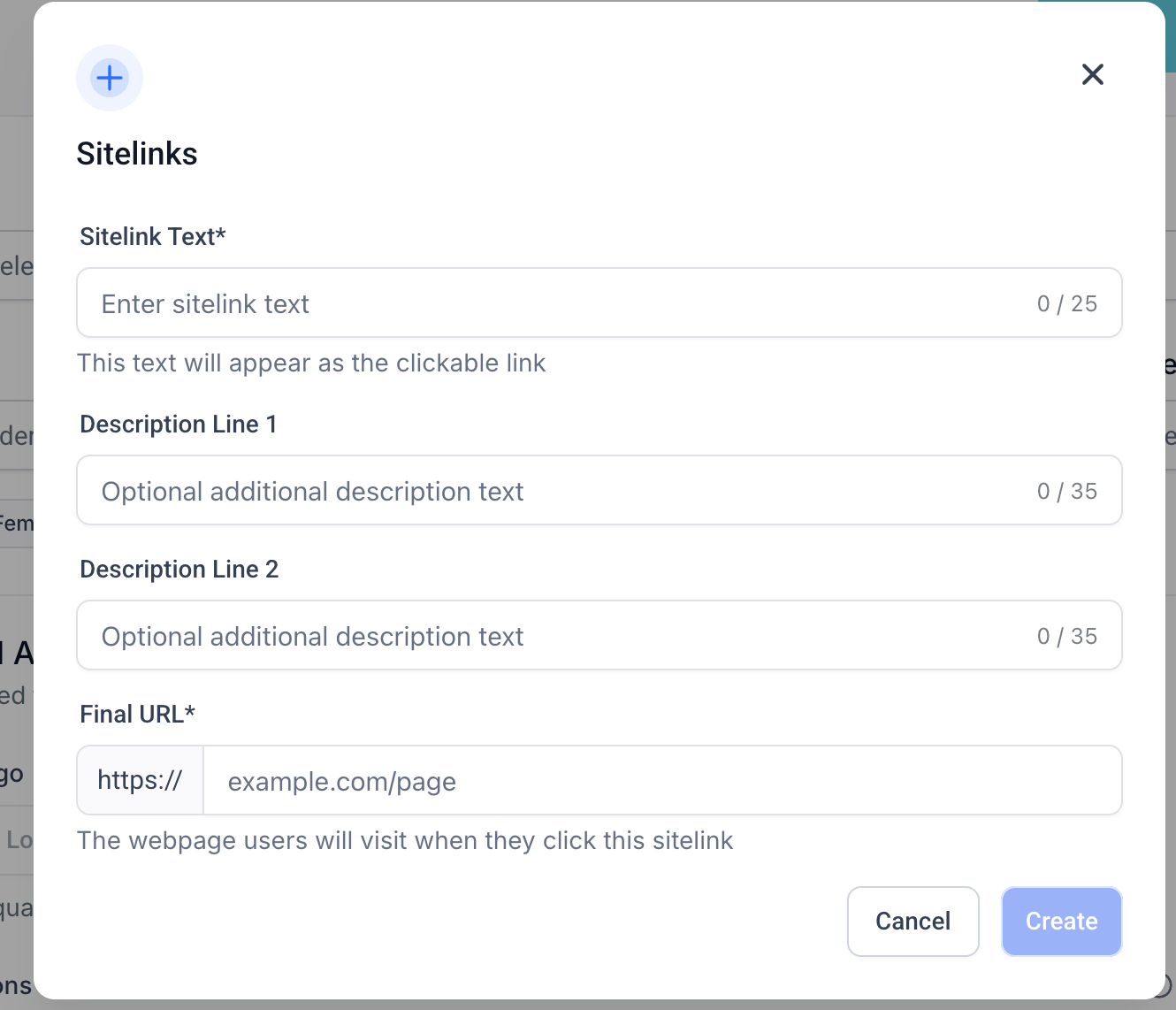
- Each sitelink includes a title, optional description lines, and a final URL.
- Image assets
- Google lead forms
- If campaign-level assets are not assigned, any existing account-level assets will be used as fallback defaults.
- Only 1:1 images will be accepted as logos; non-square images are ignored during ad processing.
- Ensure call assets meet Google Ads approval guidelines to avoid disapprovals.