Ad Manager: Image Editor for Ad Media
Ad Manager: Image Editor for Ad Media | Clixio Changelog
Introduction
The new Image Editor functionality for Ad Manager allows users to edit images seamlessly while creating or editing their ad campaigns. The tool provides a variety of features to customise the media content directly within the platform.
Accessing the Image Editor
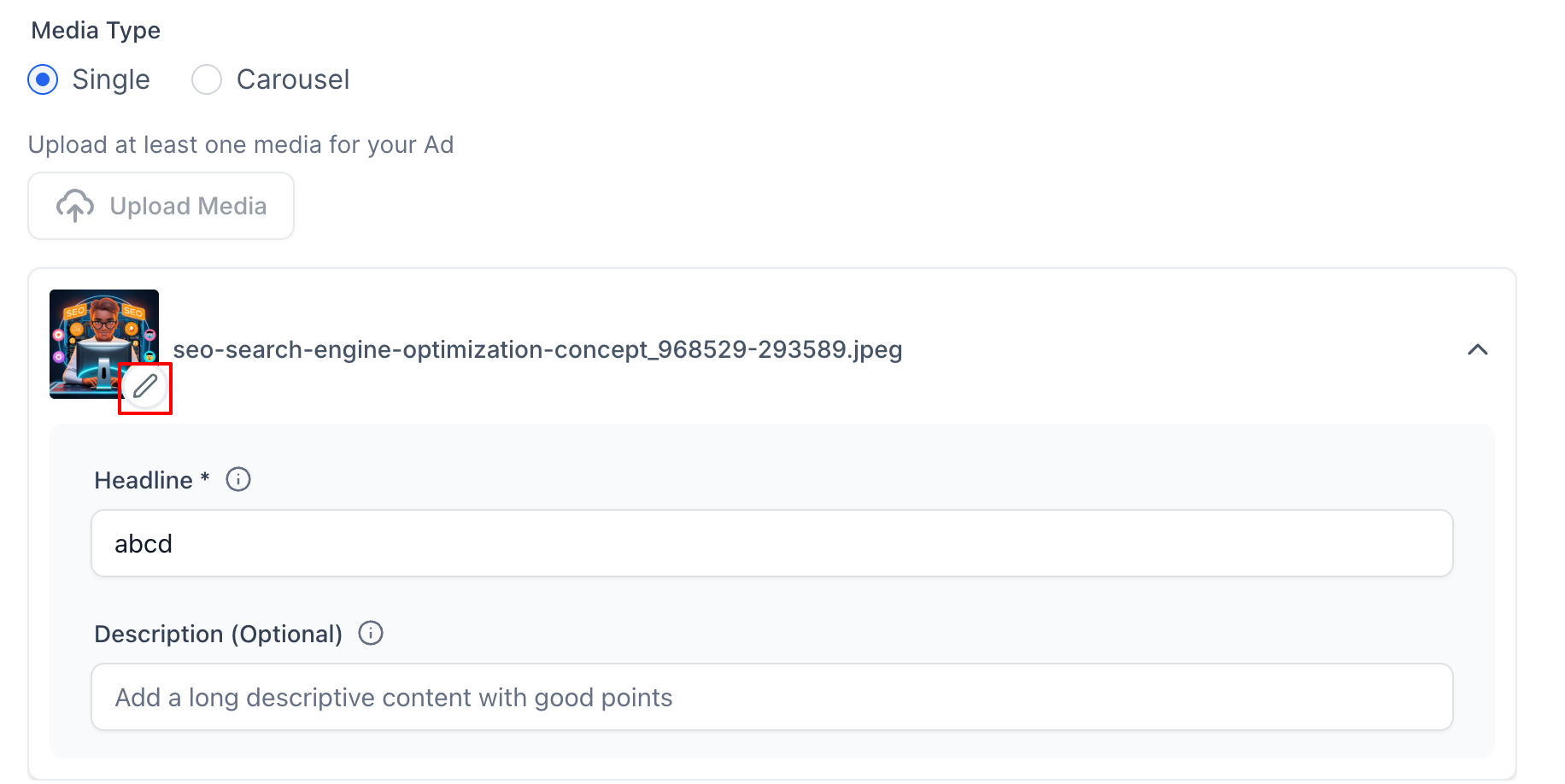
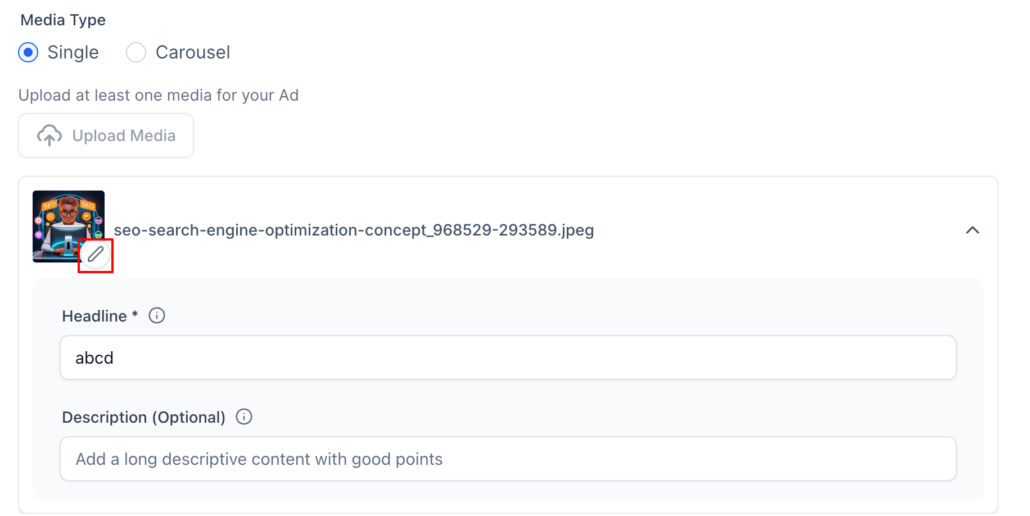
- From the Ad Manager home page, select the campaign you want to edit or create a new Meta campaign.
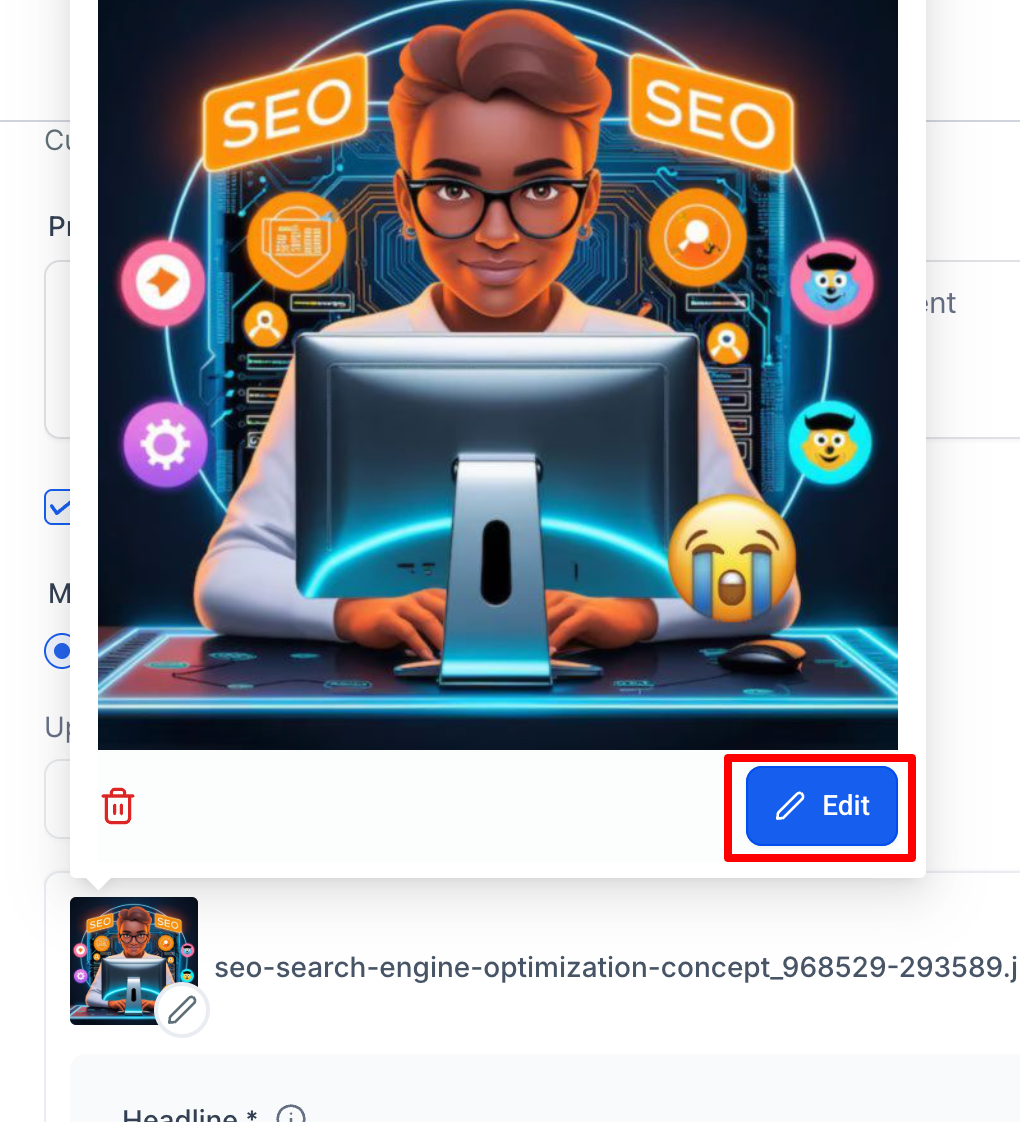
- After uploading the image for your ad, click the "Edit" button on the image thumbnail.
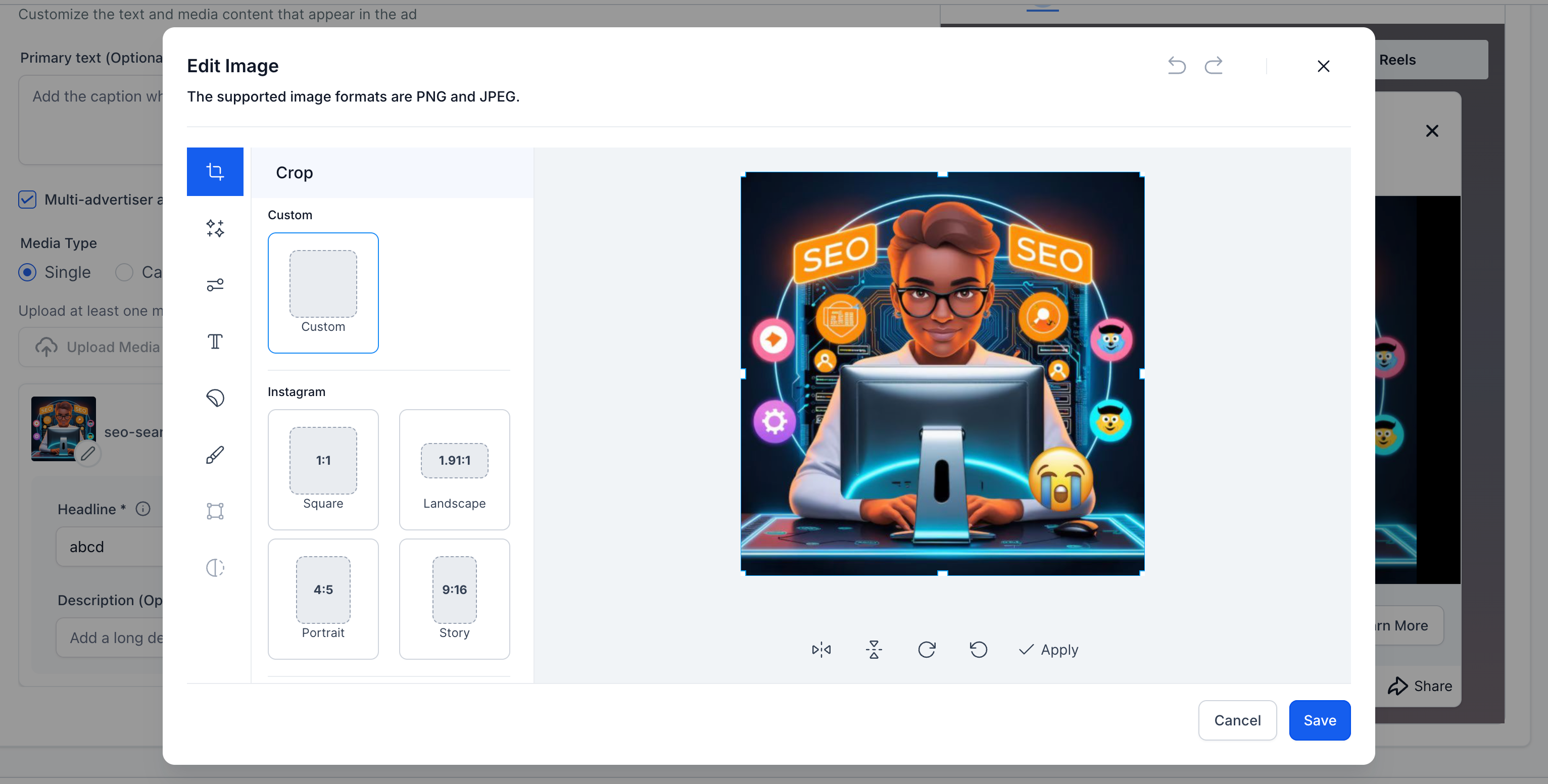
- This will open the Image Editor dialog, where you can make all the necessary adjustments to your image.
Image Editor Functionality
- Crop: Adjust the crop of the image to fit the desired aspect ratio for platforms like Facebook, Instagram, Custom, commonly used and more.
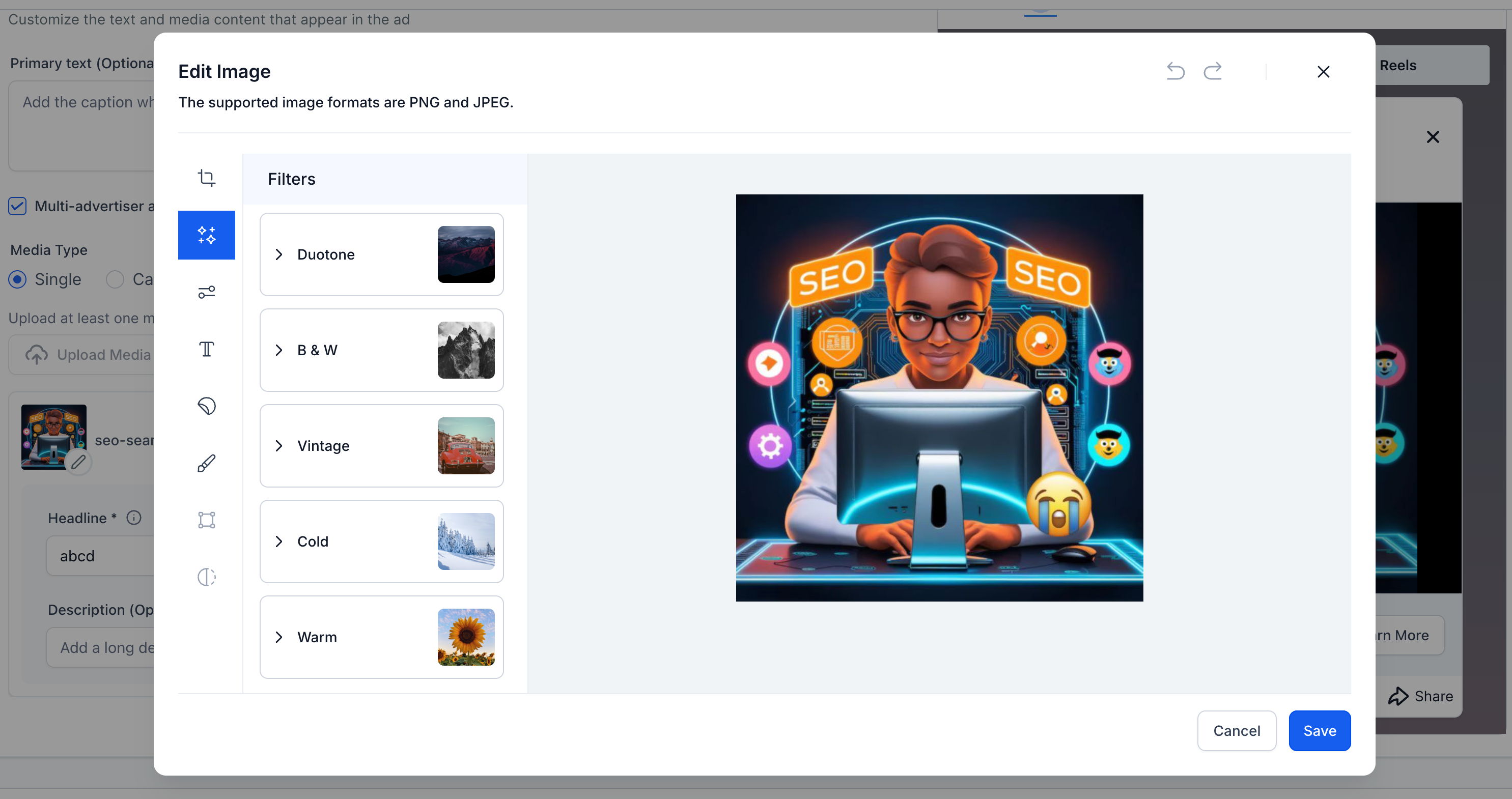
- Filters: Users can apply various filters like Duotone, B&W, Vintage, and more to their ad images.
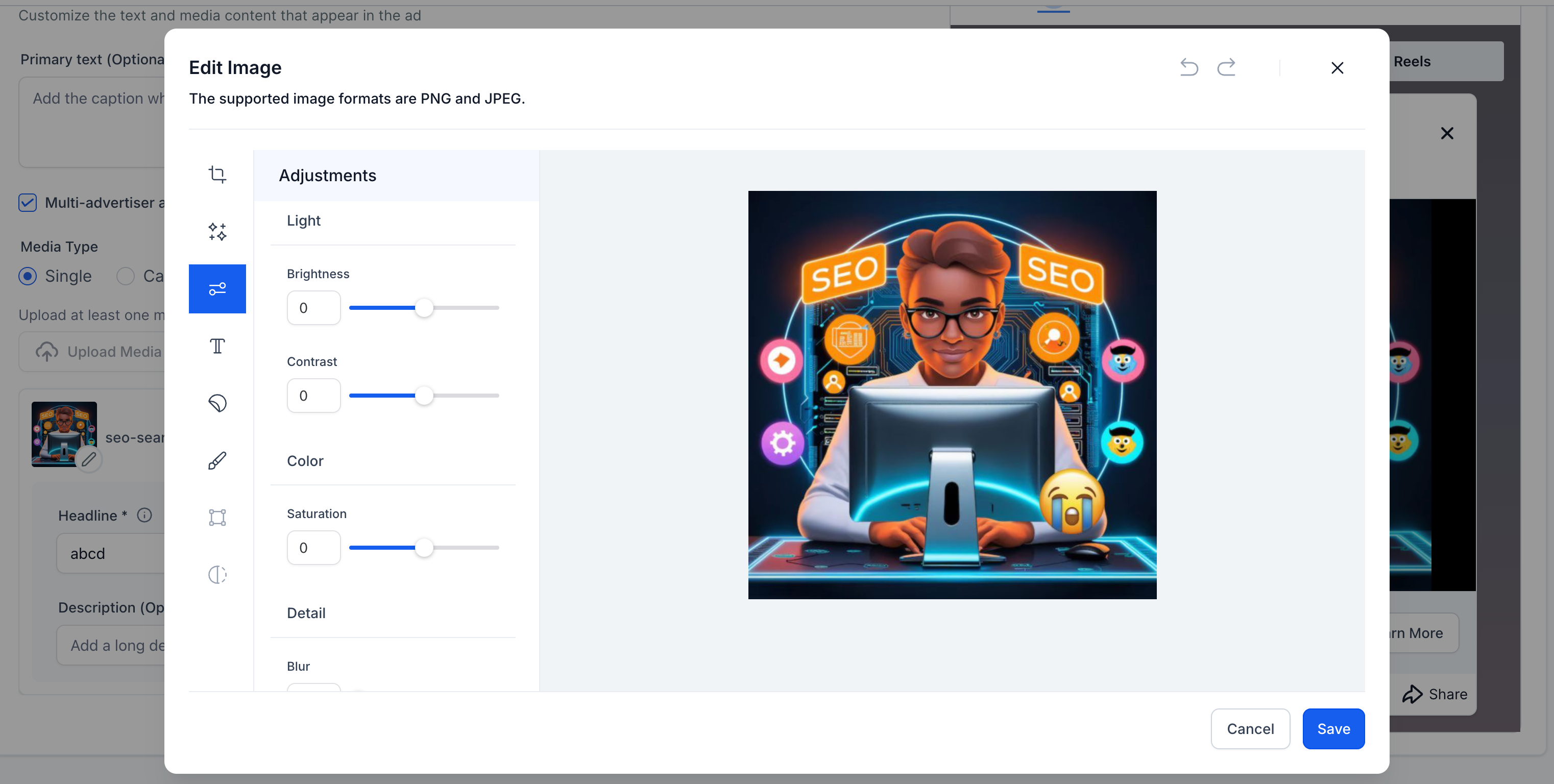
- Adjustments: Control over brightness, contrast, saturation and other settings for fine-tuning the image to match the desired ad aesthetics.
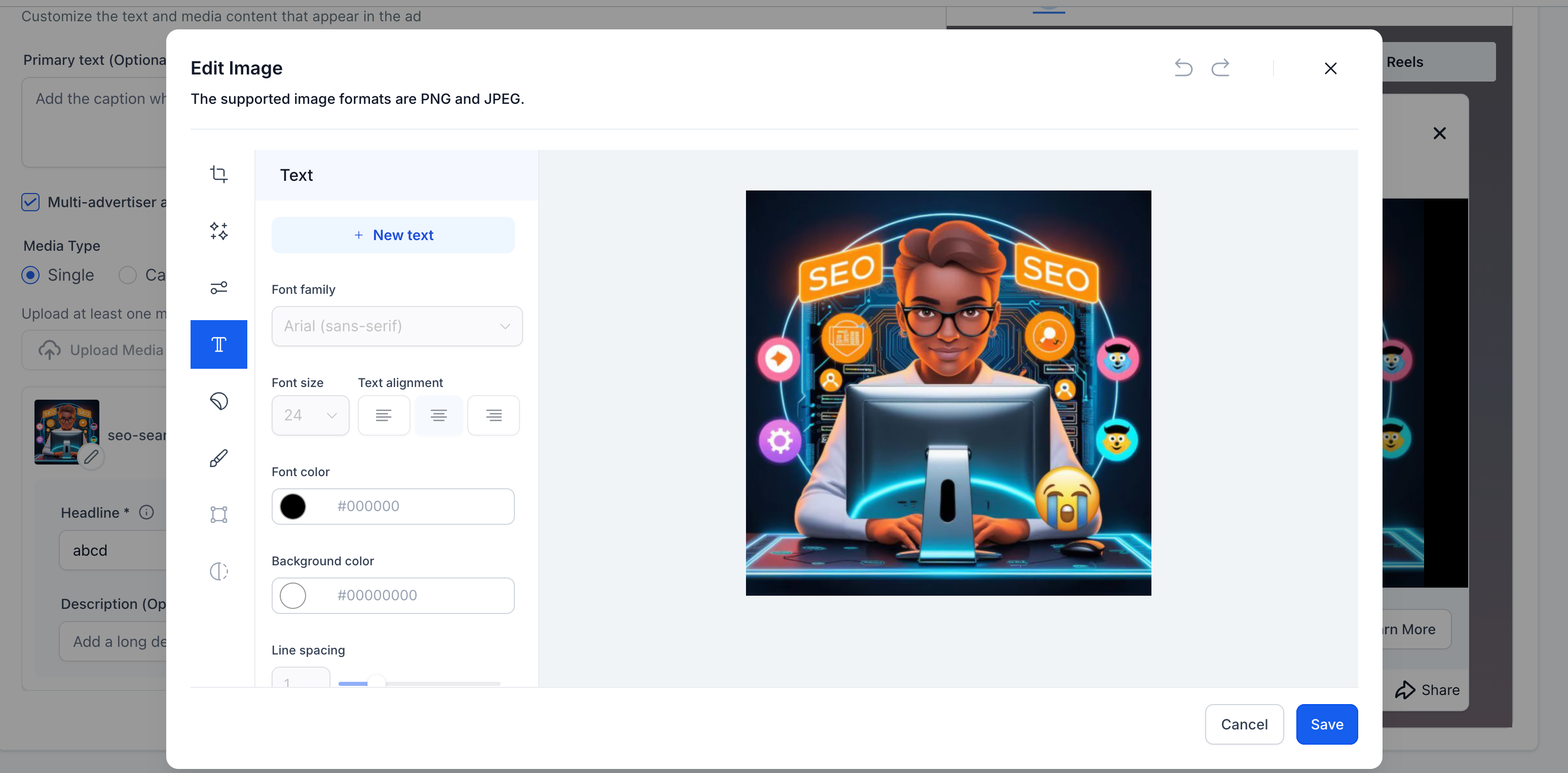
- Text & Fonts: Add custom text to the image with options to change font family, size, colour and alignment.
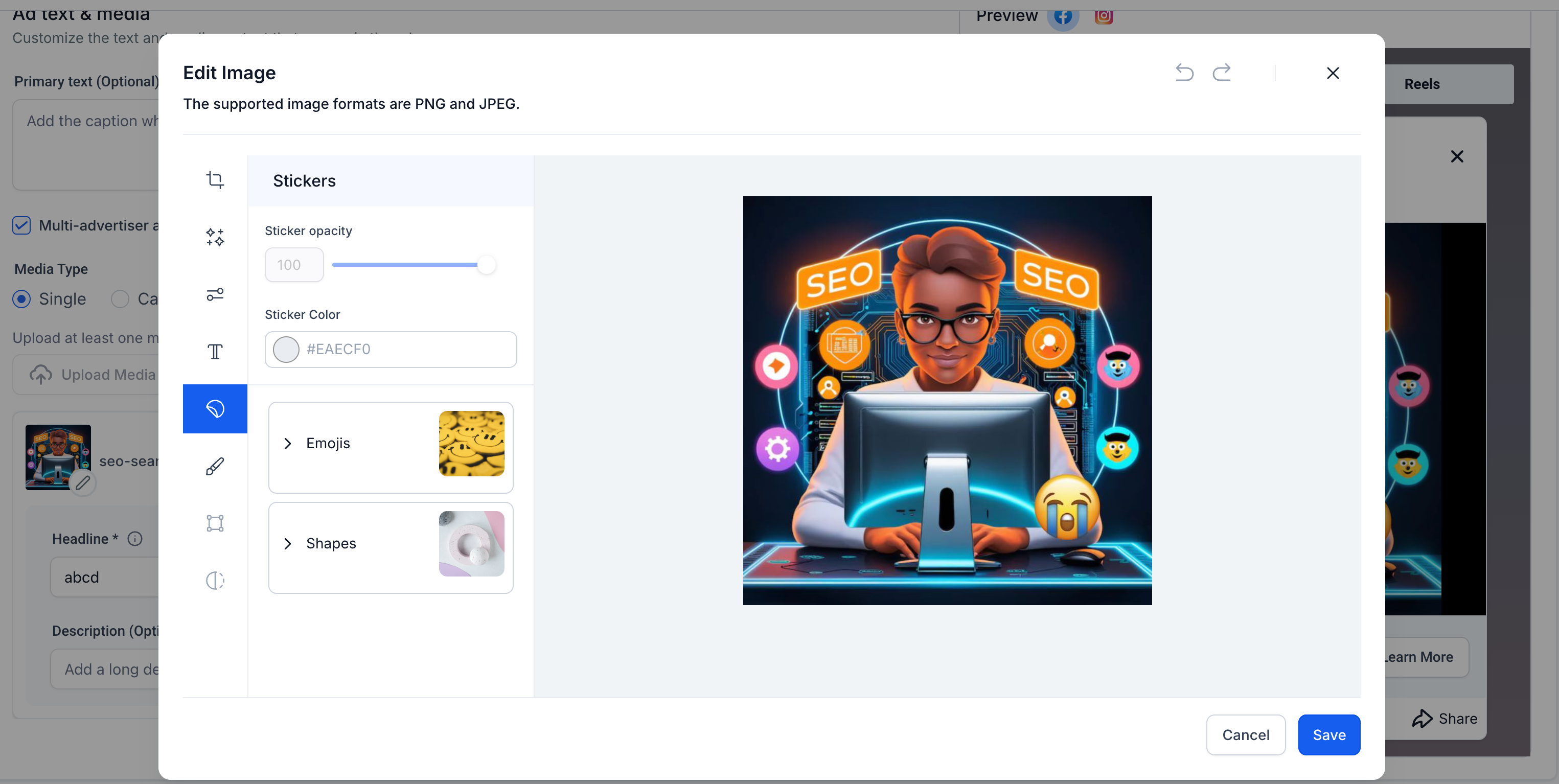
- Stickers & Emojis: Easily insert stickers, emojis, or custom shapes with adjustable opacity and colour.
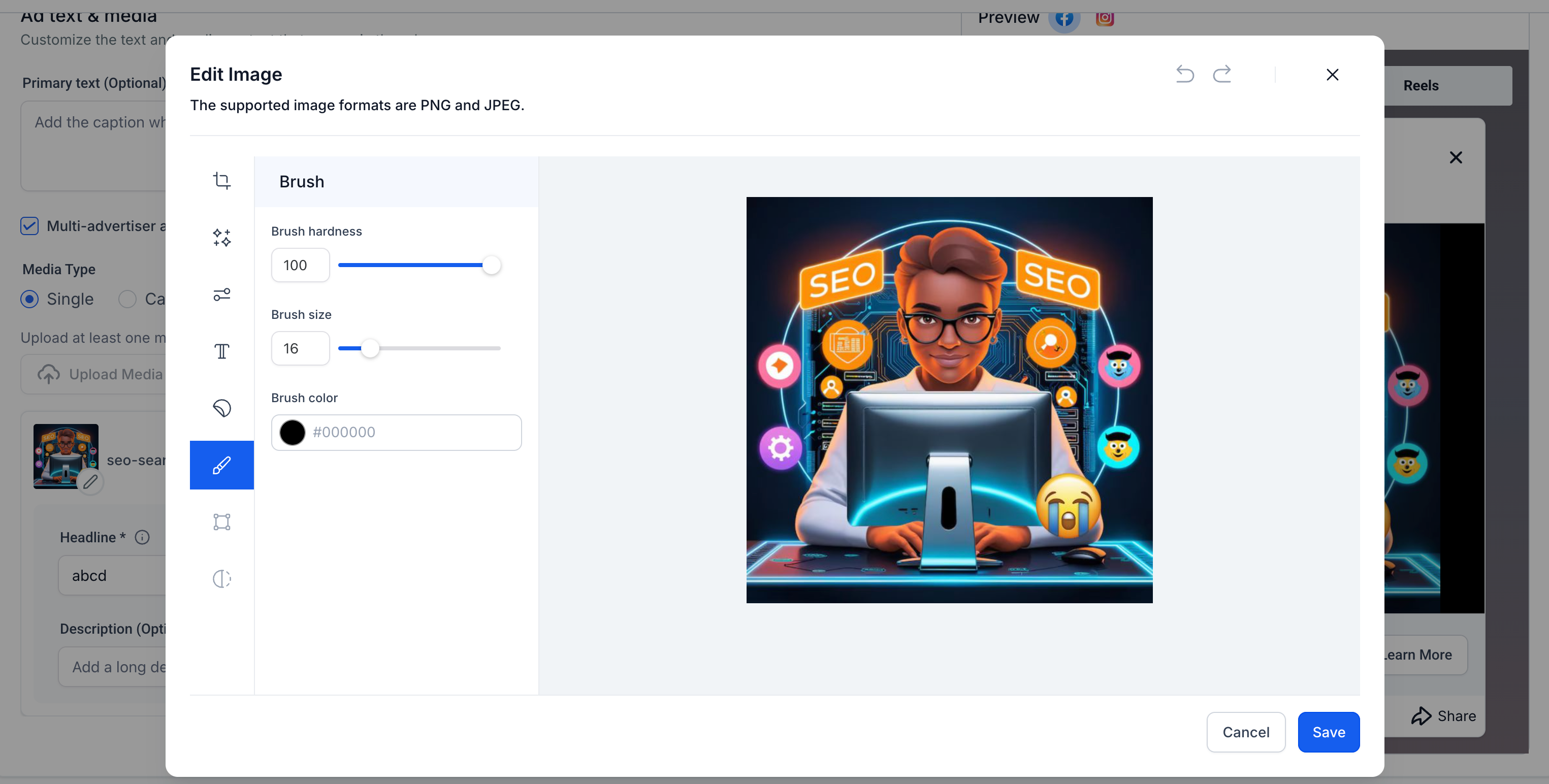
- Brush Tool: Paint directly on the image using the brush tool with customisable brush size and colour.
Benefits of Image Editor
- Convenience: The image editor reduces the need to switch between external design tools, streamlining the process of creating visually compelling ads.
- Efficiency: Users can create custom media for their campaigns, enhancing creativity while saving time.
- Flexibility: Tailor images to fit various platform specifications without needing additional software.
- The editor supports both PNG and JPEG formats.
- Real-time preview allows users to see the final result before saving.
- Integration with the Ad Manager ensures that media adjustments are immediately reflected in ad previews.