Account Dashboard: Pipeline-Specific Insights for General Opportunity Widgets
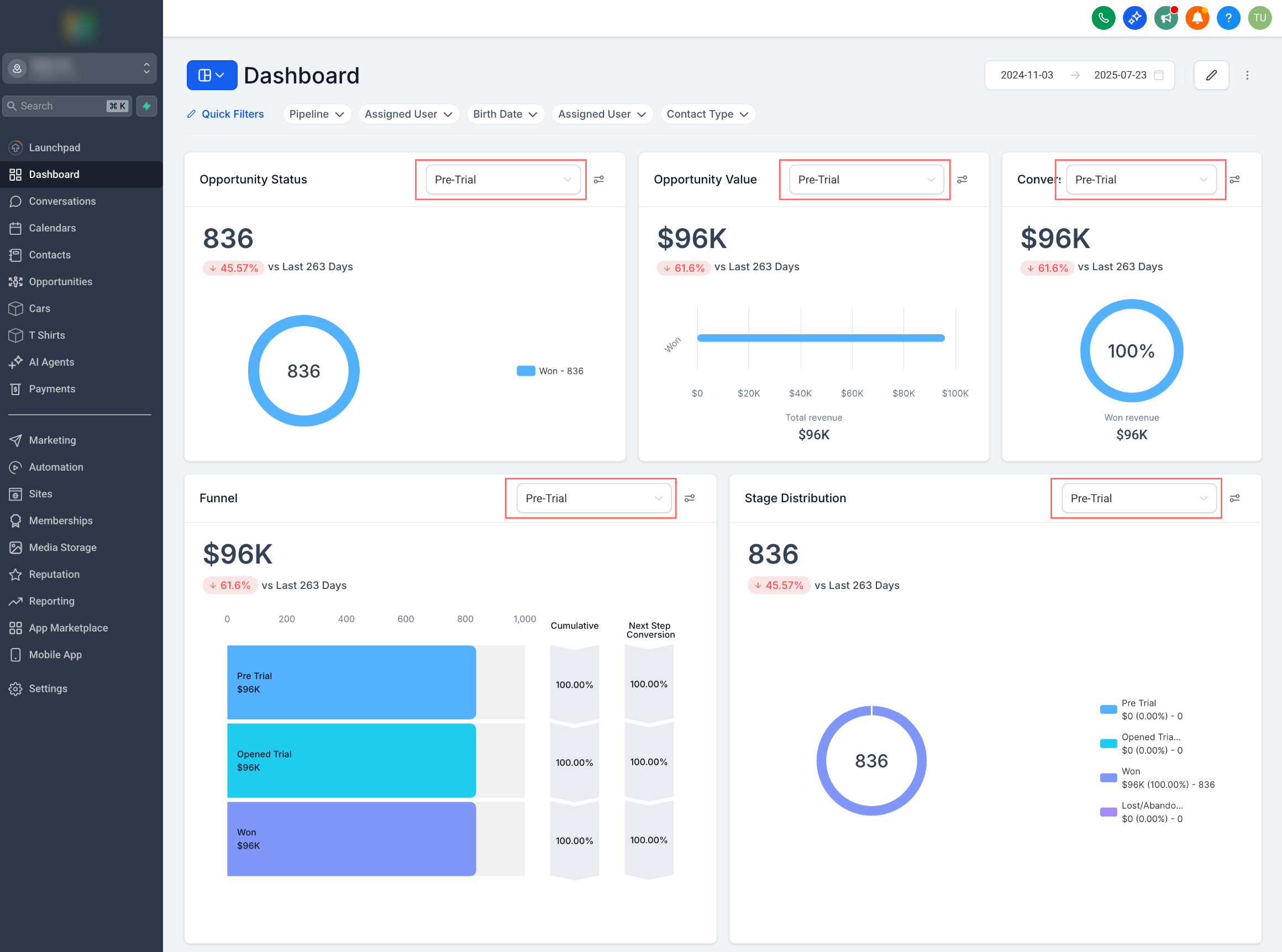
You can now explore individual pipeline performance directly from the general widgets you already utilise.
Opportunity Status
,
Opportunity Value
, and
Conversion Rate
widgets displayed aggregated values across all pipelines. This made it challenging to isolate performance metrics for specific workflows or sales processes.
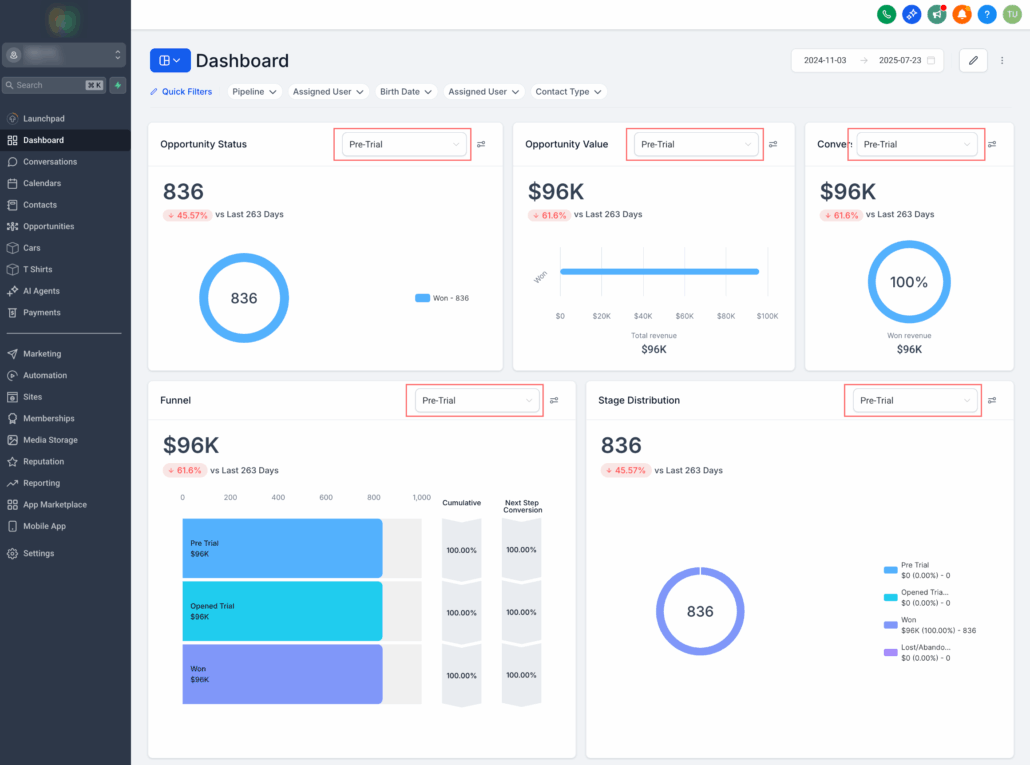
With this release, users can now filter each of these widgets by a specific pipeline using a new dropdown selector.
- Navigate to any of the following widgets on your sub-account dashboard: Opportunity Status, Opportunity Value, and Conversion Rate.
- Click the pipeline dropdown located on the widget.
- Select the desired pipeline to view metrics specific to that pipeline only.
This improvement provides you with detailed insights into the performance of each pipeline, making it easier to identify bottlenecks, track progress, and optimise your sales process. Whether you’re managing multiple service offerings or sales teams, you now have greater control and precision over your dashboard insights.