
Introducing Branches, pause execution and custom code in actions for marketplace
What’s New?
Introducing a bunch of new features in the marketplace – workflows. Developers can now do branching, pause executions and use custom code in their actions.
Branches:
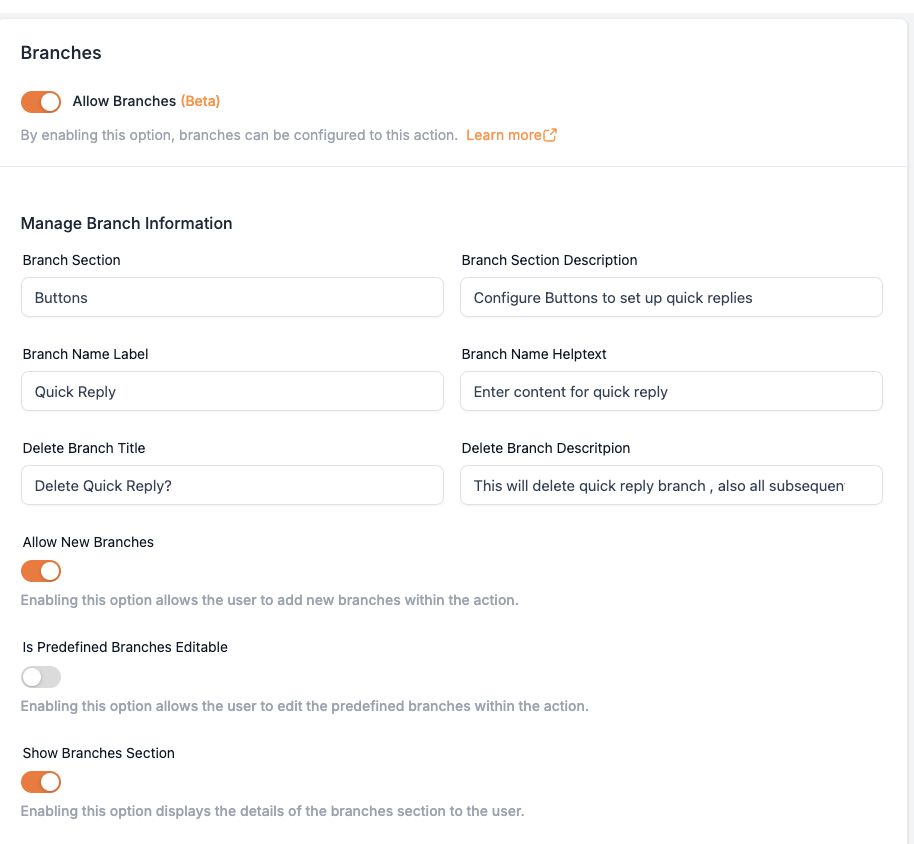
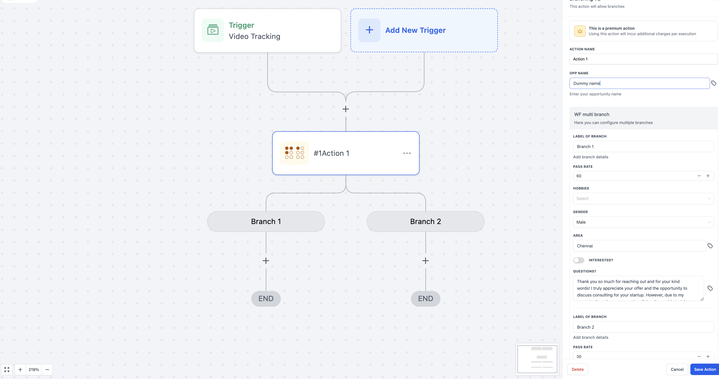
The branches feature allows the creation of multiple workflow branches based on predefined conditions. With this functionality, each contact is directed along the appropriate path depending on their interactions or status.
Custom Code Action Execution
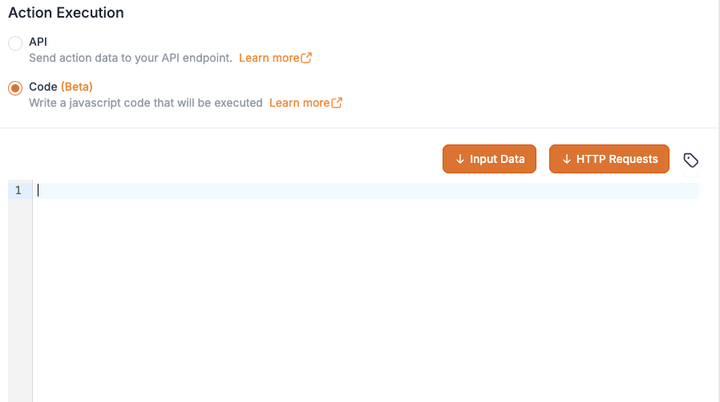
The Custom Code feature offers users the flexibility to create custom logic for more complex tasks and integrations. This provides control beyond standard APIs, enabling users to automate complex tasks and integrate with various services not supported by API.
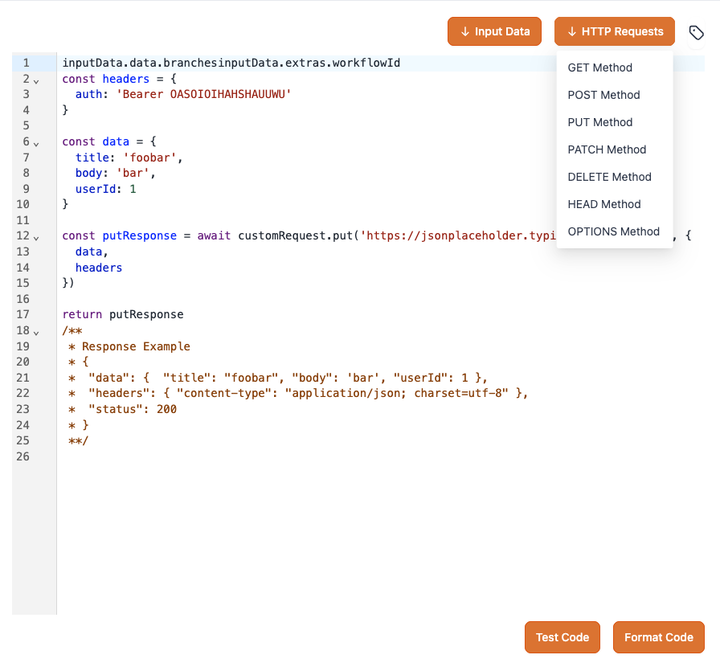
- Code can be written in the Code Editor.
- HTTP requests (GET, PUT, POST, DELETE, etc.) can be input via a button.
- Custom values can be inserted using the picker.
- The output should be a JavaScript Object or an Array of Objects.
Pause Execution:
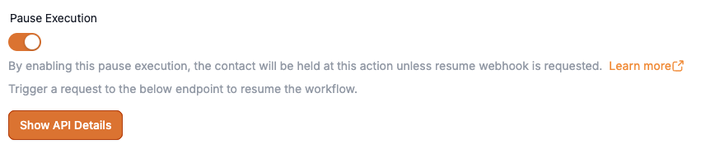
Pause Execution feature halts a contact at a specific action in the workflow. The contact resumes when a resume webhook is requested.
- If this toggle is enabled, the contact will remain paused until the resume webhook is called.
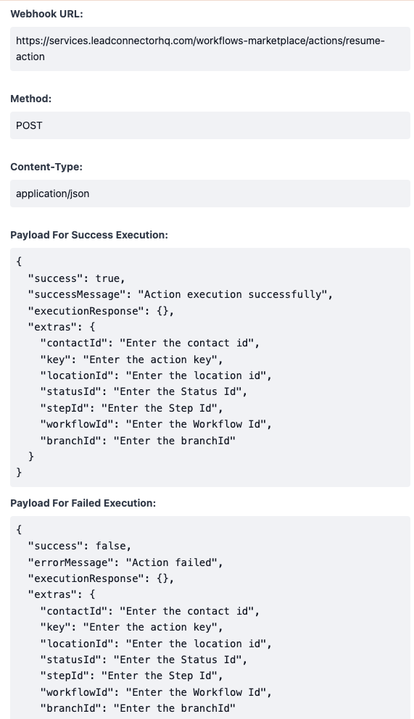
- When enabled, an extras object must be provided as a body payload to the resume workflow endpoint.
- The Show API Details button displays a sample response for both successful and failed execution webhooks.
In case of Sync Execution
When Pause Execution and branching are disabled, the contact will proceed to the appropriate branch based on the branchId provided in the API response or from Custom Code using the return statement. The branchId determines the branch the contact will follow.
In case of Async Execution
For asynchronous execution, when Pause Execution is disabled, the branchId must be sent to the webhook, which can be found in the Show API Details button, to resume the contact’s progress.