
2 in 1 Documents – Now enhanced with recurring invoice generation at the time of signing
- Users can create a new template or document and add a product list to it. As soon as someone clicks on the product list, the left drawer with all the settings will auto open.
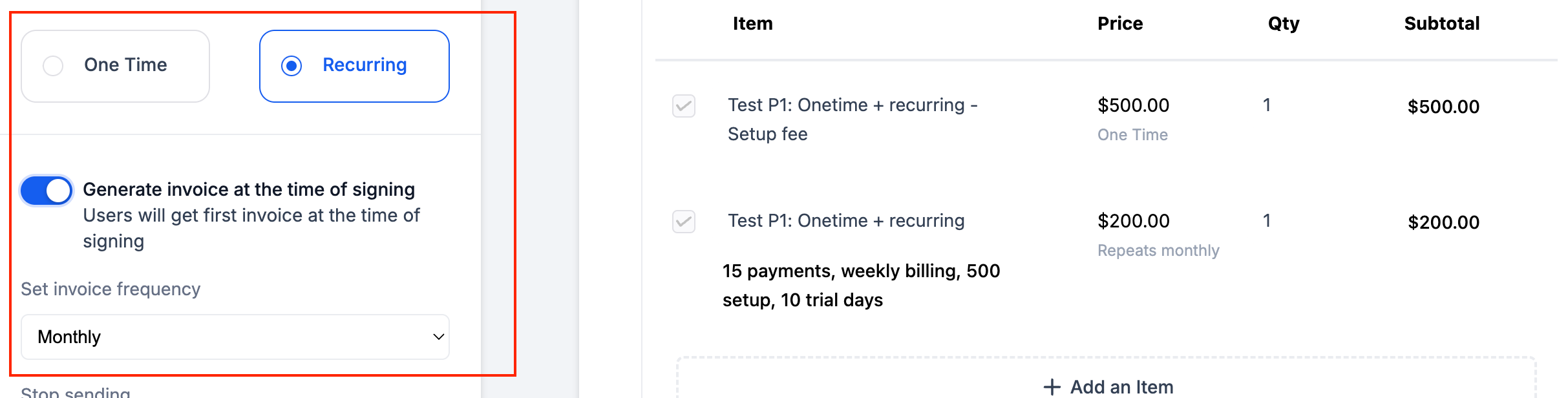
- As soon as user adds a recurring product, the type will automatically change to recurring.
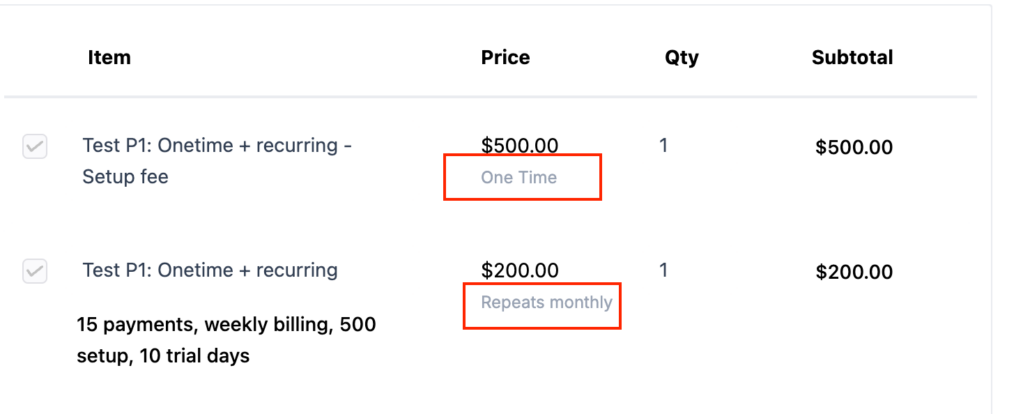
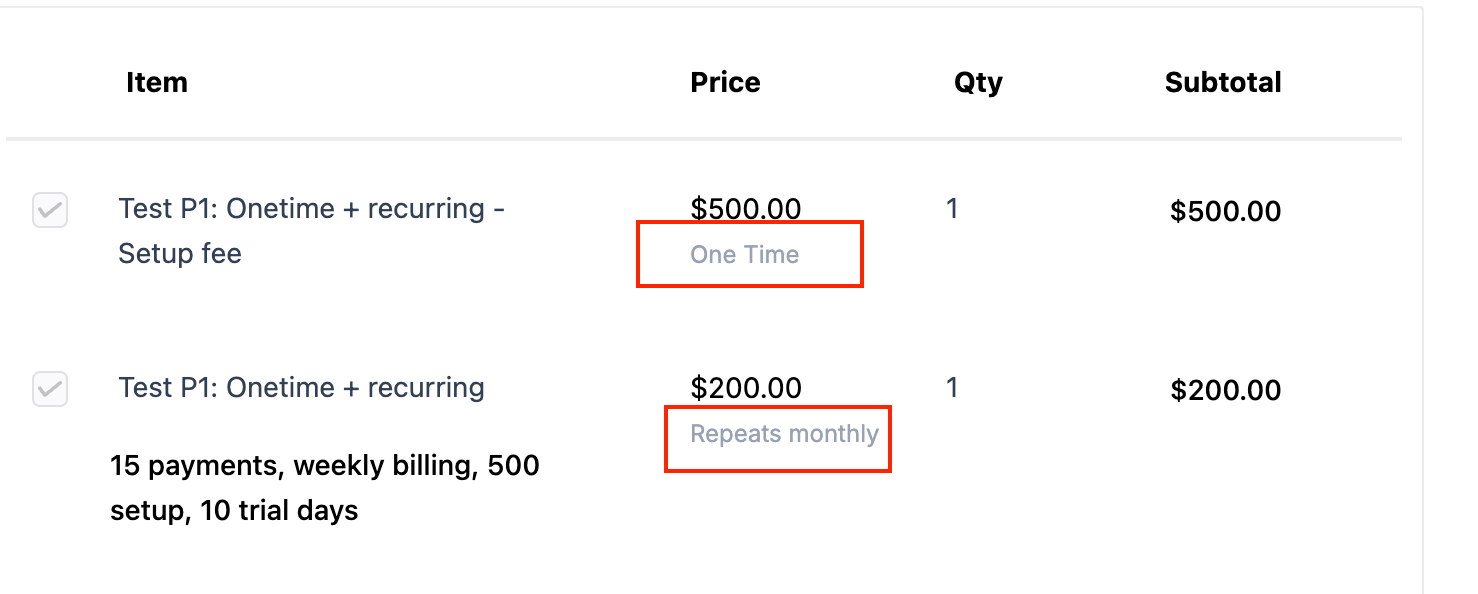
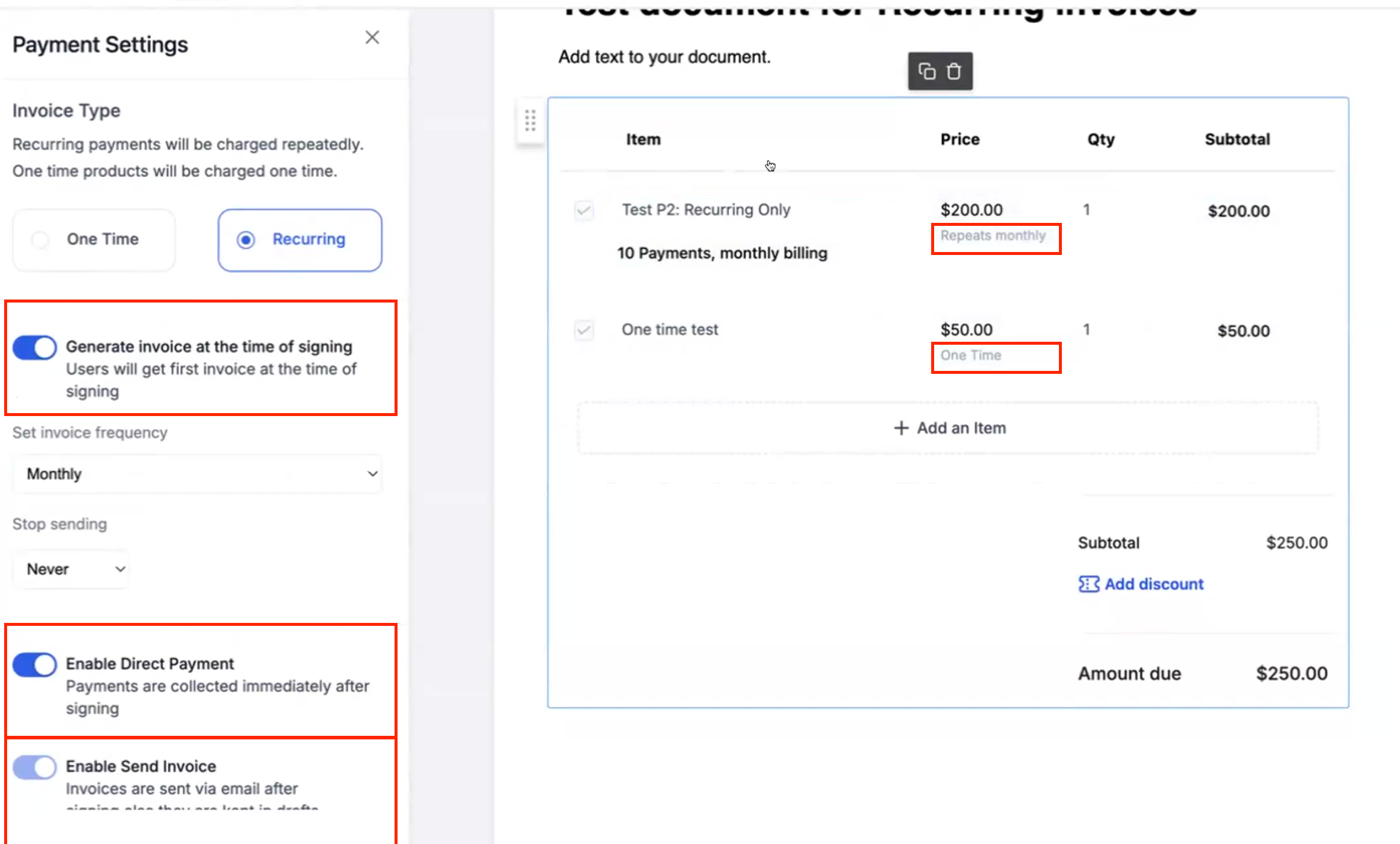
- If product type = recurring, tags showing the price type will be shown to make the user understand differences in one time and recurring products
- Earlier users could only define a fixed date for the recurring invoice to get generated but now you get an option to generate invoice at the time of signing and all subsequent invoices are sent based on signing date & frequency.
Example: If document is sent on 21st January & Signed on 25th January where monthly products were set up. Next invoice will be sent on 25th February to this user.
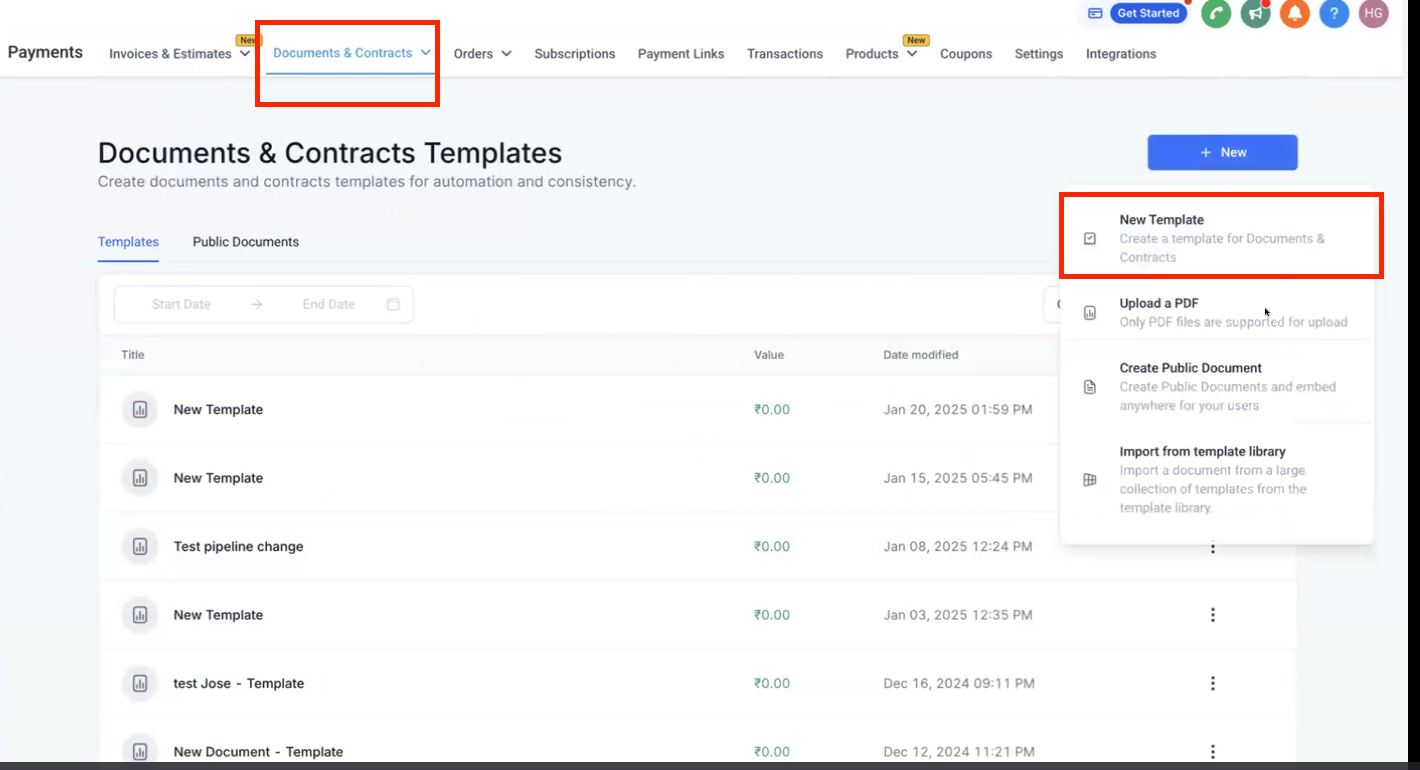
- Go to Payments -> Documents & Contracts -> Templates -> New Template
- Add a product list to the template and add a signature element
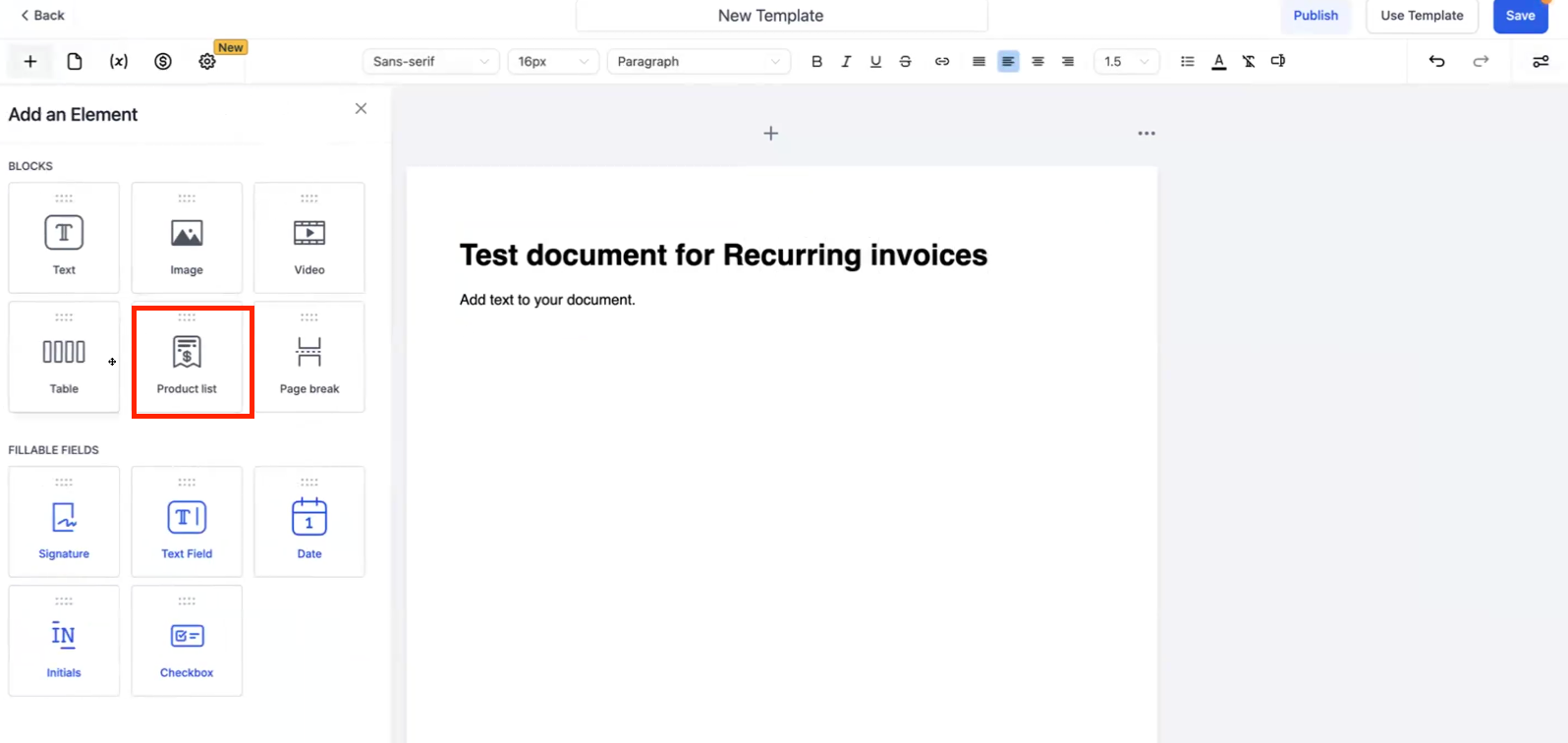
- Add a recurring product to the product list, the settings drawer on the left will auto open
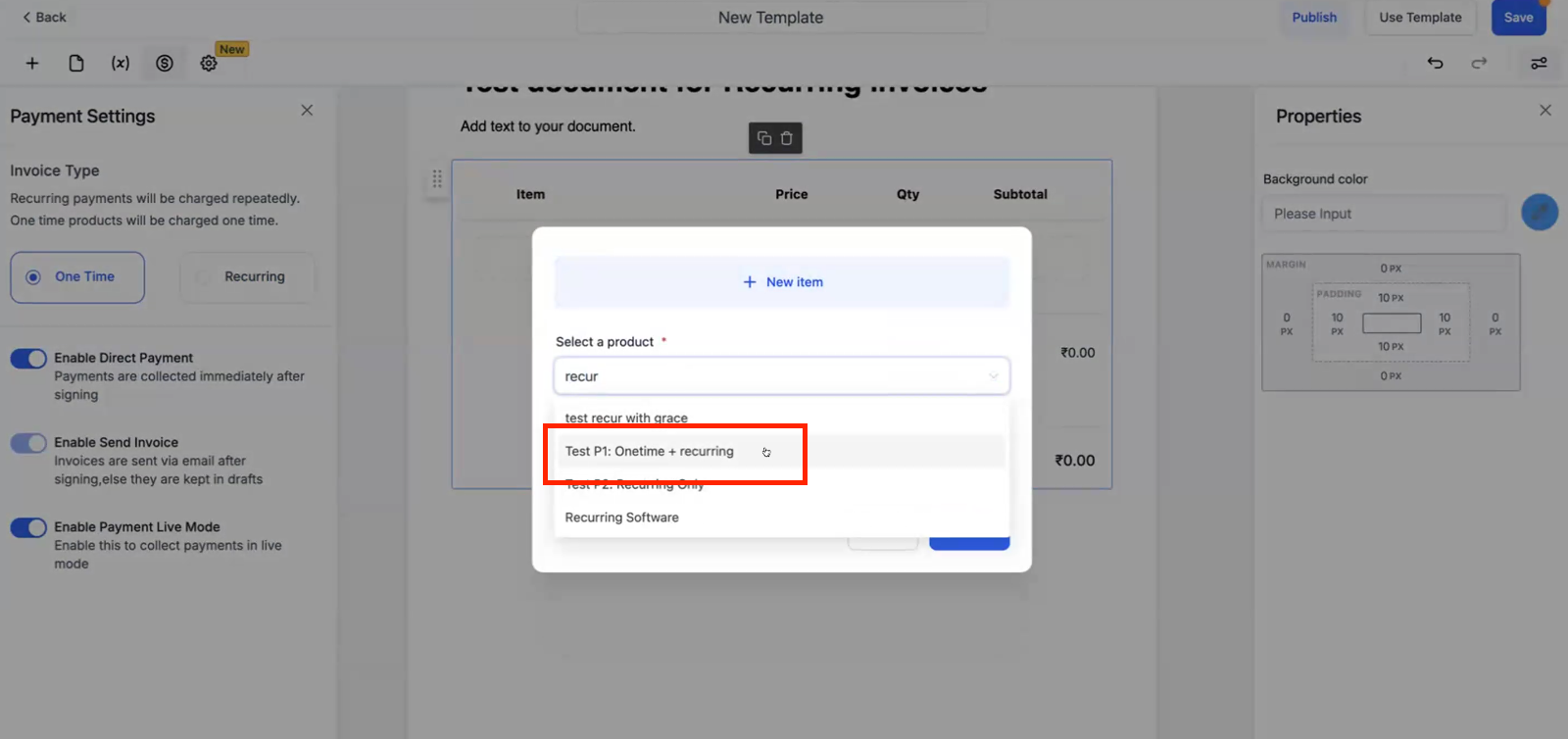
- Once added, the product list will show distinction: Which products will be treated as one time and which will be added for recurring payments.
Note for documents and contracts – product list:
- Any product that is configured as one-time in products, will be treated as one time always.
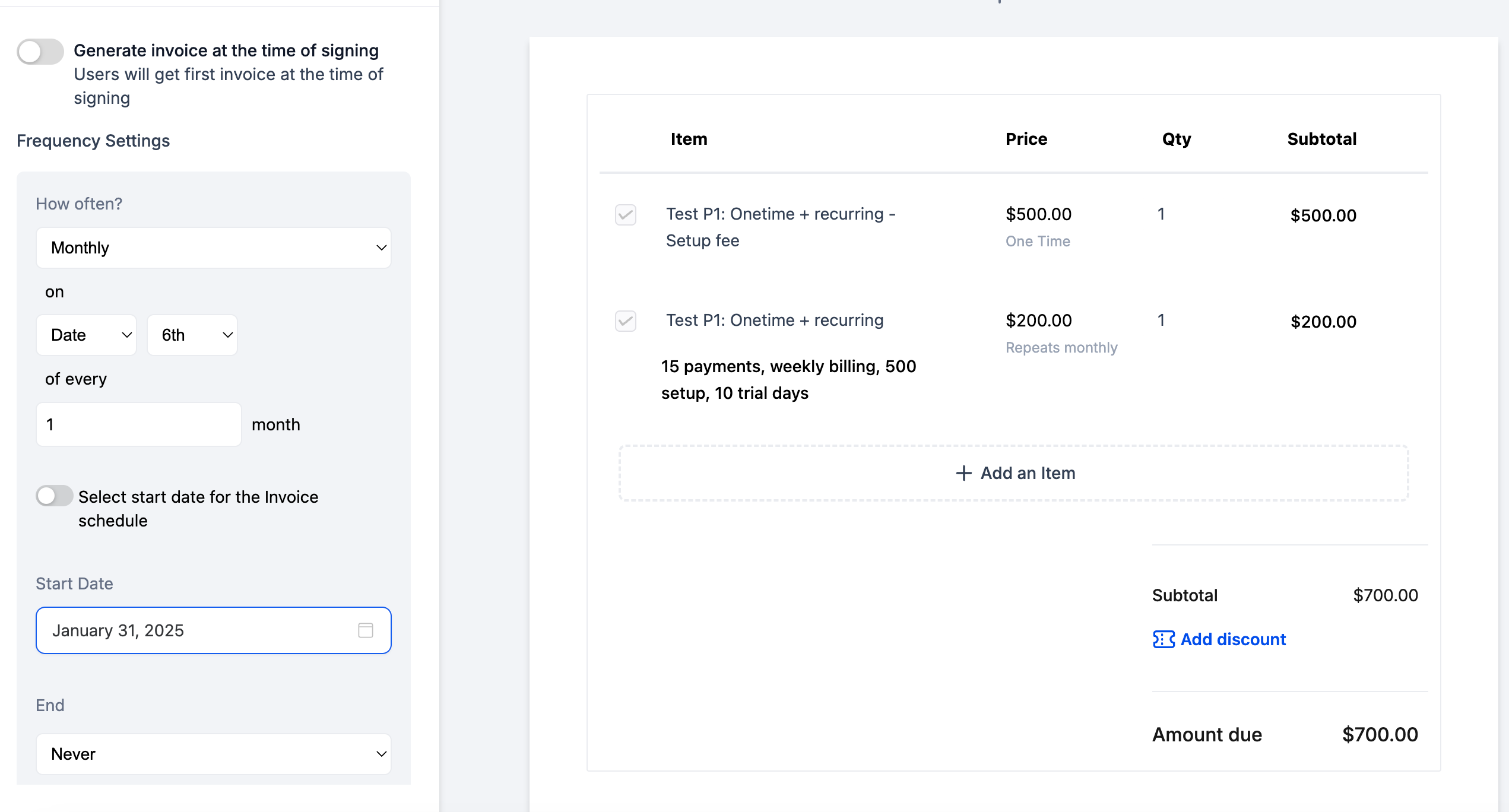
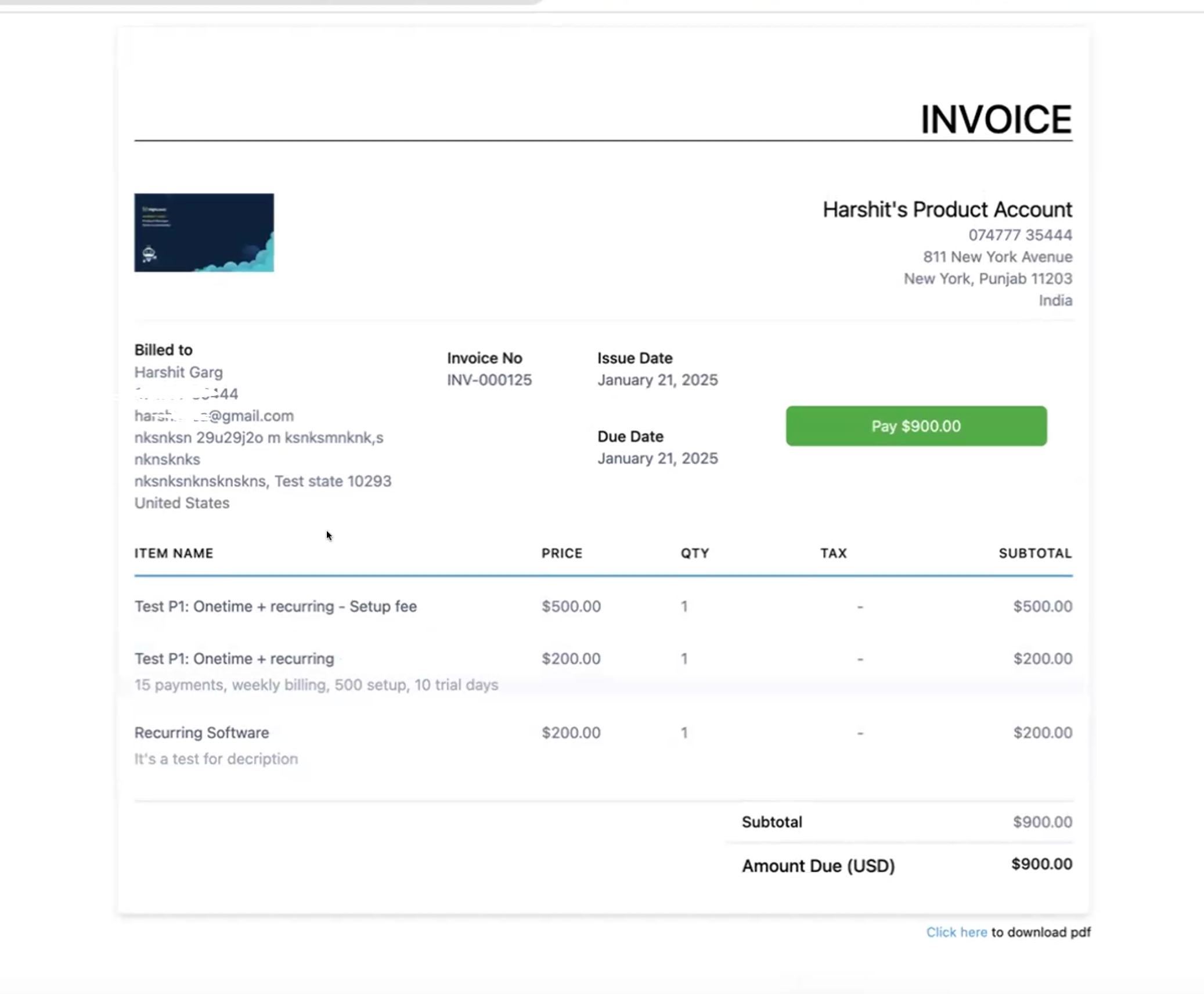
- Any recurring product that has setup fee configured will show 2 line items, one for recurring which will repeat and other for setup fee which will be one time
- There are a few options which will control how the document will behave:
1. Generate invoice at time of signing:
Ensures that a recurring invoice schedule gets created and the first invoice of that schedule is generated at the time of signing. All subsequent invoices will get generated as configured from the schedule -> monthly, weekly etc. The first invoice will be due on the date of signing if toggled on.
If toggled off, users can define a set date when they would want the invoice related to this document to go out. It will only be sent on that particular date, if the document is signed before the set date.
2. Enable direct payment:
Ensures that primary signer is directly redirected to invoice after document has been signed and that an email is also sent to the primary user’s email.
3. Enable send invoice
: Ensures that invoice is sent to primary user’s email. If this is toggled off, a draft invoice will be created and saved in invoices section which can be sent later.
- User will then save this template
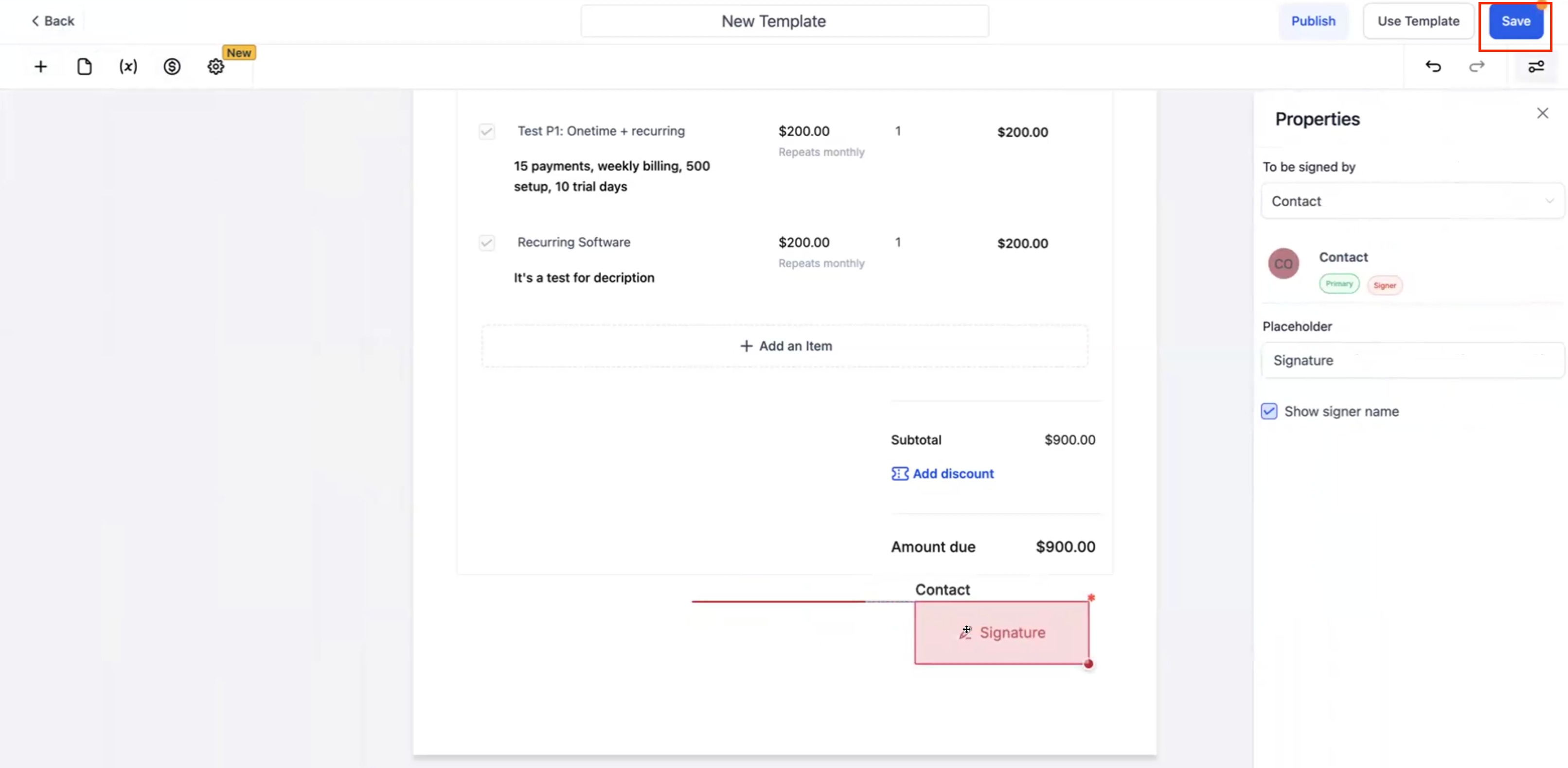
- Once saved, go to workflows and configure a workflow with the saved template
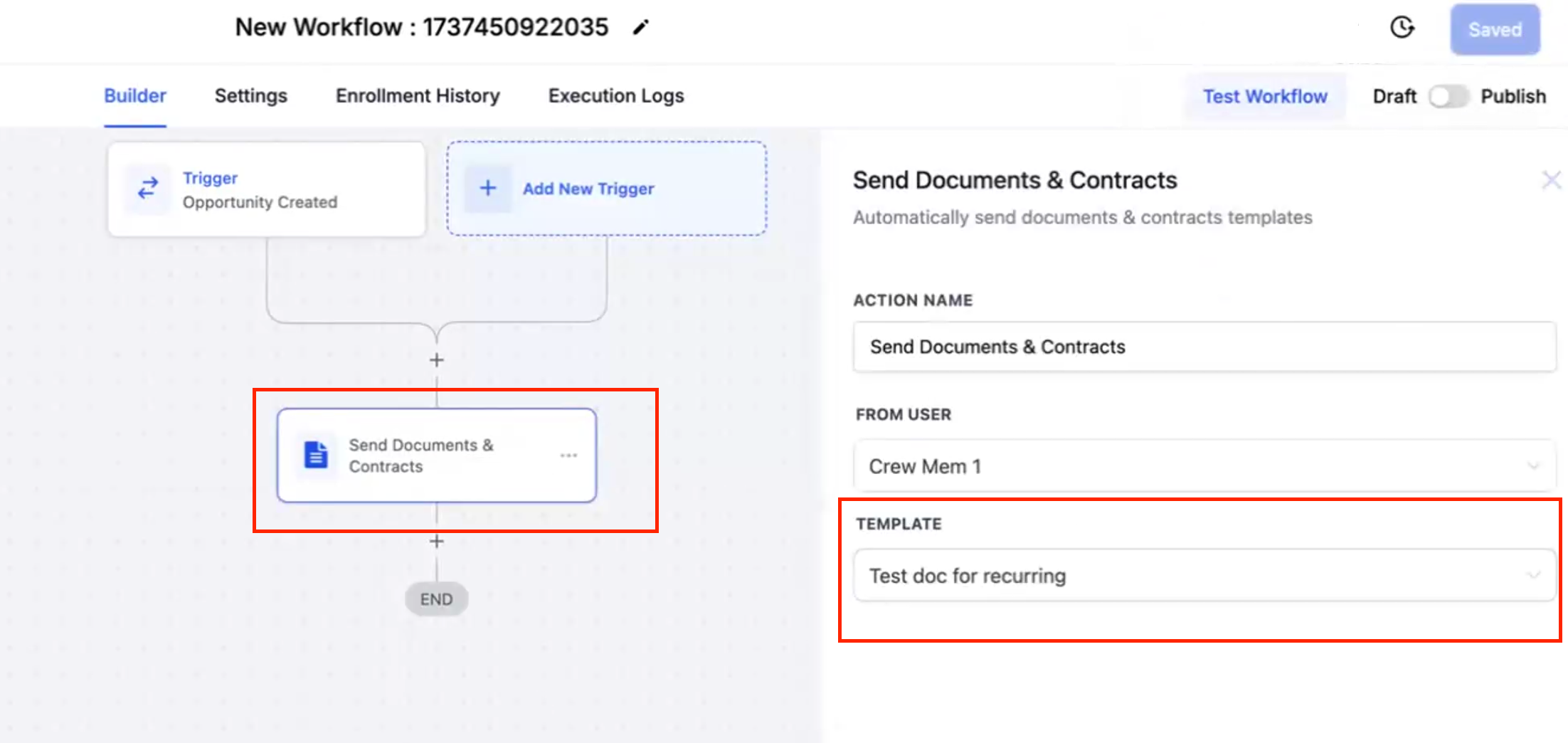
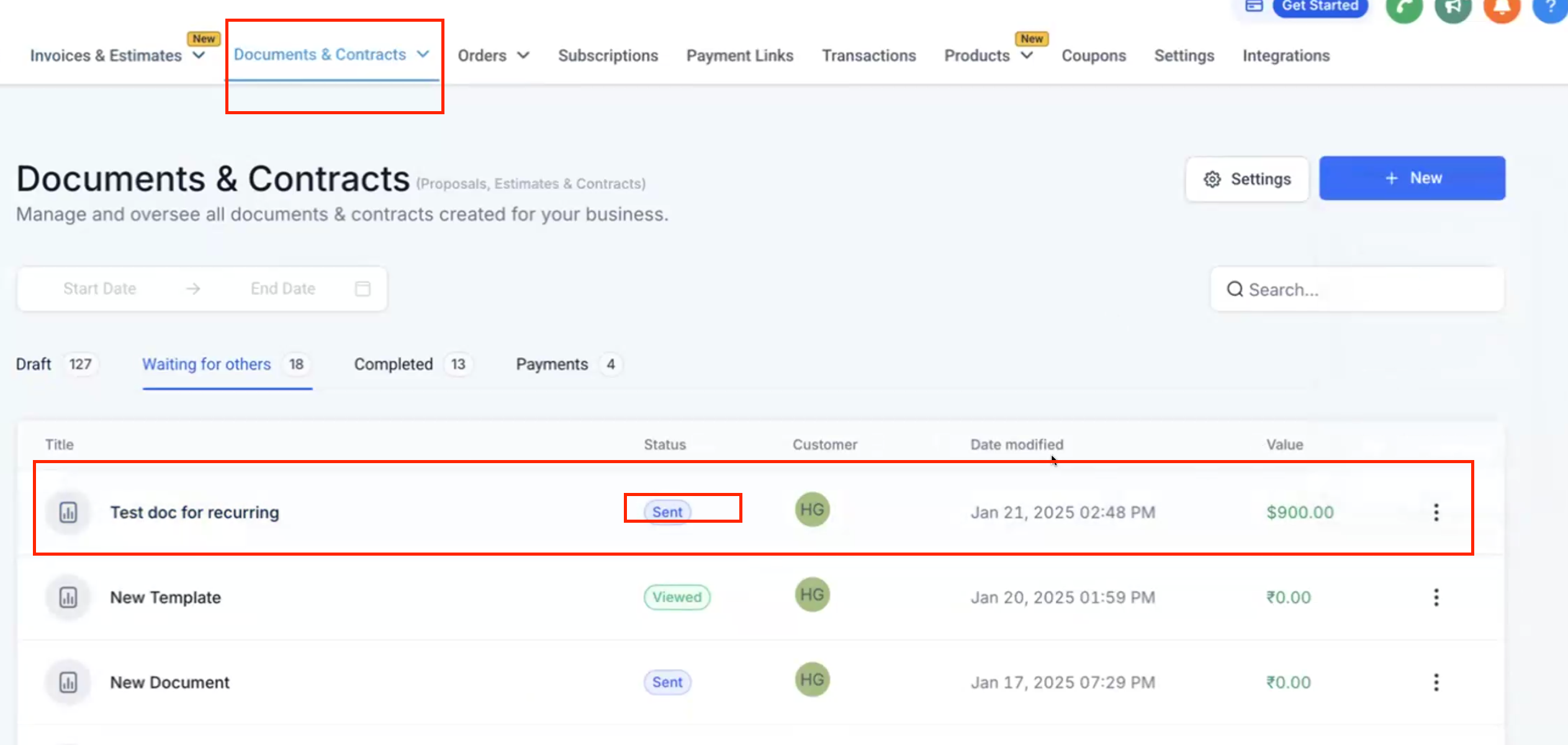
- Once the workflow is triggered, signer will then receive the document which has an invoice attached to it
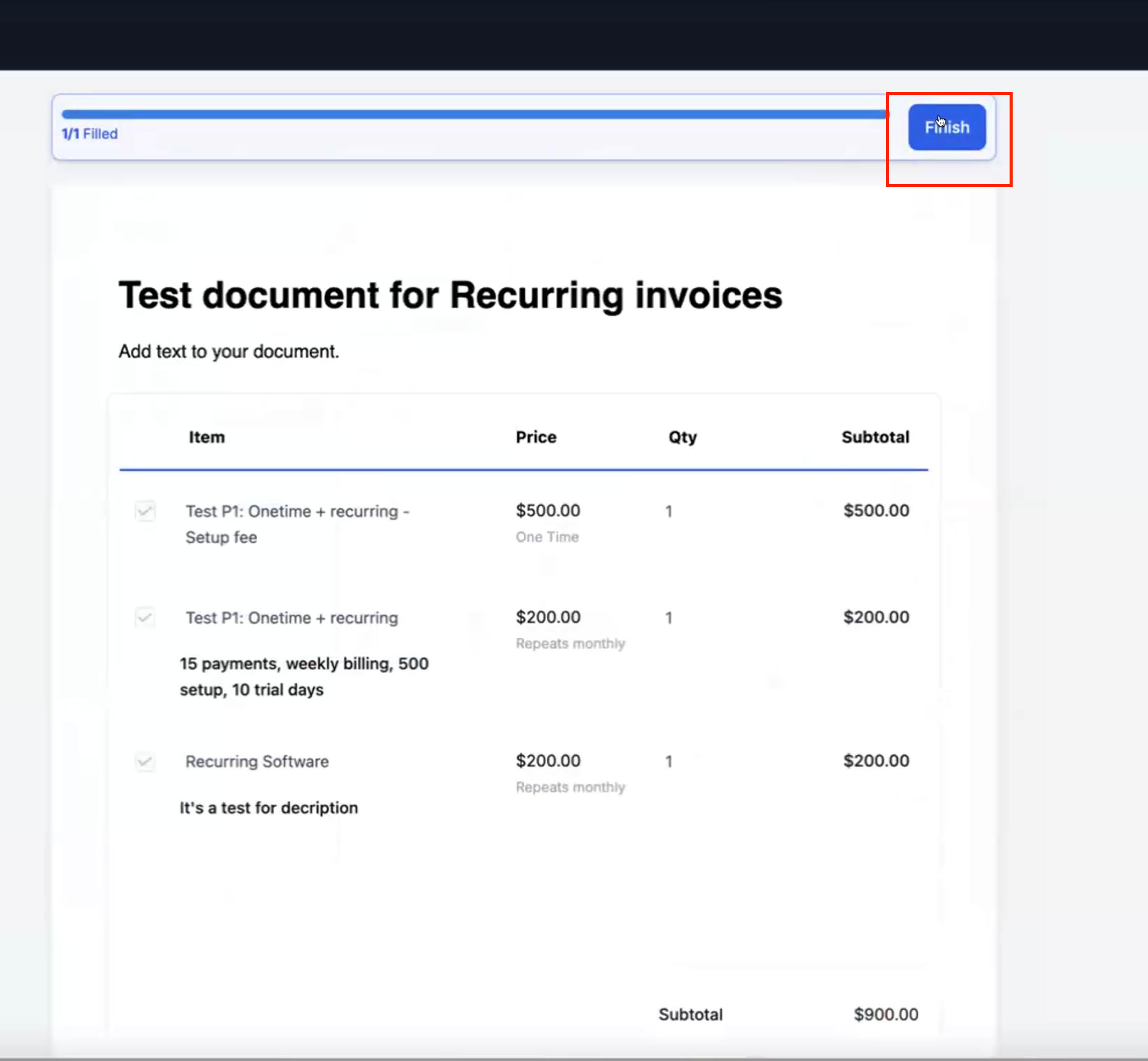
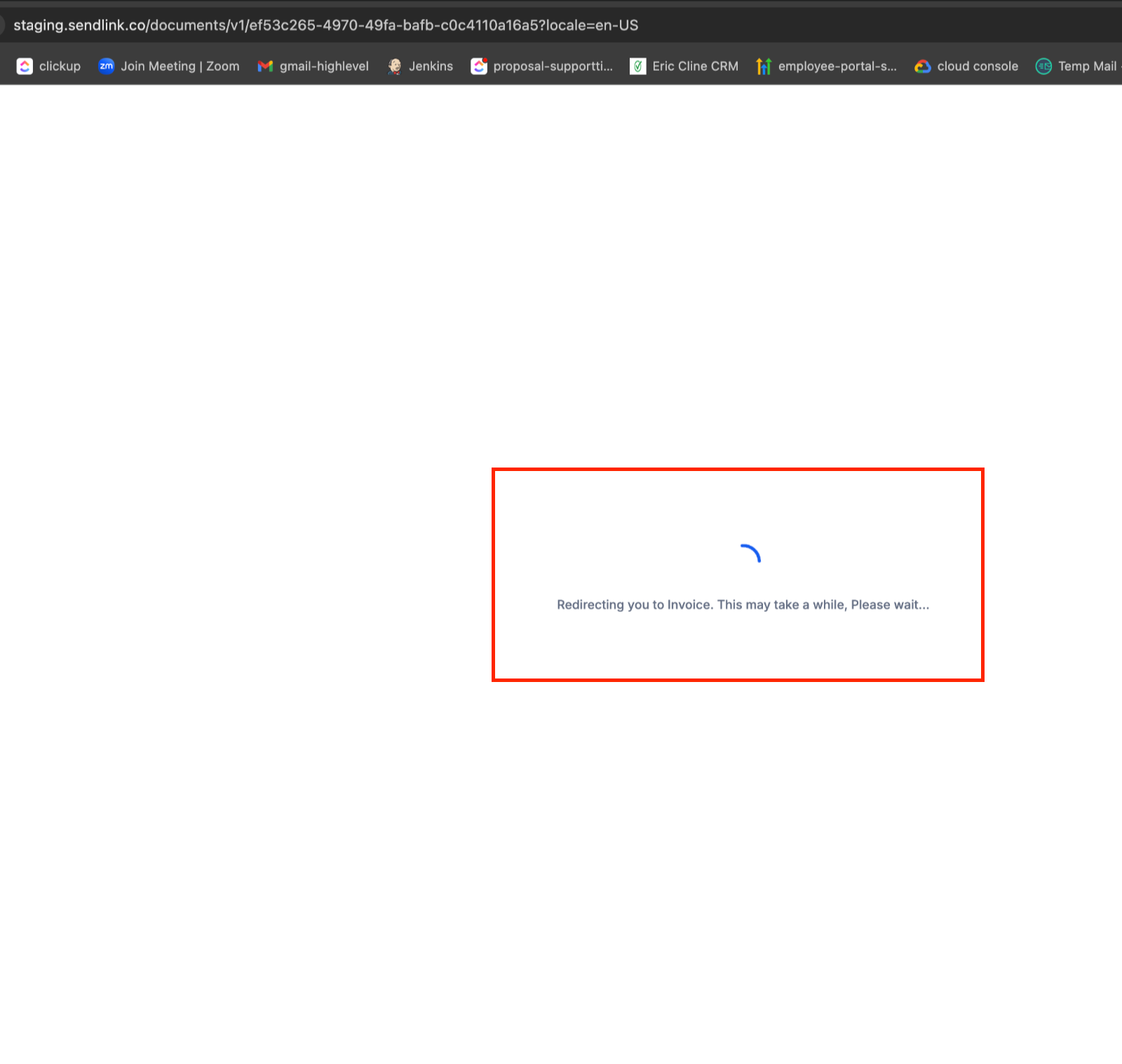
- Once user completes the signature, they will be redirected to the invoice. This redirection might take some time, but in parallel the invoice will also be sent via email for the user to pay it there in case they move away from this screen
- Repeat the configuration in a similar way for templates
- Directly send the document and the user can sign it and pay the invoice right then and there.
- If you are a service company that charges a mix of setup fee at the time of signing and then a recurring payment, at fixed intervals, you can simply automate that workflow using documents and contracts – 2 in 1 feature.
- Option to add payment schedules to Documents – to ensure deposits with added capability for auto payments
- Improving the speed of redirection to invoice screen. Currently it can take up to 1 minute